
Seedance 2.0 Mini FAQs
Seedance 2.0 Mini turns text and image prompts into cinematic AI videos with consistent characters, AI camera control, and multi-shot generation at lower cost.

FAQs of Seedance 2.0 Mini
What is Seedance 2.0 Mini?
Seedance 2.0 Mini is a lighter version of ByteDance's Seedance 2.0 AI video model, optimized for faster generation and lower cost while maintaining cinematic video quality. It runs through an independent web interface that is not affiliated with ByteDance.
How is Seedance 2.0 Mini different from Seedance 2.0?
Seedance 2.0 Mini prioritizes generation speed and cost efficiency over absolute top-end visual fidelity. It produces more coherent results across shots and improves character consistency, making it better suited for social media content, advertising, and rapid iteration rather than hero shots or complex camera work.
Can I create consistent characters across multiple scenes?
Yes. Seedance 2.0 Mini maintains character identity across different shots and scenes, reducing the visual drift problem common in AI video generation. This makes it suitable for narrative work where characters need to appear consistently throughout a sequence.
What kinds of videos can I create?
The tool supports text-to-video, image-to-video, and video-to-video generation. It can produce cinematic clips with AI camera control for advertising, short films, social media content, e-commerce product videos, and brand storytelling at resolutions up to 1080p.
Is this the official Seedance or ByteDance website?
No. This is an independent web interface that provides access to the Seedance 2.0 Mini AI model. It is not operated by or affiliated with ByteDance. The free demo mode allows previewing generated content before signing up for a paid subscription plan.
How to use Seedance 2.0 Mini
- Write a prompt describing the scene, action, camera movement, and lighting, or upload reference images, videos, and audio to guide the character style and composition.
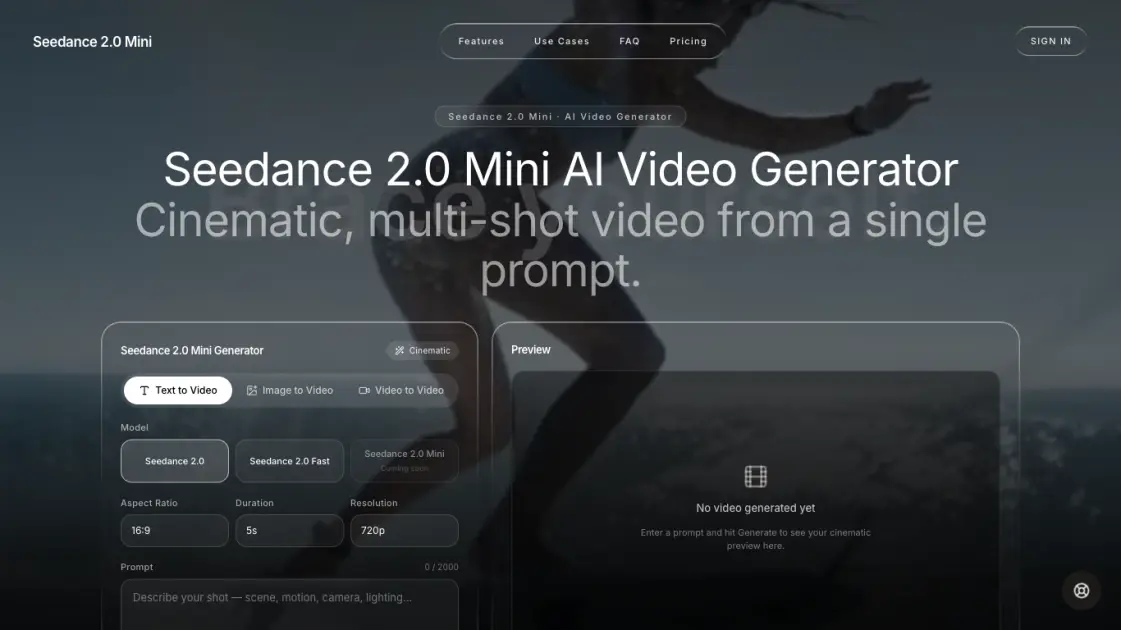
- Select Seedance 2.0 Mini as the model, then configure the aspect ratio (16:9, 9:16, or 1:1), resolution (480p to 1080p), and video duration (5 to 10 seconds).
- Click generate to produce a free preview in demo mode. Review the output and sign in to export the full-resolution video for social, marketing, or creative use.
