
Rallied FAQs
Rallied is an AI technician that lives in your Slack or Teams, connects to your PSA, RMM, and M365, and resolves L1 and L2 tickets in minutes.

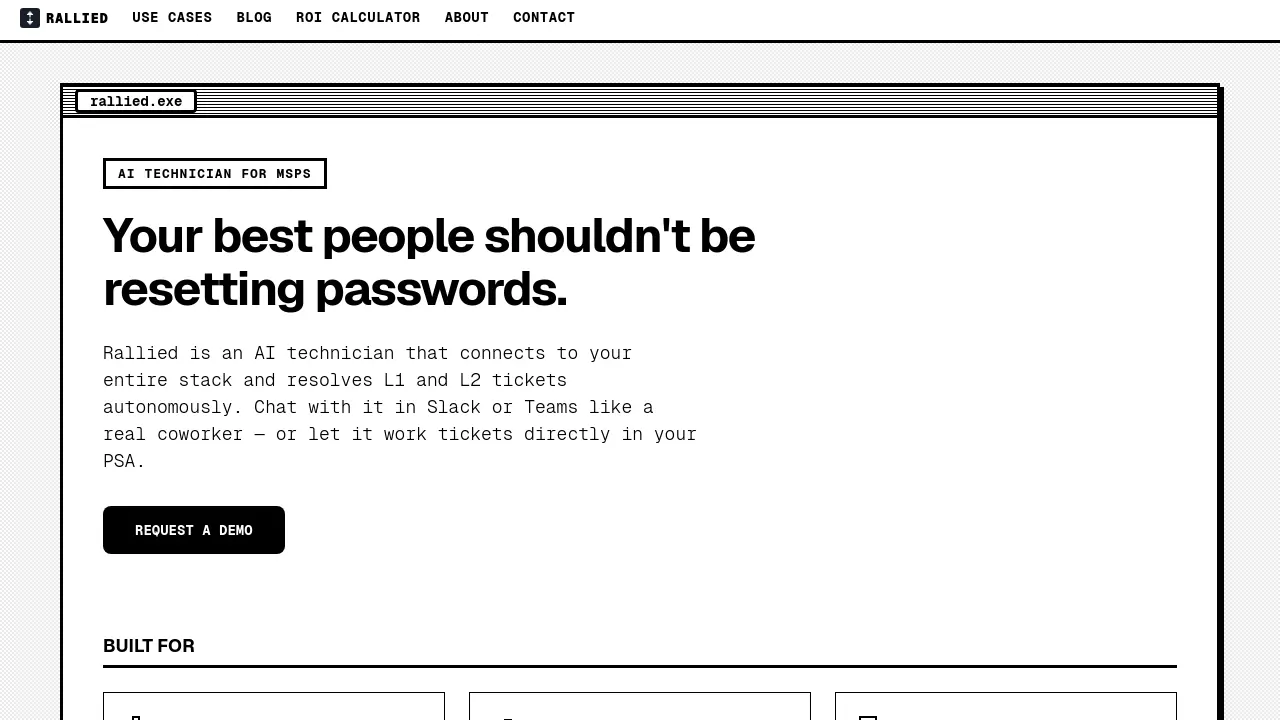
FAQs of Rallied
What is Rallied?
Rallied is an AI technician designed specifically for Managed Service Providers (MSPs). It autonomously resolves Level 1 and Level 2 IT support tickets by connecting to your entire technology stack. Rallied can handle tasks like password resets, account unlocks, and permission changes, allowing your human technicians to focus on more complex projects.
How does Rallied integrate with existing MSP tools?
Rallied connects to your existing MSP technology stack including PSA platforms (ConnectWise, Autotask, HaloPSA, SuperOps), RMM solutions (Datto, NinjaRMM), identity providers (Microsoft Entra ID, Okta, JumpCloud), and documentation systems (IT Glue, Hudu). This integration allows it to access the information needed to resolve tickets and execute fixes across your entire infrastructure.
What types of tickets can Rallied handle?
Rallied can resolve Level 1 and Level 2 tickets including password resets, account unlocks, mailbox permission changes, group membership modifications, and basic troubleshooting tasks. It can also triage incoming tickets by asking appropriate questions, categorizing by priority, and routing to the correct technician when human intervention is needed.
How long does it take to implement Rallied?
Rallied can be implemented and running within the same week. The process involves a kickoff call to map your technology stack, connecting your tools, setting permissions, and going live. Unlike other AI solutions that take months to implement, Rallied focuses on quick deployment with no implementation fee.
What is the cost structure for Rallied?
While specific pricing isn't listed on the website, Rallied emphasizes that it costs less than a quarter of what you'd pay for a human L1 technician. The company suggests that for MSPs handling 200-400 L1 and L2 tickets monthly, Rallied can save approximately 50-100 hours of technician time each month, translating to $7,000-$15,000 in labor costs.
Can I try Rallied before committing?
Yes, Rallied offers a 30-day free trial period. During this time, a forward-deployed engineer works with you to build custom integrations, tune workflows, and handle edge cases. After the trial period, Rallied operates autonomously without requiring ongoing management.
How does Rallied differ from other AI tools for MSPs?
Rallied distinguishes itself by actually executing tasks rather than just suggesting next steps. While other AI tools may require a full-time administrator and months of training, Rallied connects to your existing tools and starts working immediately. It focuses on practical automation like resetting passwords and unlocking accounts rather than generating summaries or documentation.
What security measures does Rallied have in place?
Rallied is SOC 2 compliant, indicating it meets rigorous standards for security, availability, and confidentiality. The system allows you to control what actions Rallied can perform autonomously versus when it needs human approval, giving you control over security boundaries as you become comfortable with the technology.
How does Rallied handle complex or edge-case scenarios?
During the 30-day free trial, a forward-deployed engineer works with you to build custom integrations and tune workflows for your specific environment. This includes handling edge cases and exceptions. As you gain confidence in Rallied's capabilities, you can gradually expand what it handles autonomously.
Can Rallied handle onboarding and offboarding processes?
Yes, Rallied can automate employee onboarding and offboarding workflows. For new hires, it can provision M365 licenses, create AD accounts, assign security groups, install RMM agents, and update PSA records from a single message or ticket. For departing employees, it can schedule offboarding tasks, revoke access, and reclaim licenses.
How to use Rallied
- Visit the Rallied website to learn more about the AI technician for MSPs and its capabilities.
- Schedule a free 30-minute call to discuss your specific needs and how Rallied can integrate with your existing tools.
- During the call, Rallied will map your technology stack and determine which workflows to prioritize for automation.
- Connect your PSA, RMM, and other tools to Rallied's platform, allowing it to access necessary data and perform tasks.
- Choose your preferred method of interaction: chat with Rallied in Slack or Teams, or let it work directly in your PSA.
- Begin the 30-day free trial, during which a forward-deployed engineer will build custom integrations and fine-tune workflows.
- Monitor Rallied's performance and provide feedback to ensure it meets your expectations and handles tickets effectively.
- After the trial period, decide whether to continue using Rallied and expand its capabilities based on your team's comfort level.
- Use the ROI calculator on the Rallied website to estimate potential cost savings and efficiency gains for your MSP.
