
Picool.ai: AI image processing online tools

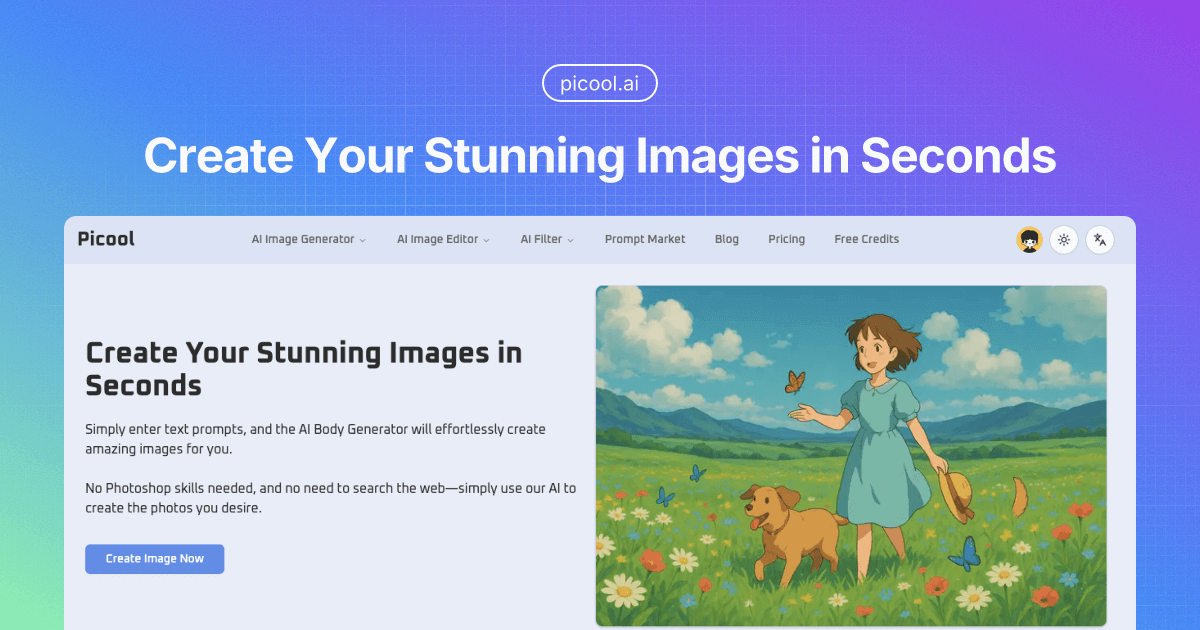
What is Picool.ai
Picool.ai is an all-in-one platform providing AI-driven tools for image creation, editing, and enhancement. It allows users to generate images from text prompts, leveraging AI to produce visuals in various styles like realistic, cartoon, anime, and digital art. Users can also select aspect ratios to suit different needs.
Beyond generation, Picool.ai offers functionalities like background removal, watermark removal, and object removal, making it a versatile tool for designers, marketers, and content creators. With its user-friendly interface, Picool.ai aims to streamline image processing without requiring advanced skills or software installations. The platform also offers resources like an image flipper and a buzz cut filter.
How does Picool.ai work
Picool.ai functions as an AI image generator and editor, leveraging text prompts to create visuals. Users input descriptive text; the AI, using neural networks, generates images based on the prompt. Users can select styles like realistic, cartoon, or anime, and choose aspect ratios. Picool offers various free tools, including background removal and watermark removal. It aims to provide high-quality output with fast generation, offering a user-friendly and cost-effective solution for generating images; no Photoshop skills are needed. Picool also emphasizes data privacy and security.
Benefits of Picool.ai
Picool.ai is an AI Image Generator and AI Image Editor that allows users to effortlessly create stunning visuals from text prompts. No Photoshop skills are necessary. Simply describe the image you want, select a style like realistic, cartoon, or anime, and choose an aspect ratio. Its AI filter and free tools cater to various image creation needs. Generate high-quality images quickly, ideal for social media, presentations, and more. Picool also offers tools like background and watermark removers. Picool.ai distinguishes itself by also providing buzz cut filter functionality.
Pros and Cons of Picool.ai
Pros
- Generates images from text prompts quickly.
- Offers diverse styles like realistic, cartoon, anime.
- Provides a user-friendly interface.
- Offers various aspect ratios.
- It is cost-effective, avoiding stock photo costs.
Cons
- Requires detailed prompts for desired images.
- Output quality depends on AI model.
- Free tools might have limited capabilities.
- No mention of image resolution control.
- Limited information about advanced editing features.
Core Features of Picool.ai
AI Image Generation
The core function is to generate images from text prompts, offering various styles (realistic, cartoon, anime, digital art) and aspect ratios. This allows users to create custom visuals quickly.
AI Image Editing
Picool.ai offers an AI image editor which allows users to modify and refine generated or uploaded images.
AI Image Filters
Picool.ai provides AI-powered filters that can be applied to images for quick and easy stylistic enhancements.
Background Removal
Enables users to remove backgrounds from images, isolating the subject for various creative or professional purposes.
Object Removal
Allows users to remove unwanted objects from images seamlessly, enhancing the visual appeal.
Watermark Removal
Offers the functionality to remove watermarks from images, providing a clean and unobstructed visual.
Use Cases of Picool.ai
- Marketers: Generate unique ad creatives using the AI Image Generator, avoiding reliance on typical stock photos.
- Social Media Managers: Quickly create engaging visuals for social media posts using Picool.ai's diverse AI filter options.
- Designers: Use the AI image editor to rapidly prototype image concepts and explore different design styles.
- Content Creators: Produce custom images for blog posts and articles using the text-to-image AI capabilities of Picool.ai.
- Anime Enthusiasts: Employ the AI image generator with anime style to create unique characters and scenes.
FAQs of Picool.ai
What is the Picool.ai Image Generator?
The Picool.ai Image Generator is an advanced text-to-image tool that allows users to create stunning visuals from textual prompts. It's powered by neural networks and generates high-quality images in various artistic styles, suitable for designers, marketers, content creators, and AI enthusiasts. Picool.ai aims to provide a user-friendly experience for creating images for social media, presentations, ads, and other creative projects.
How does the Picool.ai Image Generator work?
The Picool.ai Image Generator works by interpreting text prompts provided by the user and translating them into visual content. Users input a description of the image they want to create, select a preferred style (e.g., realistic, cartoon, anime), and choose an aspect ratio. The AI then processes this information and generates an image based on the input, which can then be downloaded.
What are the different styles available in the Picool.ai Image Generator?
Picool.ai offers a variety of styles for image generation, including realistic, cartoon, anime, and digital art. This versatility allows users to create images tailored to their specific needs and preferences. The availability of diverse styles ensures that users can generate visuals that match their creative vision, whether they need photorealistic images or stylized artwork.
How long does it take to generate an image with Picool.ai?
Picool.ai is designed for fast image generation, producing stunning images in seconds. This speed allows users to save valuable time while still maintaining high quality results. The rapid generation time makes Picool.ai a convenient tool for those who need visuals quickly for various projects.
Does Picool.ai offer any other image editing tools?
Yes, Picool.ai is an all-in-one image processing website that offers various online tools, including an AI Image Editor, Remove Background tool, Watermark Remover, Object Remover, and more. These tools enhance the platform's utility for comprehensive image manipulation, editing, and generation.
Is Picool.ai free to use?
Picool.ai offers free tools, but also has a pricing structure for more advanced features. Users can access free credits to experiment with the AI Image Generator. For heavier usage, users may consider the pricing plans for continued access to the platform's capabilities.
How to use Picool.ai
Picool.ai is an AI-powered image generator and editor. It enables users to create and modify images from text prompts, offering various styles and aspect ratios without needing complex software.
Begin by entering a detailed text prompt describing the desired image into the designated field. This prompt is the base for the AI's image generation.
Select a style for the image, such as Realistic, Cartoon, Anime, or Digital Art. This choice influences the aesthetic of the generated image.
Choose an aspect ratio for the image, like 1:1, 16:9, 9:16, 4:3, or 3:4. This sets the image's dimensions.
Select the number of images to generate based on the prompt and chosen settings. Generating multiple images lets you choose the best result.
Click "Generate" to initiate the AI image generation process. Picool.ai uses its AI models to create images based on your specifications.
Review the generated images. Evaluate each image against your prompt and style selections.
Download the image that best matches your requirements. The downloaded image is ready for use in your projects or content.
Utilize Picool.ai's other tools, such as the AI Image Editor, Remove Background, or Watermark Remover for further image refinement.
