
PDF2Word Core Features
PDF2Word is an online PDF to Word converter that creates editable DOCX files, preserves layout, supports scanned PDFs, and processes files securely with size limits for free and paid users.

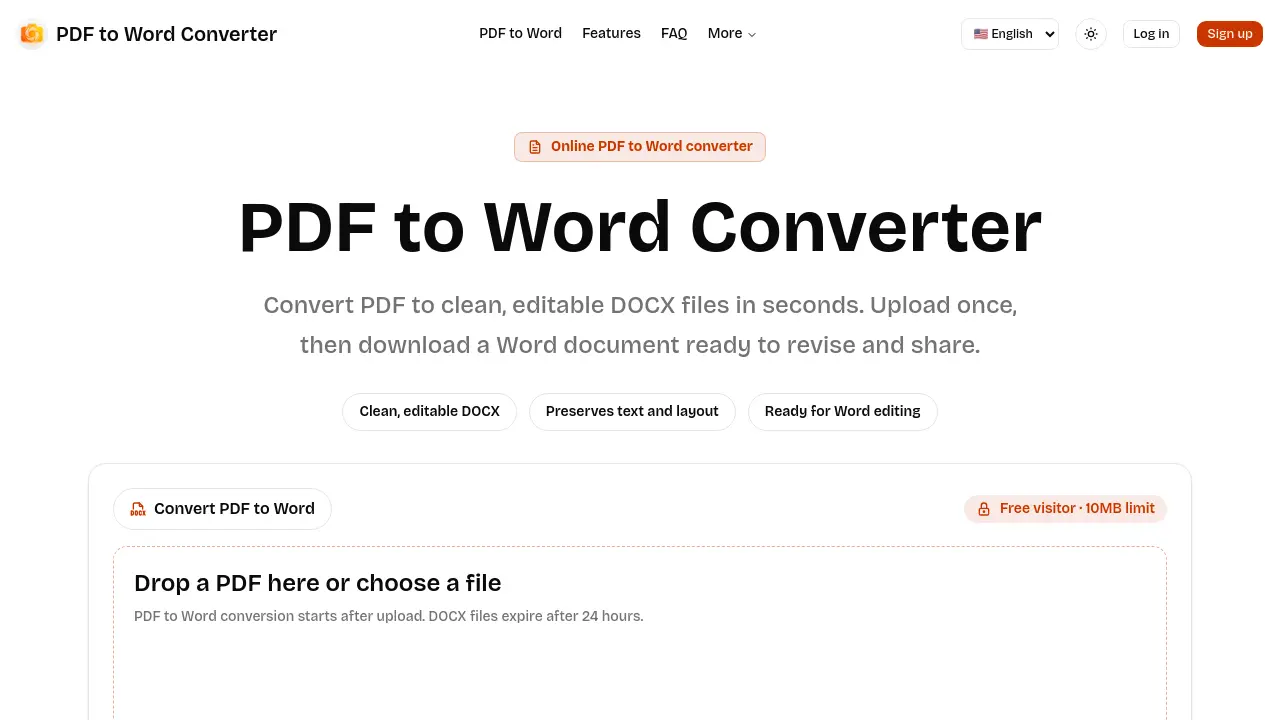
Core Features of PDF2Word
PDF Upload and Size Management
Accepts PDF files via drag‑and‑drop or file picker, enforcing tiered limits (10 MB for guests, 20 MB for logged‑in users, 100 MB for paid plans).
Asynchronous Conversion Engine
Processes PDFs in the background, polling job status to keep the interface responsive and displaying real‑time queue, processing, and completion indicators.
Editable DOCX Generation
Produces clean, editable Word documents that preserve text and layout, enabling users to modify, reorganize, and reuse content without manual retyping.
Scanned Document OCR Support
Handles image‑based PDFs through built‑in optical character recognition, converting scanned pages into searchable and editable DOCX text where scan quality permits.
Secure Temporary File Handling
Treats each conversion as a private task; uploaded PDFs and resulting DOCX files are stored temporarily and automatically deleted after a 24‑hour retention window.
Use Cases of PDF2Word
- Students: Convert lecture PDFs to editable DOCX files for quick note taking and citation management.
- Researchers: Transform scanned journal PDFs into searchable Word documents for streamlined literature review.
- Professionals: Use the online PDF to Word converter to revise contract drafts without retyping.
- Small businesses: Generate lightweight DOCX invoices from PDF templates, preserving layout for client communication.
- Content creators: Export PDF ebooks to Word for easy content repurposing and SEO optimization.
