
OpenClawVPS FAQs
OpenClawVPS is a web platform for one-click AI assistant deployment, bypassing server management to deliver quick AI solutions for email, docs, and productivity.

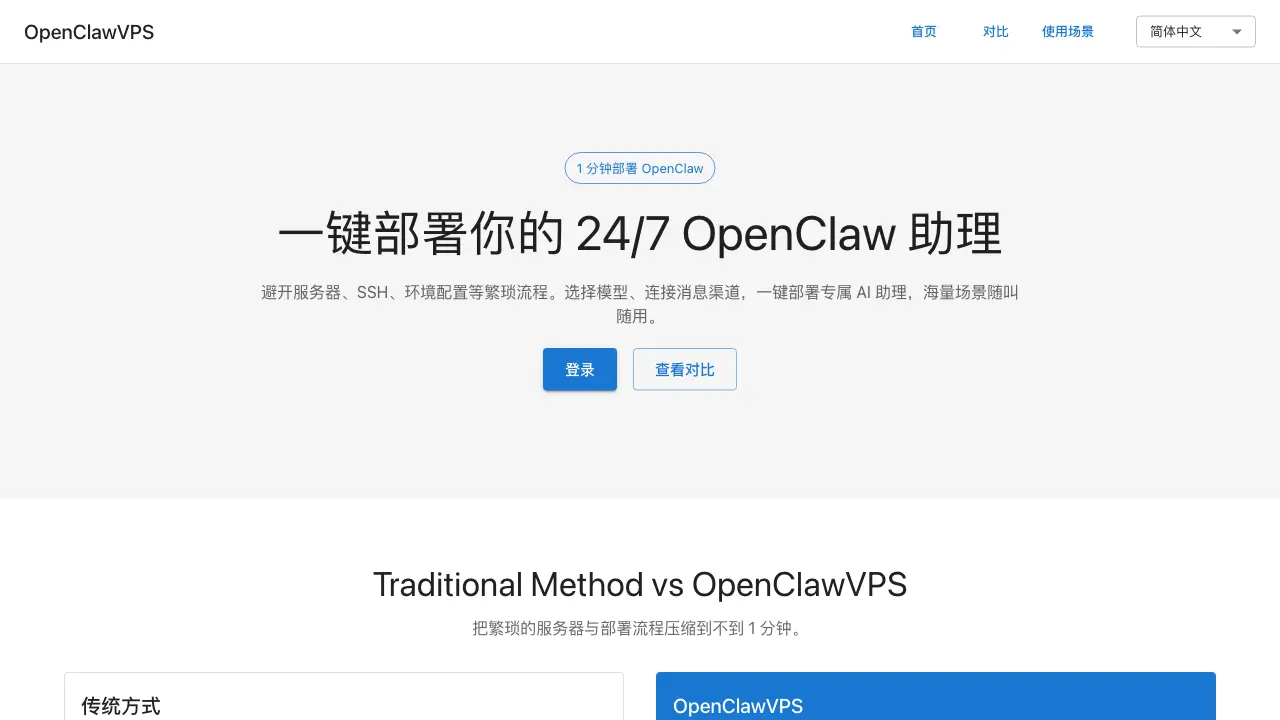
FAQs of OpenClawVPS
What is OpenClawVPS?
OpenClawVPS is a deployment platform designed to host the OpenClaw AI assistant. It eliminates the need for manual server provisioning, SSH configuration, and environment setup by providing a pre-configured infrastructure. Users can launch a continuously operational AI assistant through a simplified interface that requires only model selection and messaging channel integration.
How does OpenClawVPS streamline the deployment process compared to traditional methods?
Traditional OpenClaw deployment involves sequential manual tasks such as purchasing a virtual machine, generating SSH keys, installing Node.js, and configuring various services, which collectively take approximately 60 minutes. OpenClawVPS compresses this entire workflow into a single action, enabling deployment in under one minute by automating all backend preparations and infrastructure management.
What functional capabilities does the OpenClaw AI assistant offer?
The OpenClaw AI assistant is versatile and applicable to numerous scenarios. Primary use cases include email management (summarizing messages, drafting responses), document handling (condensing long texts, generating meeting notes), time and task organization, financial administration (tax calculations, expense tracking), shopping assistance (deal finding, price comparison), business operations (contract drafting, market research), content creation for social media, and team management tasks like KPI tracking. Additional custom use cases can be added via natural language commands.
What technical expertise is required to operate OpenClawVPS?
No prior experience with servers, SSH, or software installation is necessary to use OpenClawVPS. The platform handles all underlying technical complexities, reducing user interaction to selecting an AI model and linking a messaging service like Telegram. This design allows individuals without technical backgrounds to deploy and manage an AI assistant effectively.
Which AI models and messaging platforms are compatible with OpenClawVPS?
OpenClawVPS supports integration with various AI models to tailor the assistant's responses and capabilities, with options presented during the deployment step. It connects to messaging channels such as Telegram, as referenced in the setup comparison. For a complete and current list of supported models and platforms, users should refer to the official OpenClawVPS documentation or resource pages.
How to use OpenClawVPS
OpenClawVPS is a deployment platform that allows users to launch a customizable OpenClaw AI assistant within one minute, removing the need for manual server setup and supporting diverse tasks through natural language configuration.
- Begin by navigating to the OpenClawVPS website and logging into your account to access the main configuration dashboard for deployment settings.
- Select an appropriate AI model from the available options and integrate messaging channels like Telegram to establish where the assistant will receive user inputs.
- Define specific use cases by describing desired tasks in natural language, enabling the assistant to handle scenarios such as email summarization or scheduling.
- Initiate deployment with a single command; the platform automatically provisions servers, configures the environment, and installs OpenClaw.
- Once active, the AI assistant operates on connected channels, processing user queries and executing assigned tasks based on the configured use cases.
- Use the dashboard to monitor interaction logs and performance metrics, then refine prompts or adjust models to enhance the assistant's effectiveness over time.
