
Blueberry Introduction
Blueberry is an AI-native development workspace with integrated terminal, editor, and preview, providing constant AI context to help product builders ship web apps efficiently.

What is Blueberry
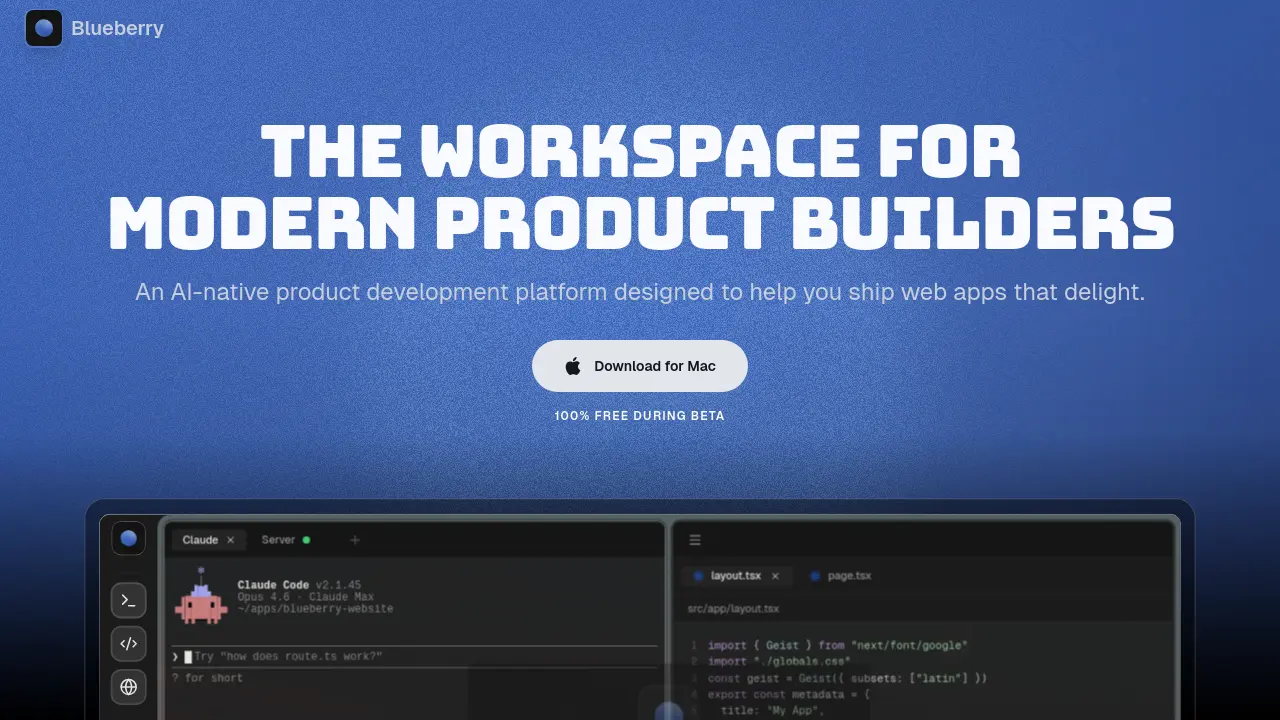
Blueberry is an AI-native product development platform designed for modern web app builders. It consolidates a terminal, code editor, and preview browser into a unified workspace, eliminating the need to switch between applications. The platform's AI integration stands out by providing assistants like Claude, Codex, and Gemini with full context through a built-in MCP server. This allows the AI to access open files, terminal output, browser screenshots, and pinned apps such as GitHub or Figma, enabling more accurate and contextual assistance. By keeping all tools and AI within one environment, Blueberry streamlines development workflows and maintains focus. Complementary features like Flow Mode for distraction-free work, Hyprland-inspired tiling layouts, and ambient music further support deep work. Blueberry is available for macOS and currently free during its beta phase.
How does Blueberry work
Blueberry operates as an AI-native workspace by integrating a code editor, integrated terminal, and preview browser into a single interface. Its built-in MCP server provides AI models like Claude, Codex, and Gemini with full project context, including open files, terminal output, and live browser state. Pinned applications such as GitHub and Figma are docked within the workspace, enabling continuous context sharing. Features like Flow Mode and tiling layouts minimize distractions, while the AI can execute commands, capture screenshots, and interact directly with the preview browser through the MCP connection, streamlining web app development.
Benefits of Blueberry
Blueberry is an AI-native product development platform that consolidates essential tools—a code editor, terminal, and preview browser—into a single macOS workspace. It enhances AI-assisted coding by providing comprehensive project context via its MCP server, enabling models like Claude and Codex to access open files, terminal output, and pinned apps such as GitHub and Figma. Focus-oriented features, including Flow Mode, tiling layouts, and ambient music, minimize distractions. Remote access and saved workspace configurations support seamless continuity across devices, streamlining the end-to-end process of building and shipping web applications.
Pros and Cons of Blueberry
Pros
- AI-native platform with full workspace context.
- Unified editor, terminal, and browser in one.
- Includes Flow Mode for distraction-free work.
- Supports multiple AI models like Claude.
- Free to use during beta testing.
Cons
- Currently exclusive to macOS only.
- Beta status may cause instability issues.
- Heavy AI reliance might not suit all.
- Limited pinned apps for integrations.
- No Windows or Linux support available.
