
Blueberry FAQs
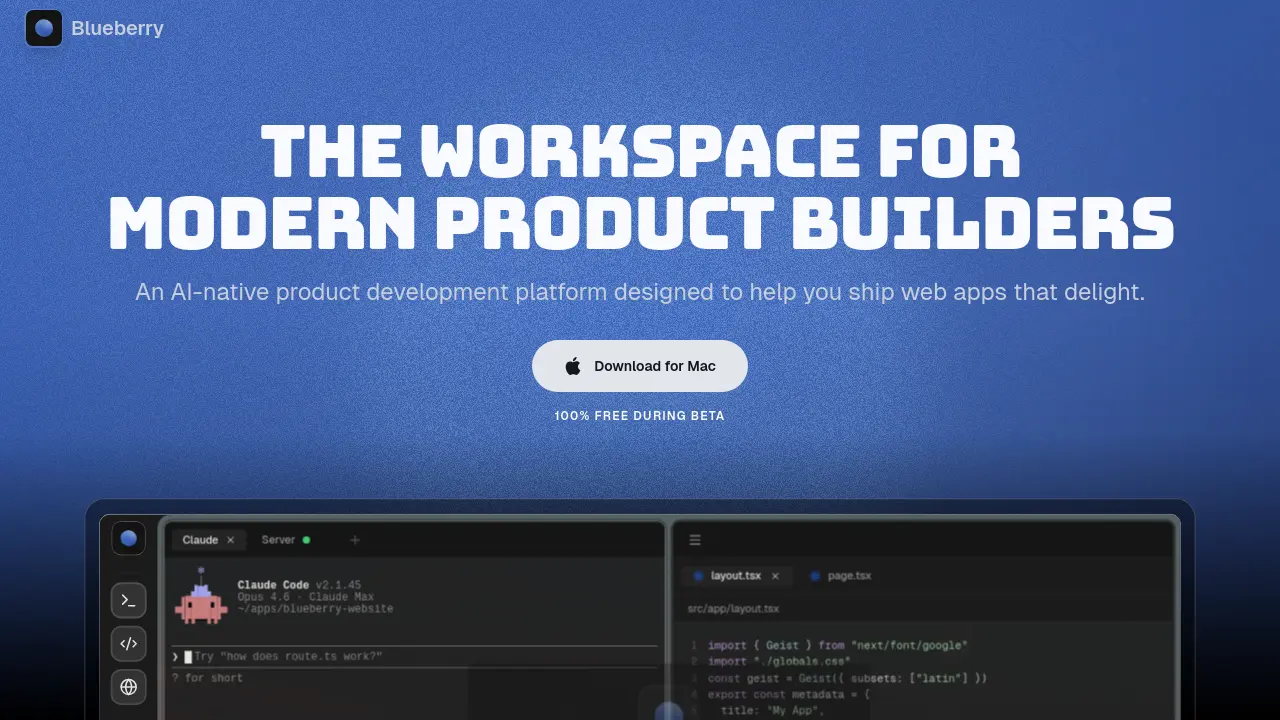
Blueberry is an AI-native development workspace with integrated terminal, editor, and preview, providing constant AI context to help product builders ship web apps efficiently.

FAQs of Blueberry
What is Blueberry?
Blueberry is an AI-native product development platform that integrates a code editor, integrated terminal, and preview browser into a single, focused workspace. It is designed for modern developers to build and ship web applications more efficiently by minimizing context switching between multiple tools.
How does Blueberry provide context to AI models?
Blueberry uses a built-in MCP (Model Context Protocol) server to give AI models continuous, live access to the entire workspace. This allows the AI to see open files, terminal output, browser previews, and pinned applications, enabling it to generate more relevant code and solutions based on the actual project state.
Which operating systems are supported by Blueberry?
Blueberry is currently available as a desktop application for macOS only. The platform requires a compatible version of macOS to run. Information on system specifications and potential future support for other operating systems can be found in the official documentation.
Is Blueberry free to use during the beta period?
Yes, Blueberry is offered at no cost during its open beta phase. All features, including AI integrations and workspace tools, are accessible for free. The pricing structure for the full release will be determined after the beta period concludes and user feedback has been incorporated.
What are pinned apps in Blueberry and how do they function?
Pinned apps are external web-based tools like GitHub, Linear, Figma, and PostHog that can be docked inside the Blueberry workspace. They load with your project and share a live context stream with the integrated AI, allowing for seamless interaction between your development environment and other essential product-building tools.
How to use Blueberry
- Blueberry is an AI-native development platform that integrates a terminal, code editor, and preview browser into a unified workspace for building web applications with continuous AI assistance.
- Download the Blueberry application from meetblueberry.com and install it on macOS to begin setting up the integrated development environment.
- Launch Blueberry and use the command bar, accessed via ⌘P, to open existing projects or create new workspaces tailored to specific development tasks.
- Configure the integrated terminal by naming sessions and setting startup commands, such as npm run dev, to automate local server initialization.
- Write and edit code using the full-featured editor, which offers syntax highlighting, multi-cursor support, and Git integration for version control.
- Preview the web app in real-time with the built-in browser, which includes responsive modes for desktop, tablet, and mobile device views.
- Interact with AI models like Claude, Codex, or Gemini by typing queries in the chat interface to receive code suggestions and implementation help.
- Utilize Blueberry MCP to provide AI models with full workspace context, including open files, terminal output, and the current preview browser state.
- Pin external applications such as GitHub, Linear, or Figma inside the workspace to keep essential tools accessible and contextually linked.
- Capture screenshots or select specific elements from the preview browser to give AI visual context for debugging or design-related queries.
- Activate Flow Mode with a keyboard shortcut to dim non-essential interface elements, creating a distraction-free environment for deep work.
- Arrange workspace tiles using Hyprland-inspired layouts like Fibonacci, grid, columns, or rows to optimize screen organization for personal workflow.
- Customize the workspace with themes and ambient music settings to enhance focus and maintain a comfortable coding atmosphere during sessions.
- Save workspace configurations per project to automatically restore terminal sessions, editor tabs, browser URLs, and layout arrangements.
- Review AI-generated code suggestions by examining diffs in the editor and accept changes with shift+tab to integrate them into the project.
- Monitor live updates in the preview browser as code changes are saved, enabling immediate visual feedback for iterative development and testing.
- Enable network access in settings to remotely connect to the Blueberry workspace from other devices on the local network via the provided URL.
