
Blueberry Core Features
Blueberry is an AI-native development workspace with integrated terminal, editor, and preview, providing constant AI context to help product builders ship web apps efficiently.

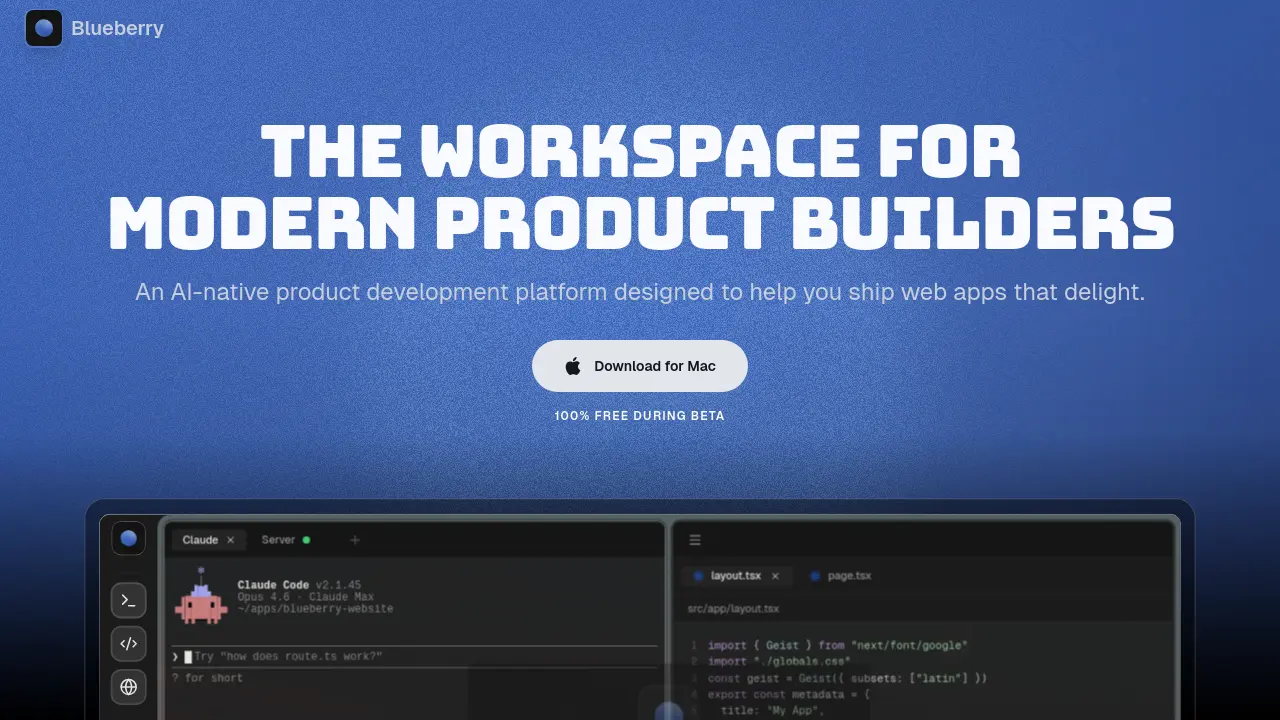
Core Features of Blueberry
Unified AI-Native Workspace
Combines a code editor, terminal, preview browser, and pinned apps into a single application. Provides AI with complete, live context across all components for integrated development.
Integrated Development Environment
Offers a full-featured code editor with syntax highlighting, multi-cursor support, Git integration, and an embedded terminal for running commands and managing project scripts.
Live Preview Browser
Includes a built-in browser for real-time previewing of web applications on desktop, tablet, and mobile views directly within the workspace, eliminating the need for external browser windows.
AI Context & MCP Server
Uses a built-in Model Context Protocol (MCP) server to give AI assistants full visibility into the workspace, including open files, terminal output, and the preview browser state.
Pinned External Applications
Allows docking of external tools like GitHub, Linear, Figma, and PostHog inside the workspace. These apps load with projects and share live context with the integrated AI.
Visual Context Tools
Enables AI assistance with visual input via screenshot capture and direct element selection from the preview browser, providing the AI with immediate UI context for debugging or modifications.
Flow Mode & Focus Layouts
Features a distraction-free "Flow Mode" that dims non-essential UI elements. Supports Hyprland-inspired tiling layouts (Fibonacci, grid, columns, rows) to arrange workspace tiles efficiently.
Command Bar & Quick Actions
Provides a command palette (activated by a keyboard shortcut) to launch files, switch projects, run commands, and navigate the workspace instantly without using the mouse.
Saved Workspace Setups
Permits saving and restoring the complete workspace configuration per project, including terminal sessions, open editor files, browser URLs, and tile layout arrangements.
Ambient Music & Themes
Includes built-in ambient music tracks for concentration and multiple wallpaper themes to customize the workspace aesthetic, supporting deep work sessions.
Use Cases of Blueberry
- Web developers: Use Blueberry's integrated terminal and code editor with AI context to build and debug web applications efficiently.
- UI designers: Leverage the preview browser and element select to provide visual context to AI for rapid interface iteration.
- Product teams: Consolidate tools like GitHub and Figma with pinned apps in Blueberry to streamline collaboration and reduce context switching.
- Indie developers: Ship web apps faster by combining flow mode, AI models, and a unified workspace for focused development.
- Students: Learn web development through Blueberry's live previews and context-aware AI assistance in an integrated environment.
