
Medeo FAQs
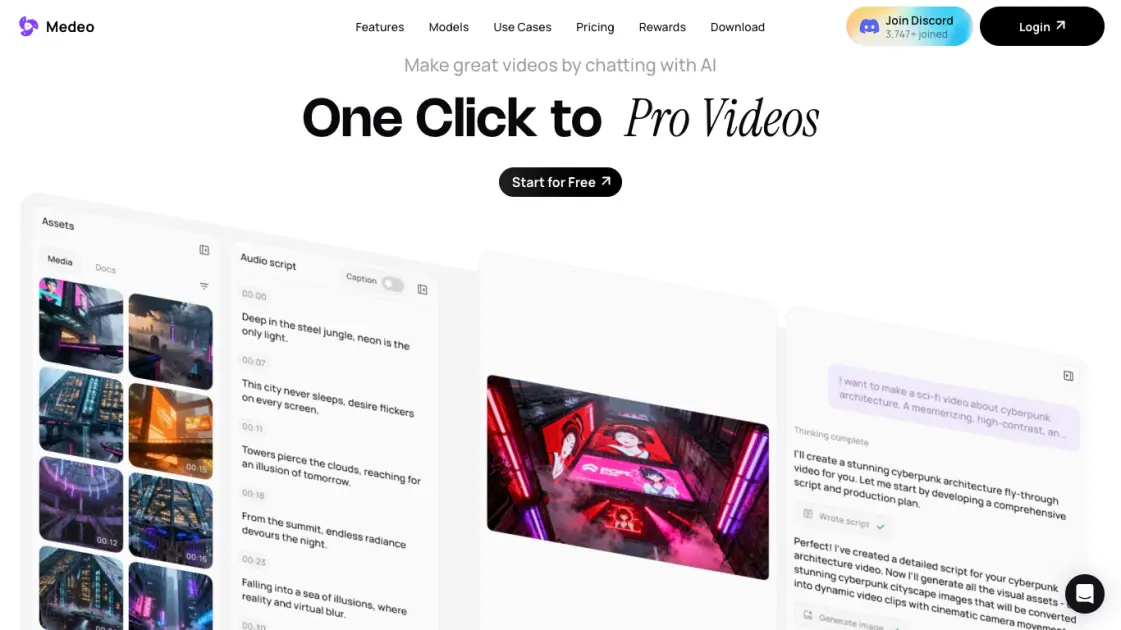
Medeo creates professional AI videos via chat. Supports text, image, and URL inputs with AI editing and character consistency for ads, explainers, and shorts.

FAQs of Medeo
What is Medeo and how does it work?
Medeo is an AI video generation platform that creates professional videos through a chat interface. Users describe their video idea in natural language, and the AI generates complete videos with visuals, audio, subtitles, and synchronized timing. The platform supports multiple input types including text prompts, images, URLs, and existing video files, then uses AI models to transform these into polished video content without requiring any video editing expertise.
Who is Medeo designed for?
Medeo serves content creators, marketers, educators, and businesses who need professional video content without learning complex editing software. The platform suits YouTube automation channels, faceless video creators, real estate agents showcasing properties, and marketing teams producing explainer videos or social media ads. Both beginners with zero editing experience and professionals seeking faster production workflows can benefit from the chat-based approach.
How do I create videos with Medeo?
Creating videos starts by opening the chat interface and describing the desired video concept in plain language. The AI then generates a complete video draft including script, visual assets from the built-in stock library or user uploads, AI voiceover, and synchronized subtitles. Users can refine the output through conversational edits like "make the intro shorter" or "change the background music," with changes applied instantly. Final videos export in both 16:9 and 9:16 aspect ratios for different platforms.
What pricing plans does Medeo offer?
Medeo provides a Free tier at $0 per month with core features including chat-based video creation, AI generative tools, video editor access, collaborative editing, and 1GB storage. The Pro plan costs $39 per month billed annually at $314, offering 700 monthly credits (approximately 3 minutes of full AI video or 30 minutes using stock footage), unlimited storage, and access to all features. Both tiers include the complete creative suite with recipe templates and character consistency tools.
How does Medeo compare to other AI video generators?
Unlike traditional AI video tools that require timeline editing or prompt engineering, Medeo uses a conversational interface where users simply chat their vision into existence. The platform distinguishes itself with character consistency technology that maintains visual identity across scenes, an integrated visual track for precise audio-visual synchronization, and recipe templates for specific video formats like product ads or educational explainers. The all-in-one asset library eliminates the need to source media from external sites.
How to use Medeo
- Visit medeo.app and click "Get Started" to create a free account using email or social login
- Choose a recipe template or start from scratch by describing your video idea in the chat
- Provide input materials such as text scripts, images, URLs, or audio files for the AI to process
- Review the AI-generated video draft and request edits by typing natural language instructions
- Lock character appearances for consistency across scenes using the character consistency feature
- Adjust timing, music, subtitles, and visual assets on the visual track timeline
- Select export aspect ratio (16:9 or 9:16) based on your target platform requirements
- Download the final video or share directly to social media platforms from the platform
