
img2threejs - Turn Images into Editable Three.js 3D Models
| Added on: | Aug 16, 2026 |
| Monthly Visits: | 4.12K |
| Social & Email: | -- |

What is img2threejs
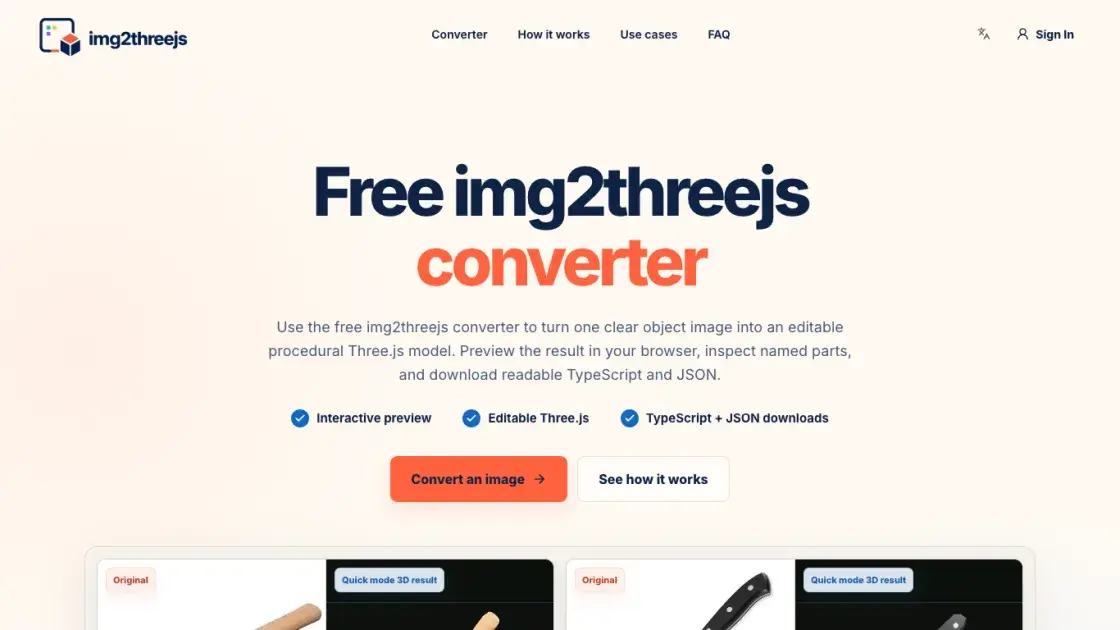
img2threejs is a free web converter that turns a single object image into an editable procedural Three.js scene. Instead of returning one opaque imported mesh, it produces named parts, materials, transforms, a JSON build specification, and readable TypeScript. Users upload a clear photo, choose Quick Generate, and preview the result directly in the browser. The tool targets developers who need a maintainable starting point for web 3D work: the generated factory returns a reusable THREE.Group that can enter a normal code review, with parts that can be renamed, resized, or animated later. The output is positioned as an editable draft rather than a finished asset, and quick mode includes one free anonymous generation per day.
How does img2threejs work
img2threejs runs a three-stage pipeline. First, it uploads and analyzes the reference image, looking for the object silhouette, visible components, material cues, repeated parts, orientation, and small details, while separating direct evidence from inference. Second, it maps observed parts to procedural geometry, materials, positions, rotations, and parent-child relationships, then validates the specification and assembles the hierarchy with a deterministic builder instead of executing arbitrary generated code. Finally, users preview the rendered result, inspect the JSON specification, and download a typed Three.js factory that returns a reusable THREE.Group, with optional extra views clarifying hidden attachments. Reference images are processed through the server via OpenRouter and a configured downstream AI model.
Benefits of img2threejs
img2threejs converts one object image into editable Three.js code that fits a normal development workflow. Because the output keeps named parts, materials, and transforms explicit, a developer can rename a component, swap a material, attach events, or add animation without flattening the model into an unchangeable asset. The JSON specification doubles as a constrained description that an AI coding assistant can edit. The browser preview lets users verify the result before download, and the validated build process keeps generated code safe. A free anonymous generation is available once per day. The main limitation is honest: a single photo cannot reveal accurate scale, depth, or hidden surfaces, and the tool does not export GLB, OBJ, FBX, or STL formats.
Pros and Cons of img2threejs
Pros
- Editable TypeScript output with named parts
- Validated specification assembled by a deterministic builder
- Interactive in-browser preview before download
- Free anonymous generation available daily
- Output stays reviewable in normal Git workflows
Cons
- No GLB, OBJ, FBX, or STL export
- Single image limits scale, depth, and hidden surface accuracy
- Agent mode requires paid credits
- Organic shapes and complex surfaces need specialist 3D tools
Core Features of img2threejs
AI-powered image analysis
The converter identifies object silhouettes, visible components, material cues, and repeated parts, separating direct evidence from inference before planning geometry.
Editable procedural output
Generated scenes use named parts, materials, transforms, and parent-child relationships instead of one opaque mesh, so every component remains traceable and editable in code.
Interactive 3D preview
Users can orbit the result, switch material views, and inspect the JSON specification directly in the browser before downloading anything.
TypeScript and JSON downloads
The tool exports a typed Three.js factory returning a reusable THREE.Group, plus a structured JSON build specification that stays available for revision.
Validated build specification
A deterministic builder assembles the hierarchy from a validated spec, preventing malformed suggestions from becoming unsafe browser logic and keeping transforms reviewable.
Use Cases of img2threejs
- Interactive product previews: Turn a clean product photo into a browser-native draft for product viewers, configurators, and landing pages with clickable named parts.
- Game prop prototypes: Block out a recognizable prop as named components before investing in final modeling, textures, and collision shapes.
- Three.js creative coding: Start from a familiar reference and keep the result as readable TypeScript that fits a Three.js project and Git workflow.
- Inspectable web 3D assets: Keep components, materials, and transforms available for replacement in educational demos, technical explainers, and concept reviews.
FAQs of img2threejs
What is img2threejs?
img2threejs is a free image to Three.js converter that analyzes a reference image and rebuilds the visible object as a procedural Three.js scene. It provides named components, materials, transforms, a JSON build specification, and editable TypeScript instead of one opaque imported mesh, intended as a readable starting point for browser-based 3D work.
Is img2threejs free?
Quick mode includes one free anonymous generation per day. Agent mode is not free because each job uses significantly more AI model capacity and cloud compute for multi-step analysis, generation, rendering, and review. Agent jobs are priced in credits according to estimated complexity, with the price shown before confirming a generation.
Does it create a real 3D model?
Yes, it creates a real multi-part Three.js scene that can be orbited, inspected, and edited in code. The output is procedural geometry assembled into a reusable hierarchy, not a flat image effect. It remains an approximation rather than a photo-grade scanned mesh because a single photograph cannot reveal accurate scale, depth, or hidden surfaces.
Which images work best with img2threejs?
Use a sharp, well-lit image with one complete hard-surface object, readable edges, limited occlusion, and a simple background. Product photos, tools, small appliances, furniture parts, and isolated props give clearer evidence than crowds, hair, glass, smoke, or cluttered scenes. Extreme perspective and crops that hide connections between components should be avoided.
Which file formats can I export from img2threejs?
The main output is editable Three.js TypeScript plus a structured JSON build specification. It does not currently export GLB, OBJ, FBX, or STL files. The code-first format is useful when a model must live inside a web application, participate in version control, expose named parts, or be extended with browser interactions.
Can I edit the generated Three.js code?
Yes. The downloaded img2threejs factory returns a THREE.Group with named parts, so components can be renamed, dimensions and materials changed, interactions attached, and animation added. Because the JSON specification remains inspectable, the construction plan can also be revised and regenerated instead of treating the first result as an untouchable asset.
Can I use img2threejs output commercially?
Users are responsible for having the rights to the uploaded image and for reviewing the generated output. Subject to those rights and the Terms of Service, the img2threejs code may be used and modified in commercial projects. Protected designs, trademarks, confidential references, and third-party material should be checked before publishing or selling a derived model.
How to use img2threejs
- Upload one PNG or JPG showing a clearly visible object with a simple background, then choose Quick Generate for the free quick path.
- Let img2threejs analyze the reference, validate the proposed parts and geometry, and render the procedural result in the browser.
- Orbit the generated model and switch material views to inspect the structure and confirm the components look correct.
- Open the JSON specification to review the build plan, where every important transform and parent-child relationship stays visible.
- Download the editable Three.js TypeScript factory or the JSON specification to use in a project, or sign in to keep working across sessions.
img2threejs Website Traffic Analysis
Latest traffic information
- Monthly Visits4.12K
- Bounce Rate33.65%
- Pages Per Visit1.62
- Visit Duration00:00:03
- Global Rank4.12M
- Country/Region Ranking2.3M
Top Keywords
| Keyword | Traffic | Volume | Cost Per Click |
|---|---|---|---|
| img2threejs | 30 | 14.2K | $2.97 |
| image2threejs | -- | 2.04K | -- |
| img2threejs github | -- | 1.26K | -- |
| img2 three js | -- | 450 | -- |
| image to threejs | -- | 410 | -- |
Top Regions
| Region | Percentage |
|---|---|
| United States | 100% |
img2threejs Alternatives
JuJuBit turns a photo into a custom 3D-printed figurine: choose a style, preview the AI-generated model, and receive a hand-refined painted collectible.
Make3DMap creates interactive 3D maps from real-world locations. Shape terrain, add routes and pins, then share, embed or export your scene.
Meshy generates 3D models from text prompts and images in 20-30 seconds, offering AI texturing, rigging, animation, and exports in FBX, OBJ, GLB, and STL.
World Model Hub allows creators to generate AI videos, images, and 3D assets with model comparison and output control for efficient production.
For 3D artists and developers, Seed3D AI transforms images into production-ready 3D models with PBR materials, optimized for games and XR.

SAM 3D is an online platform that converts a single image into 3D models of objects or human bodies in seconds, using Meta’s SAM 3D models for inference.
This platform generates 3D textured models instantly using AI, with no signup required, offering GLB/STL export for various 3D software and 3D printing.
This AI-powered online converter transforms images into 3D printable STL files in minutes, supporting GLB and OBJ exports for various applications.
This AI platform transforms 2D images into detailed 3D models, offers universal 3D model preview, and optimizes file sizes for game development, 3D printing, and AR/VR.
This AI-powered platform allows users to reconstruct production-ready 3D models from single 2D photographs, featuring object, scene, and body reconstruction with universal format support.
SAM 3D is a new generation of AI models that reconstructs 3D objects, people, and scenes from a single image, building 3D assets faster.
Marble AI, using spatial intelligence, transforms single images into persistent 3D environments, enabling free navigation and collaborative viewing for various applications.