
Image Computer FAQs
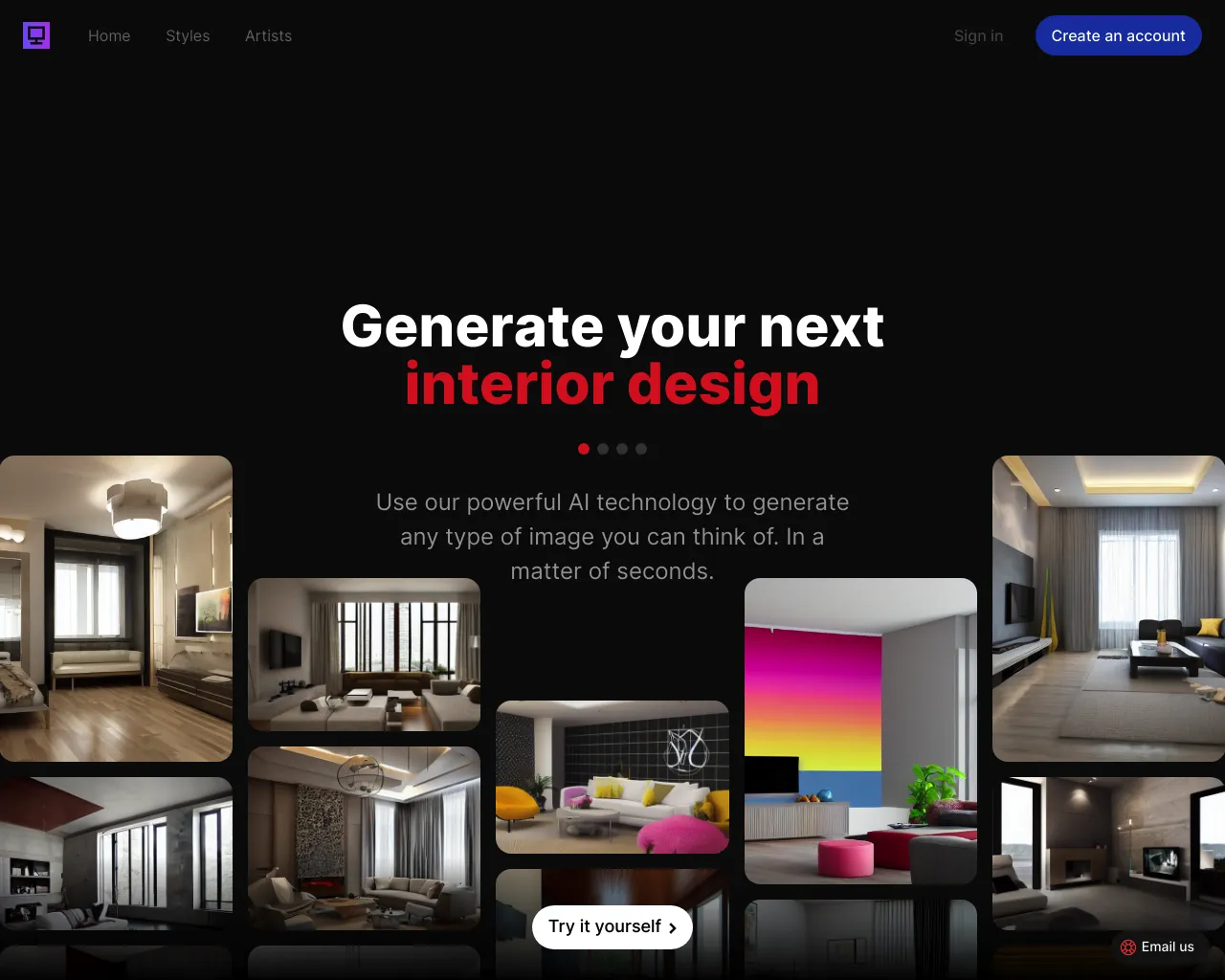
Use our powerful AI technology to generate any type of image you can think of. In a matter of seconds.

FAQs of Image Computer
What is Image Computer?
Image Computer is an AI-powered interior design tool that helps you visualize different styles for your home. You can try out over 40 different design styles for free, without any downloads or installations required.
How do I use Image Computer?
You can use Image Computer by uploading a photo of your room and then selecting from a variety of design styles. Image Computer will then generate images of your room with the chosen style applied. It's easy to use and fun to experiment with!
What are the benefits of using Image Computer?
Image Computer can help you to:
- Get inspiration for your home design.
- Visualize different styles before committing to them.
- Save time and money by avoiding costly design mistakes.
Is Image Computer free?
Yes, Image Computer is free to try. You can experiment with different styles and see how they look in your own home without any commitment.
How does Image Computer work?
Image Computer uses AI to analyze your photos and generate realistic images of your room with different design styles applied. It's pretty cool, you know 😉.
What kind of design styles can I try?
Image Computer offers a wide range of design styles, from minimalist to traditional, and everything in between. You can find something to suit any taste.
How do I get started?
You can get started with Image Computer by visiting their website at https://image.computer/. Just upload a photo of your room, and you're good to go!
