
PPT to PDF Converter Introduction
Convert PPT to PDF instantly with GenPPT's free online tool, preserving all formatting for professionals, students, and developers, with an API for automation.

What is PPT to PDF Converter
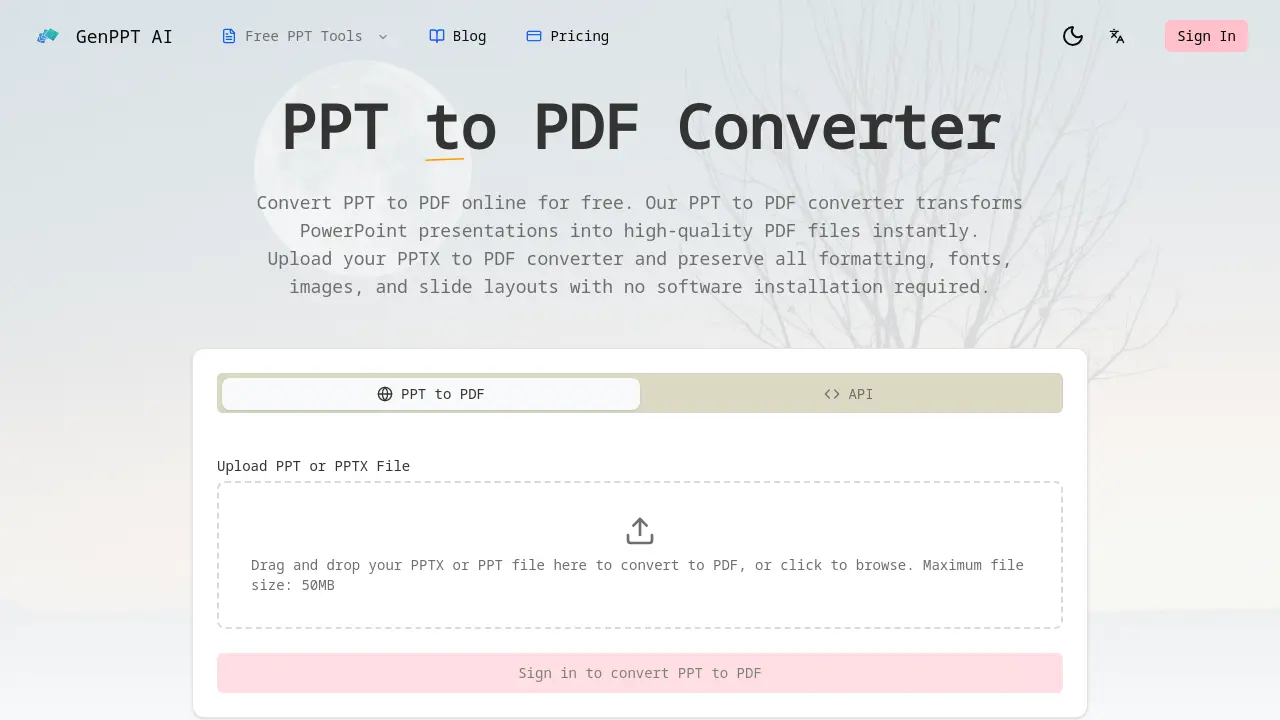
The PPT to PDF Converter is a web-based tool that transforms PowerPoint presentations (PPT and PPTX) into high-quality PDF files. It performs conversions instantly without requiring any software installation. A key feature is high-fidelity format preservation, ensuring fonts, layouts, images, and charts remain intact across all slides. The service is free for standard web use and supports file sizes up to 50MB. For enterprise and development needs, a RESTful API is available for automated, bulk PPTX to PDF conversion. Security is handled through isolated sandbox processing, with files deleted immediately after conversion. This tool serves a diverse user base, including business professionals for client documents, students for assignment submissions, developers for workflow integration, and designers for portfolio archiving. The combination of speed, accuracy, and accessible API makes it a practical solution for reliable document format conversion.
How does PPT to PDF Converter work
The GenPPT AI PPT to PDF Converter operates as a web-based file conversion service, allowing users to upload PPT or PPTX files up to 50MB via a drag-and-drop interface or file browser. The conversion process ensures high-fidelity output by preserving all original formatting, fonts, images, slide layouts, and visual elements with pixel-perfect accuracy. Files are processed in a secure, isolated sandbox environment and deleted immediately after conversion to maintain data privacy. Additionally, a REST API enables developers to integrate PPT to PDF functionality into applications for automated workflows, supporting bulk conversions. The service is free for online use and requires no software installation, catering to professionals, students, and developers.
Benefits of PPT to PDF Converter
The GenPPT AI PPT to PDF Converter provides reliable, high-fidelity transformation of PowerPoint presentations into PDFs. It preserves all original formatting, fonts, images, and slide layouts without requiring any software installation. As a web-based tool, it processes files securely in isolated sandbox environments, deleting data immediately after conversion. Supporting PPT and PPTX files up to 50MB, conversions are fast and free for basic use. A developer REST API enables automated, bulk integration for workflows. This solution is trusted by students, professionals, and developers for consistent, cross-platform document sharing.
Pros and Cons of PPT to PDF Converter
Pros
- Preserves formatting, fonts, and layouts accurately.
- Fast conversion with no software installation.
- Free for basic web usage with 50MB limit.
- Offers developer API for integration.
- Secure processing with immediate file deletion.
Cons
- Limited to 50MB file size maximum.
- Potential registration required after first conversion.
- Incomplete FAQ section lacks detailed answers.
- Cloud-based processing may concern data-sensitive users.
- Mobile compatibility unclear from provided information.
