
Compress PPTX Introduction
GenPPT's free online PPTX compressor reduces PowerPoint file sizes by up to 90% with intelligent image compression, keeping quality intact for students and professionals.

What is Compress PPTX
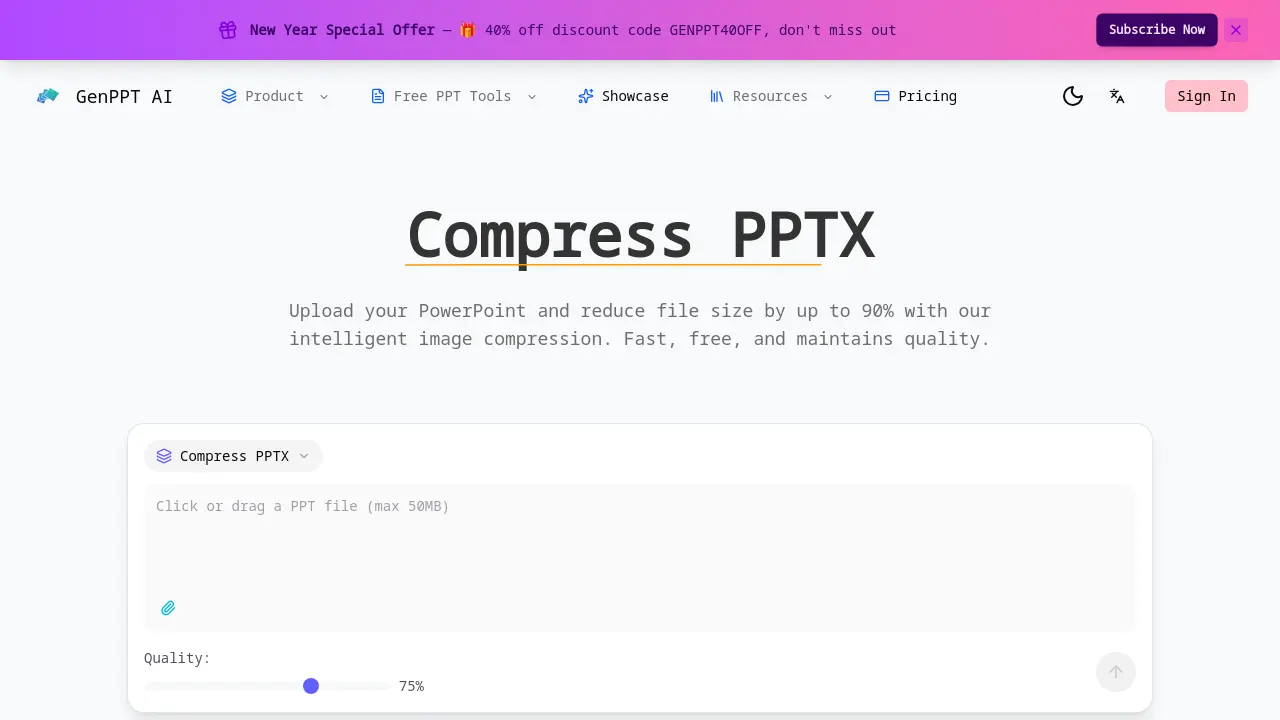
Compress PPTX is an online tool designed to significantly reduce PowerPoint file sizes through intelligent image compression. It achieves reductions of up to 90% while preserving presentation formatting, including animations and slide layouts. The tool offers adjustable quality settings from 20% to 100%, allowing users to balance file size and visual clarity according to specific needs. Processing is fast, typically completing in under 30 seconds, and files are automatically deleted from servers after compression for security. A key differentiator is its built-in compression capability, which many AI presentation generators like Gamma or Beautiful.AI lack, often requiring separate external tools for file size optimization. The service is free to use without file size limits or subscriptions, making it accessible for students and professionals needing to email or share large presentations efficiently.
How does Compress PPTX work
Compress PPTX operates as a web-based tool designed to reduce PowerPoint file sizes primarily through intelligent image compression. Its algorithms analyze each image within a PPTX file, optimizing them to decrease overall size by 50–90% while allowing user-adjusted quality settings. The process preserves original slide formatting, including animations and layouts, and completes rapidly, often in under 30 seconds. Security measures include end-to-end encryption and automatic server deletion of uploaded files. As a free service with no file size limits, this PPTX compressor provides an accessible method for managing presentation files without requiring software installation.
Benefits of Compress PPTX
Compress PPTX efficiently reduces PowerPoint file sizes by 50-90% using intelligent image compression, maintaining slide animations, transitions, and layouts. The tool offers adjustable quality settings (20-100%) to balance size and clarity, processes most files in under 30 seconds, and ensures security with automatic server deletion and encryption. Unlike alternatives like Gamma or Canva, which lack native compression features, this free, no-limit solution simplifies email sharing and cloud storage without requiring external software or subscriptions.
Pros and Cons of Compress PPTX
Pros
- Reduces PPTX file size by 50-90% through image optimization.
- Completely free with no usage limits or subscriptions required.
- Fast processing completes most compressions in under 30 seconds.
- Preserves original formatting, including animations and transitions.
- Offers adjustable quality settings (20-100%) for balance control.
Cons
- Exclusively an online tool requiring a stable internet connection.
- Compression is limited to images, not other embedded elements.
- File uploads to external servers may raise privacy concerns.
- Supports only the PPTX format, not older PPT files.
- No offline access or desktop application version available.
