
EasyChatDesk FAQs
EasyChatDesk provides live chat software for websites, enabling businesses to interact with customers in real time, improving customer support and boosting sales. It includes features like ticketing, CRM, and a chatbot.

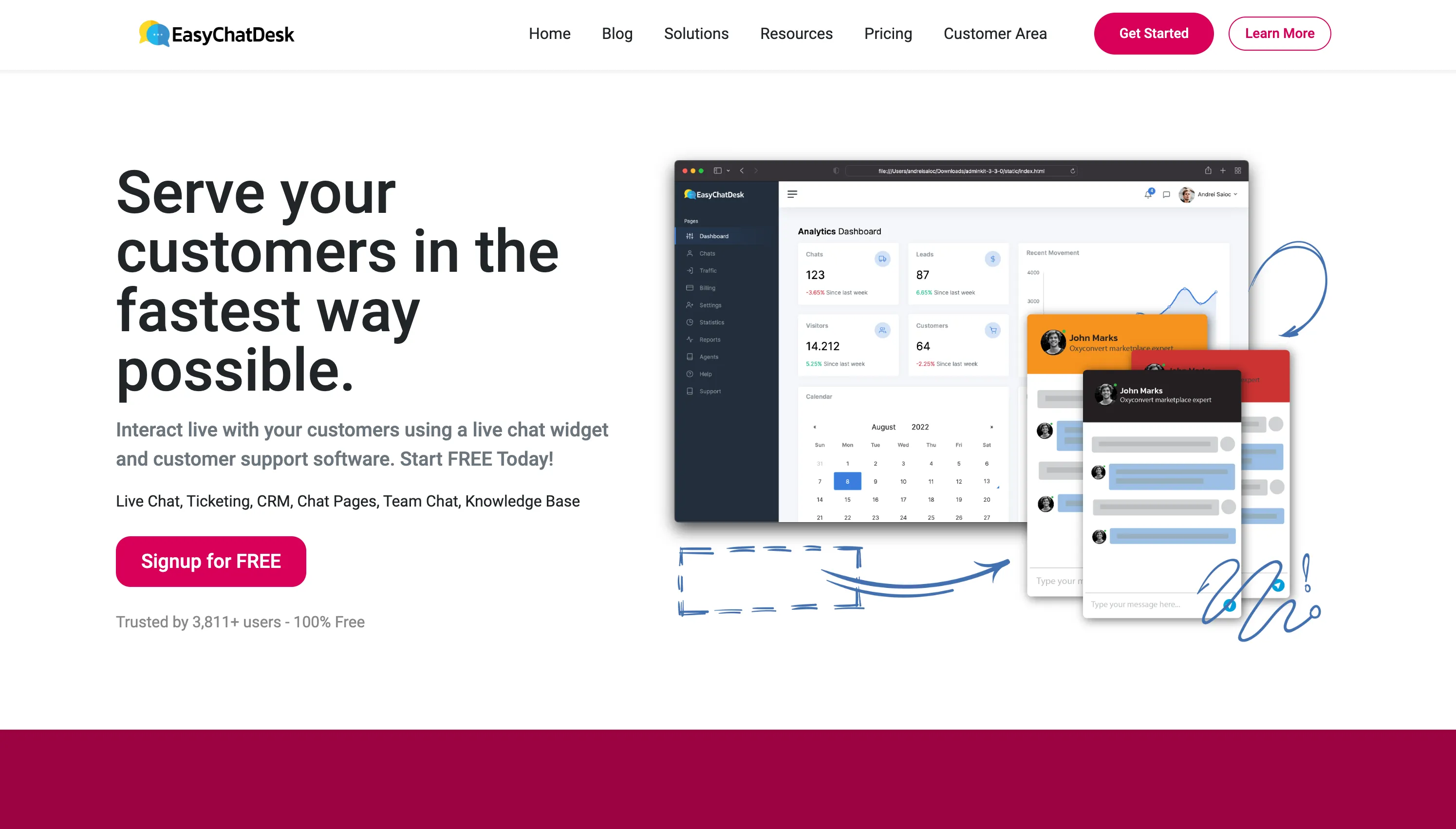
FAQs of EasyChatDesk
What is EasyChatDesk?
EasyChatDesk is a comprehensive customer support software solution providing live chat, ticketing, CRM, and chatbot functionalities. Designed to improve customer service experiences and drive sales, it integrates seamlessly with websites to offer real-time assistance and lead capture capabilities. The platform aims to enhance customer engagement and streamline communication processes for businesses of all sizes.
What are the key features of EasyChatDesk?
EasyChatDesk offers a suite of features including a live chat widget for website integration, a robust CRM and ticketing system for managing customer interactions, a chatbot for automated responses and lead qualification, comprehensive analytics dashboards, and a mobile app for on-the-go access to customer communications. These features aim to provide a unified platform for managing customer support and sales.
How much does EasyChatDesk cost?
EasyChatDesk offers various pricing plans catering to different business needs and budgets. Details on the specific costs for each plan, including features included and potential limitations, can be found on the EasyChatDesk pricing page. A free plan may also be available with certain limitations.
How can I integrate EasyChatDesk with my website?
Integrating EasyChatDesk with your website typically involves installing a provided code snippet into your website's HTML. Detailed instructions on how to properly install the live chat widget can be found within EasyChatDesk's documentation and support resources. Further assistance can be obtained by contacting EasyChatDesk’s customer support.
Does EasyChatDesk offer a free plan or trial?
EasyChatDesk provides a free plan which includes some core features. The extent of features and any limitations involved are specified in the details of the free plan. Consider reviewing the EasyChatDesk pricing page to confirm the features included and limitations associated with the free plan before using the service.
How to use EasyChatDesk
- Begin by registering a free EasyChatDesk account; this grants access to core features.
- Install the provided live chat widget code snippet onto your website.
- Configure the widget's appearance and settings to match your brand.
- Start a live chat session with a visitor to test functionality.
- Access the EasyChatDesk dashboard to monitor chats and manage settings.
- Utilize the CRM and ticketing system to organize customer interactions.
- Analyze chat data and statistics to improve customer service and engagement.
- Employ the chatbot feature to automate responses to common queries.
- Explore advanced options like form builders and mobile app integration.
- Use the knowledge base and support resources to resolve any issues.
