
Docanalyzer FAQs
Unlock the power of AI with docAnalyzer.ai for intelligent conversations with your PDF: context-aware responses, superior document analysis & insight generation.

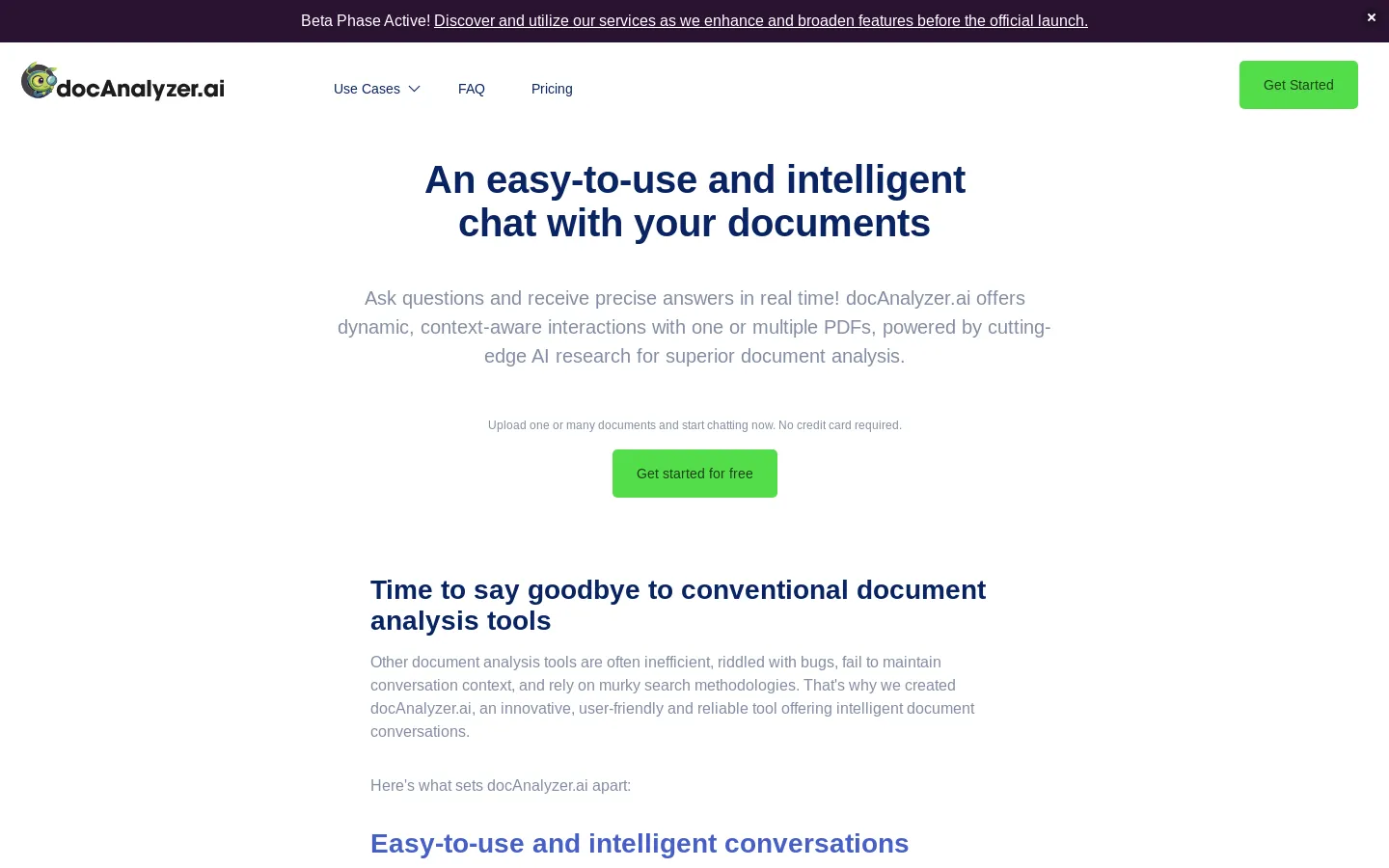
FAQs of Docanalyzer
What is DocAnalyzer?
DocAnalyzer is an AI-powered tool that helps you work with your documents smarter, faster, and easier. It's an alternative to tools like ChatDOC, AskYourPDF, pdf.ai, ChatPDF, Humata, and more. Think of it as a super-smart assistant that understands your documents like Word, PDF, and Powerpoint PPTX files.
How does DocAnalyzer work?
Imagine you have a huge document, like a legal contract or a research paper. You can upload it to DocAnalyzer, and it'll read the entire thing like a human would. Then, you can ask it questions about the document, and it'll give you the answers you need. It's like having a personal assistant who knows everything about your documents.
How can DocAnalyzer help me?
DocAnalyzer can help you in many ways, for example:
- Extract key information: You can quickly get the important parts of a document, like the main points, dates, or specific details.
- Summarize documents: No more reading through pages and pages. DocAnalyzer can summarize documents for you so you can quickly get the gist of it.
- Get answers to your questions: Ask DocAnalyzer anything about your document, and it'll give you the answer right away.
- Analyze data: DocAnalyzer can help you analyze the information in your documents and find trends, patterns, or insights.
What are the benefits of using DocAnalyzer?
DocAnalyzer is like having a super-intelligent friend who understands your documents. It's faster and more efficient than manually searching through documents, and it can handle large documents with ease. DocAnalyzer is also very user-friendly and easy to use.
