
Cowork AI FAQs
Cowork AI is an AI coworker platform for engineers and designers, enabling collaborative design, implementation, and iteration while reducing explanation costs.

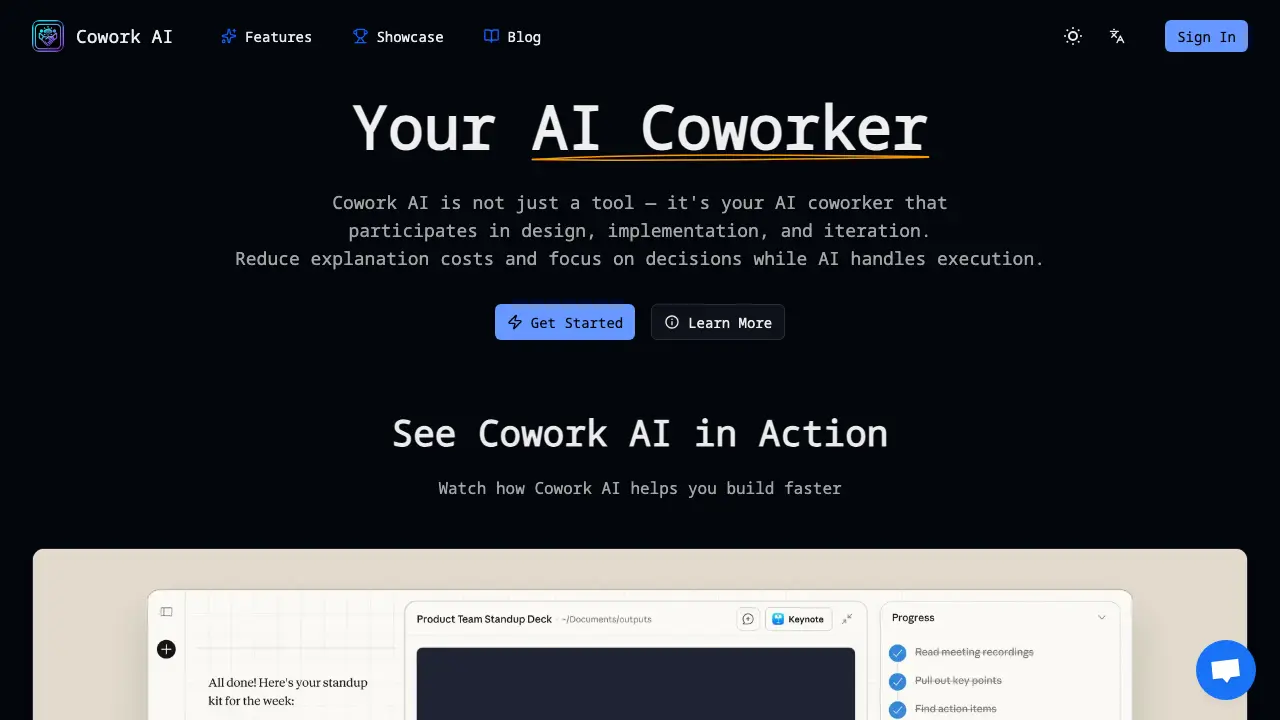
FAQs of Cowork AI
What is Cowork AI?
Cowork AI is a virtual engineering assistant that participates in design, implementation, and iterative refinement of software projects. It maintains project context, writes and reviews code, and generates documentation, enabling teams to focus on decision‑making rather than repetitive communication.
How is Cowork AI different from other AI coding tools?
Unlike generic code generators, Cowork AI continuously remembers the entire codebase, architecture decisions, and project history. It adapts to a team’s coding style, supports multi‑language projects, and integrates with existing workflows such as version control and CI/CD pipelines.
What is Claude Cowork?
Claude Cowork is a specific implementation of Cowork AI that leverages Claude’s language model to perform tasks such as file manipulation, web browsing, and code generation. It can be accessed through the Cowork AI interface or via API, offering a consistent experience across platforms.
How does Cowork AI understand project context?
Cowork AI ingests repository metadata, commit history, and documentation to build a contextual model. It updates this model in real time as new commits are made, allowing the assistant to reference prior decisions and maintain coherence across iterations.
Can Cowork AI work with any programming language?
Cowork AI supports all major programming languages that are commonly used in software development, including JavaScript, Python, Java, C#, Go, and Rust. It adapts its code generation and review patterns to the conventions of each language.
How do I download and open Cowork AI?
The Cowork AI application can be downloaded from the official website or GitHub repository. After downloading, users run the installer or execute the binary, then sign in with their credentials to access the web or desktop interface.
How to use Claude Cowork features?
Once logged in, users can invoke Claude Cowork by selecting the “Claude” tab, entering a prompt, and granting file‑system or browser access as needed. The assistant will then perform the requested action, such as editing a file or generating a presentation.
Is Cowork AI free to use?
Cowork AI offers a free tier with limited usage and a paid tier that unlocks higher token limits, priority support, and advanced features. Pricing details are available on the official pricing page.
What makes the Cowork app unique?
The Cowork app uniquely combines continuous project memory, real‑time code review, and multi‑language support within a single interface. It also allows local model deployment for privacy‑sensitive projects, distinguishing it from cloud‑only solutions.
What data does Cowork AI store and how is privacy handled?
Cowork AI stores only the data necessary for context retention, such as code snippets and commit messages. All data is encrypted at rest and in transit, and users can opt to run the model locally to keep sensitive information on their own infrastructure.
Can Cowork AI integrate with existing CI/CD pipelines?
Yes, Cowork AI exposes APIs that can be called from CI/CD scripts. It can automatically run code reviews, generate changelogs, or trigger tests as part of the deployment workflow.
Does Cowork AI support local model deployment for privacy?
Cowork AI can be deployed locally using compatible open‑source models. This configuration keeps all data on the user’s machine, eliminating the need to transmit code or documents to external servers.
How does Cowork AI handle version control and code reviews?
Cowork AI can read the repository’s history, suggest pull‑request changes, and comment on diffs. It can also generate review summaries and highlight potential issues before code is merged.
What are the system requirements to run Cowork AI locally?
Running Cowork AI locally requires a modern CPU with at least 8 GB RAM, a GPU for accelerated inference (optional), and a 64‑bit operating system. Detailed installation instructions are provided in the official documentation.
How to use Cowork AI
- Cowork AI serves as an AI coworker that participates in design, implementation, and iteration, reducing explanation costs and enabling focused decision‑making within engineering workflows.
- Users access the platform by signing in through the web interface, where authentication establishes a secure session for project context management.
- After login, users create or import a project, allowing Cowork AI to ingest codebase, architecture diagrams, and documentation for contextual awareness.
- Granting the AI permission to specific folders enables it to read, edit, and create files, facilitating automated task execution.
- Users issue natural language prompts, such as “Generate a PowerPoint presentation on project milestones,” which Cowork AI interprets and executes.
- The AI returns generated artifacts or logs; users review the content, verify accuracy, and provide feedback for refinement.
- Based on feedback, Cowork AI refines outputs, allowing iterative improvement until the deliverable meets project standards.
- Users export finalized files to version control or cloud storage, integrating AI‑generated assets into the existing workflow.
- Cowork AI provides execution logs and performance metrics, helping teams assess efficiency gains and identify bottlenecks.
- Teams use insights to adjust prompts, file permissions, or project structure, continuously enhancing productivity and reducing repetitive communication.
