
Photo to Cartoon - Cartoonize Yourself - Character Maker
| Added on: | Apr 28, 2024 |
| Monthly Visits: | 158.01K |
| Social & Email: | -- |

What is Colorcinch
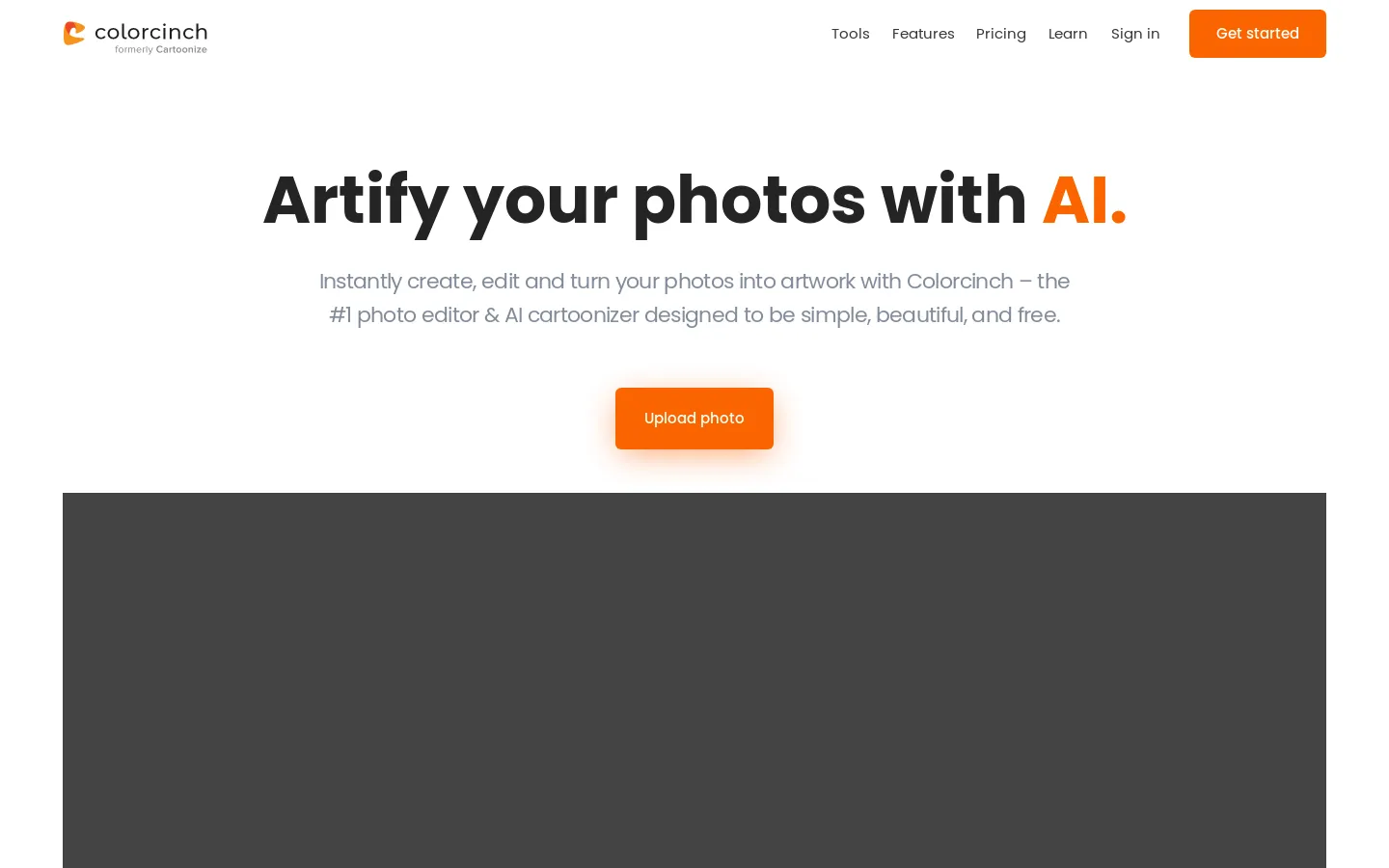
Colorcinch is an AI-powered photo editor that allows users to easily transform their photos into cartoons, sketches, and artwork. It's designed for anyone who wants to create unique and fun avatars, or simply give their photos a cool new look. One of the most appealing features of Colorcinch is its simplicity. You just upload your photo and then choose from a variety of artistic styles to see your image transformed. The platform is powered by advanced AI technology that analyzes your photo and applies the chosen style flawlessly, making it a great tool for both casual users and experienced designers. 😉
Core Features of Colorcinch
Turn photos into cartoons
Colorcinch is a free online tool that can turn your photos into cartoons, sketches, and other artwork with a click. The tool is simple and easy to use, with no complicated settings or features. It is perfect for creating fun and unique avatars or just for adding a touch of creativity to your photos.
Photo editor
Colorcinch also includes a basic photo editor that allows you to adjust brightness, contrast, saturation, and other settings. You can also add text and other elements to your photos.
No registration required
Colorcinch is completely free to use and does not require registration. You can start cartoonizing your photos right away.
FAQs of Colorcinch
What is Colorcinch?
Colorcinch is a free online tool that lets you cartoonize photos. You can turn your photos into artwork, sketches, and cartoons with just a click.
How do I use Colorcinch?
You can use Colorcinch by uploading a photo, choosing an effect, and clicking the “Cartoonize” button. You can also adjust the settings for each effect to fine-tune your results.
Can I use Colorcinch to create avatars?
Yes, you can use Colorcinch to create avatars. You can choose from a variety of cartoon styles, or you can even use the “Custom” option to create your own unique style.
What are the advantages of Colorcinch over other cartoonization tools?
Colorcinch is one of the simplest and easiest-to-use cartoonization tools. It also offers a wide variety of effects and settings to choose from, making it easy to find the perfect style for you.
Colorcinch Website Traffic Analysis
Latest traffic information
- Monthly Visits158.01K
- Bounce Rate36.09%
- Pages Per Visit3.32
- Visit Duration00:00:43
- Global Rank216.97K
- Country/Region Ranking44.77K
Visits Over Time
Traffic Sources
- Organic Search: 66.4%
- Direct: 25.46%
- Organic Social: 6.11%
- Referrals: 1.5%
- Paid Search: 0.31%
- Generative AI: 0.23%
Top Keywords
| Keyword | Traffic | Volume | Cost Per Click |
|---|---|---|---|
| cartoonize | 920 | 1.46K | $0.13 |
| cartoonize photo | 790 | 2K | $0.32 |
| colorcinch | 520 | 750 | -- |
| image to cartoon | 310 | 4.24K | $0.44 |
| cartoonize photo online free | 270 | 540 | $1.24 |
Top Regions
| Region | Percentage |
|---|---|
| United States | 17.4% |
| India | 6.75% |
| Vietnam | 4.29% |
| Brazil | 3.01% |
| Philippines | 2.89% |
