
Seedance 2.5 Introduction
Transform text, images, and clips into 4K AI videos with native audio and smooth 30fps motion. No editing skills required.

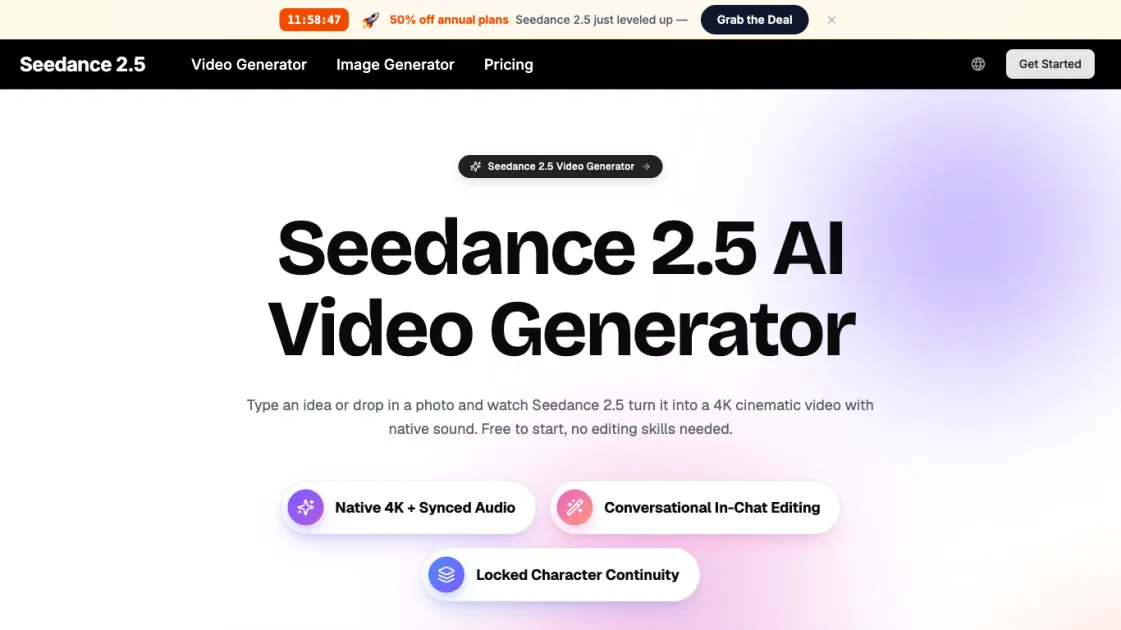
What is Seedance 2.5
Seedance 2.5 is an all-in-one AI video generator that turns text, images, clips, and audio into 4K cinematic videos with native sound, all in a single pass. Instead of juggling separate tools for visuals and audio, users give it one creative brief and it handles the motion, lighting, camera work, and soundtrack together. With support for up to 12 inputs per generation, conversational in-chat editing, and smooth 30fps output, Seedance 2.5 makes professional video creation accessible to anyone who can write a sentence — no editing experience or expensive software required.
How does Seedance 2.5 work
Seedance 2.5 uses a unified AI model that processes text, image, video, and audio inputs together as a single creative brief rather than handling each modality separately. When a user submits a prompt, the model interprets the description, any reference images or clips, and audio cues simultaneously, then generates the video frames and synchronized audio in one pass. The system handles camera movement, lighting decisions, physics-based motion at 30fps, and scene transitions automatically, delivering a finished 4K clip with native sound in seconds without requiring any manual rendering or post-production steps.
Benefits of Seedance 2.5
Seedance 2.5 combines multimodal input, native 4K output, and conversational editing into a single workflow that eliminates the need for separate editing or audio tools. Its key strengths include the ability to blend text, images, video, and audio up to 12 inputs at once, natural language scene refinement without timeline expertise, and physically grounded motion at 30fps that avoids the warping common in other AI video tools. A free tier with no credit card required lowers the barrier to entry, while paid plans unlock longer videos, higher resolution, and commercial licensing.
Pros and Cons of Seedance 2.5
Pros
- Generates 4K video with native audio in a single pass
- Supports up to 12 multimodal inputs per generation
- Conversational editing requires no timeline expertise
- Smooth 30fps motion with physically grounded results
- Free tier available with no credit card required
Cons
- Maximum video length limited to 15 seconds per clip
- 4K resolution requires a paid plan
- No offline desktop application — browser-only access
- Limited concurrent generations on lower-tier plans
