
Zignt FAQs
Zignt delivers free, legally binding e‑signature software that lets businesses create contract templates once and reuse them unlimited times, offering AI renewal reminders and secure links.

FAQs of Zignt
Are electronic signatures legally binding?
Yes, Zignt's signatures are fully compliant with major regulations including the E-SIGN Act (US), UETA, and eIDAS (EU), making them legally binding and court-admissible in most countries worldwide.
Do signers need to create an account?
No, recipients can sign documents directly through their unique signing link without needing to create an account or remember additional login credentials.
How many signatures can I collect?
Zignt offers unlimited signature collection across all pricing tiers, eliminating the per-signature fees common in other electronic signature tools.
Can I use my own branding?
Yes, custom branding options are available on Professional and Enterprise plans, allowing businesses to create a seamless signing experience with their logo and brand colors.
What file formats does Zignt support?
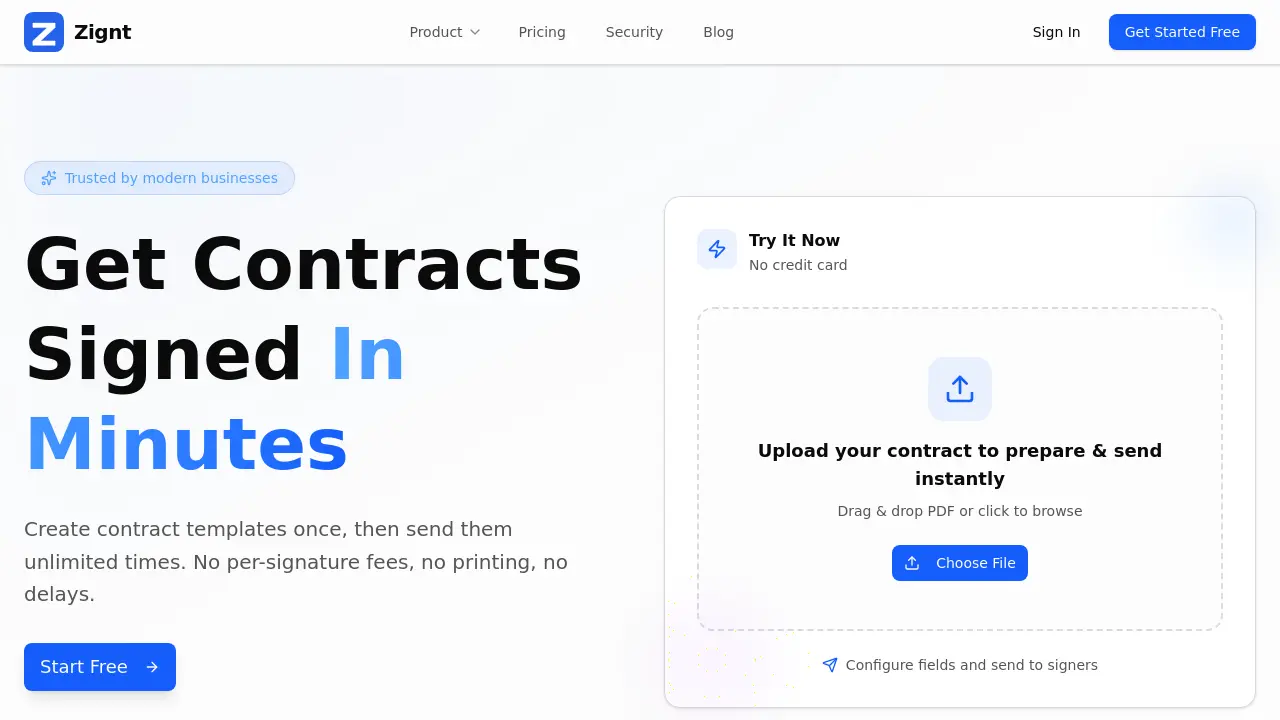
Zignt accepts PDF documents for upload, where users can then drag and drop date fields, text boxes, and signature blocks to create reusable templates.
What security measures protect my documents?
All documents are protected with 256-bit SSL/TLS encryption both in transit and at rest, and the platform maintains SOC 2 compliance and ISO 27001 certification for enterprise-grade security.
How does the AI-powered contract renewal work?
Zignt's AI automatically scans uploaded contracts to detect renewal dates and important milestones, then sends smart reminders before contracts expire to help businesses stay ahead of deadlines.
What is included in the automatic audit trail?
Each signed document includes a complete chain of custody with signer IP addresses, email addresses, full names, optional ID attachments, and precise timestamps for full traceability.
Can team members collaborate on contract preparation?
Yes, Zignt allows unlimited team member invitations with configurable permissions, enabling teams to collaborate on preparing and sending contracts while maintaining control over user access levels.
What happens after a document is fully signed?
Once all parties complete the signing process, Zignt automatically delivers the fully executed PDF to all signers via email, complete with all compliance data and audit trail information.
How to use Zignt
Zignt is an electronic signature and contract management platform designed to streamline the document signing process for businesses. Its core functionality centers on creating reusable contract templates, sending documents for signature via email or shareable links, and managing the entire signing workflow with legally binding, bank-grade security.
- Begin by creating an account at Zignt to access the platform's free forever plan; no credit card is required for initial setup.
- Upload your PDF contract to the dashboard by using the drag-and-drop feature or browsing from your device.
- Configure the document by placing fields such as date selectors, text boxes, and signature blocks directly onto the PDF to build a template.
- Send the configured document to signers by entering their email addresses or by generating a shareable Zignt Link.
- Monitor the signing progress in real-time within your dashboard; the system automatically sends reminders to pending signers.
- Receive the fully executed document via email instantly once all parties have completed the signing process.
- Leverage the AI-powered renewal tracking to automatically detect and monitor important contract dates from your uploaded documents.
- Interpret the included audit trail for each signed document, which contains legally admissible signer details and timestamps.
