
Yescribe.ai FAQs
Yescribe.ai is an AI-powered transcription service that converts audio and video files to text with precision. Upload your files and get fast, accurate, and secure transcriptions in multiple formats and 98 languages.

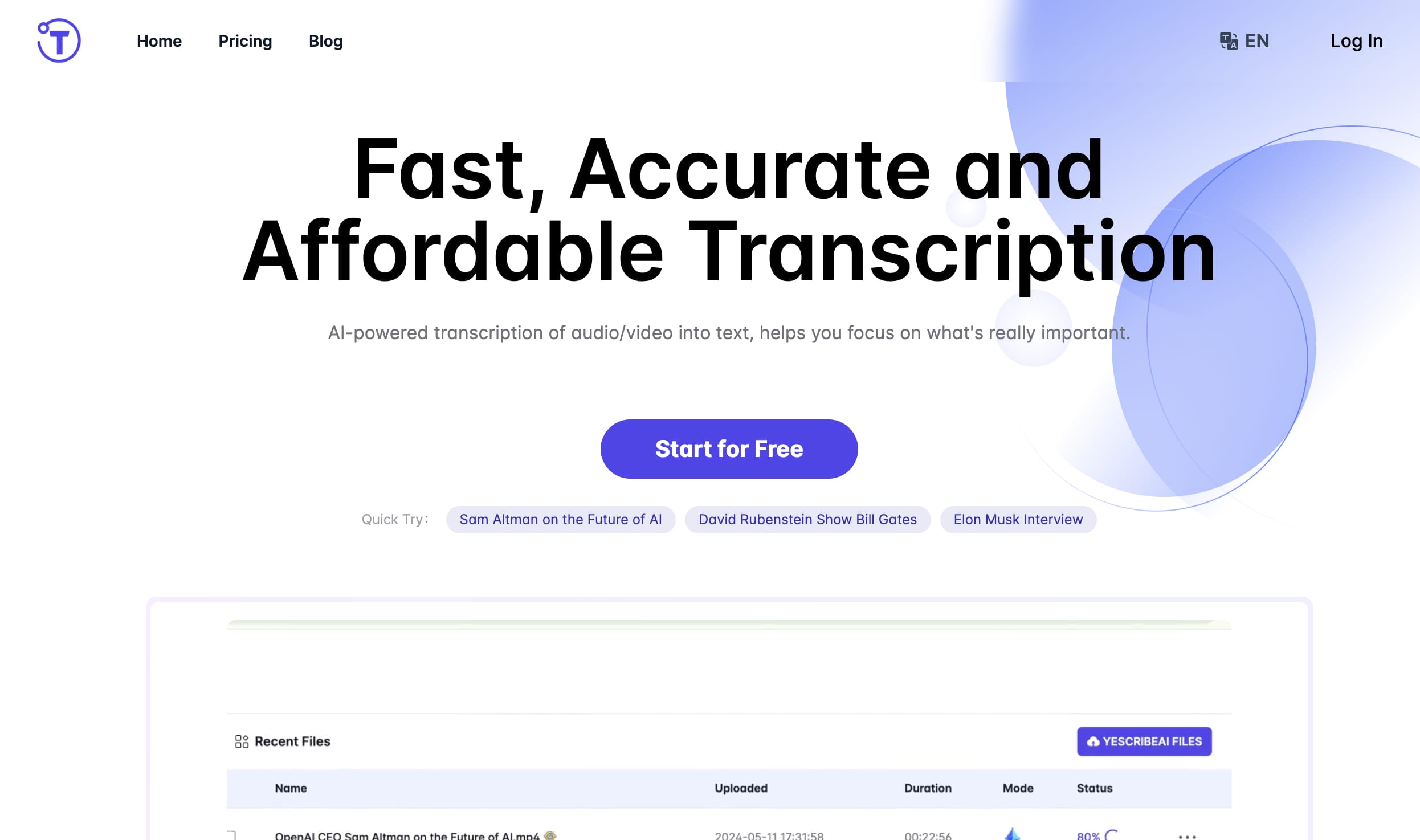
FAQs of Yescribe.ai
What is Yescribe.ai?
Yescribe.ai is an online tool that uses AI to transcribe audio and video files into text. It supports over 98 languages and is designed to be fast, accurate, and easy to use.
What formats does Yescribe.ai support?
Yescribe.ai supports a wide variety of audio and video formats, including MP3, WAV, MP4, MOV, AVI, and more. You can check out the full list of supported formats on their website.
Can I upload long files to Yescribe.ai?
Yes, you can upload files up to 5 hours long. This makes Yescribe.ai a good option for transcribing longer recordings, such as lectures, podcasts, or interviews.
How does Yescribe.ai ensure the security of my data?
Yescribe.ai is committed to protecting your data privacy. They use industry-standard security measures to protect your files and transcripts. Your data is also only accessible to you. 😉
How fast can I expect my transcription?
The speed of your transcription will depend on the length and complexity of your file. However, Yescribe.ai is generally known for providing fast turnaround times, with most transcriptions being completed within minutes.
Does Yescribe.ai offer solutions tailored to specific industries?
Yes, Yescribe.ai's services are useful for a wide range of industries, including healthcare, legal, finance, hospitality, technology, and real estate. They understand the unique needs of these industries and can tailor their services accordingly.
How does Yescribe.ai handle accents, background noise, and poor audio quality?
Yescribe.ai's AI algorithms are designed to handle accents, background noise, and even poor audio quality. They will do their best to produce a clean and accurate transcript, even for challenging audio files.
Is there a limit to how much I can transcribe with Yescribe.ai?
Yescribe.ai offers a free plan that allows you to transcribe a certain amount of audio each month. They also offer paid plans with more generous transcription limits.
How do I get started with Yescribe.ai?
Getting started with Yescribe.ai is easy. Simply visit their website, create a free account, and start uploading your files. You can also try their free trial to test out their features before committing to a paid plan.
How to use Yescribe.ai
- Begin by uploading your audio or video file to the Yescribe.ai platform. Supported formats include MP3, MP4, WAV, and many others.
- Yescribe.ai's AI will then process your file, generating a transcription within minutes. The speed depends on file length.
- Once complete, download your transcription in your preferred format (e.g., .txt, .docx). Sharing options are also available.
- Review the generated transcript for accuracy. Yescribe.ai boasts 99.9% accuracy, but review is recommended.
- Utilize the AI-generated summary for a quick overview of your audio or video content. This feature saves time.
