
Tune Chat - Chat app powered by open-source LLMS
| Added on: | Apr 28, 2024 |
| Monthly Visits: | -- |
| Social & Email: | -- |

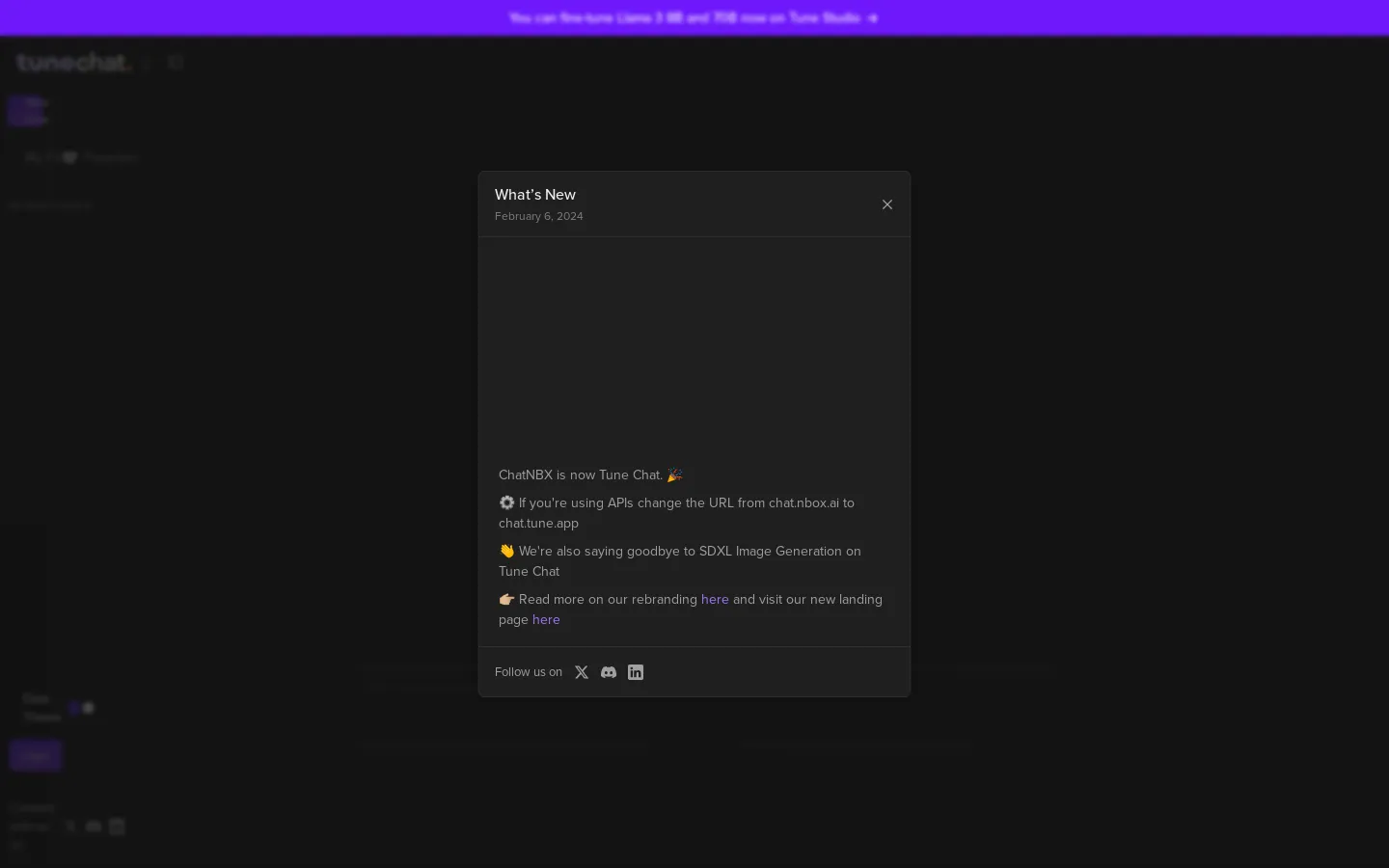
What is Tune Chat
Tune Chat is a powerful chat app powered by open-source LLMs. It's designed for writers and content creators who want to enhance their writing and analysis. Tune Chat offers features like a Prompts library, Chat with PDF, and Brand Voice. The Prompts library provides users with a collection of pre-built prompts to help them get started quickly. The Chat with PDF feature allows users to chat with any PDF document, making it easy to extract information and get answers to specific questions. Brand Voice helps users maintain a consistent tone across all their creations. Tune Chat's features can help users streamline their content creation process, improve the quality of their work, and save time. 😉
Core Features of Tune Chat
Prompts Library
Tune Chat offers a library of prompts for various purposes, allowing users to explore different ways to interact with the AI model and get creative with their content.
Chat with PDF
The "Chat with PDF" feature enables users to have conversations with the content of a PDF document, extracting relevant information, summarizing key points, and answering questions based on the document's content.
Brand Voice
This feature allows users to define a specific brand voice and tone for their content. Tune Chat will then generate content that aligns with the established brand voice, ensuring consistency and authenticity across all creations.
FAQs of Tune Chat
What is Tune Chat?
Tune Chat is a chat application powered by open-source large language models (LLMs). It’s a versatile tool that can be used for a variety of tasks, including content writing, analysis, and maintaining brand voice consistency across your content.
How do I use Tune Chat?
Tune Chat is web-based and can be accessed through your web browser. You interact with the tool by typing your questions or requests into the chat interface. Tune Chat will then generate responses based on your input and the capabilities of the underlying LLM.
What are some of Tune Chat's features?
Tune Chat offers features like a Prompts library, Chat with PDF, and Brand Voice features. These features can help you streamline your content creation process and ensure consistency in your writing style.
How does Tune Chat help me with my content writing?
Tune Chat can assist you with various content writing tasks, such as:
- Generating ideas: You can use Tune Chat to brainstorm ideas for blog posts, articles, marketing copy, and other types of content.
- Writing drafts: Tune Chat can help you write drafts of your content, providing suggestions for language and style.
- Editing and proofreading: Tune Chat can help you edit and proofread your work, identifying errors in grammar, punctuation, and style.
How does Tune Chat help me maintain brand voice consistency?
Tune Chat's Brand Voice feature allows you to input specific guidelines for your brand's voice, such as preferred tone, language, and style. Tune Chat will then use this information to tailor its responses to match your brand identity.
What makes Tune Chat different from other chat applications?
Tune Chat distinguishes itself by being powered by open-source LLMs. This means that the technology behind Tune Chat is constantly being improved and updated by a community of developers. This continuous development ensures that Tune Chat remains at the forefront of AI-powered chat applications.
Is Tune Chat free to use?
Tune Chat offers a free tier with limited features, allowing you to explore its capabilities. A paid subscription provides access to advanced features and higher usage limits.
