
Try Fable AI FAQs
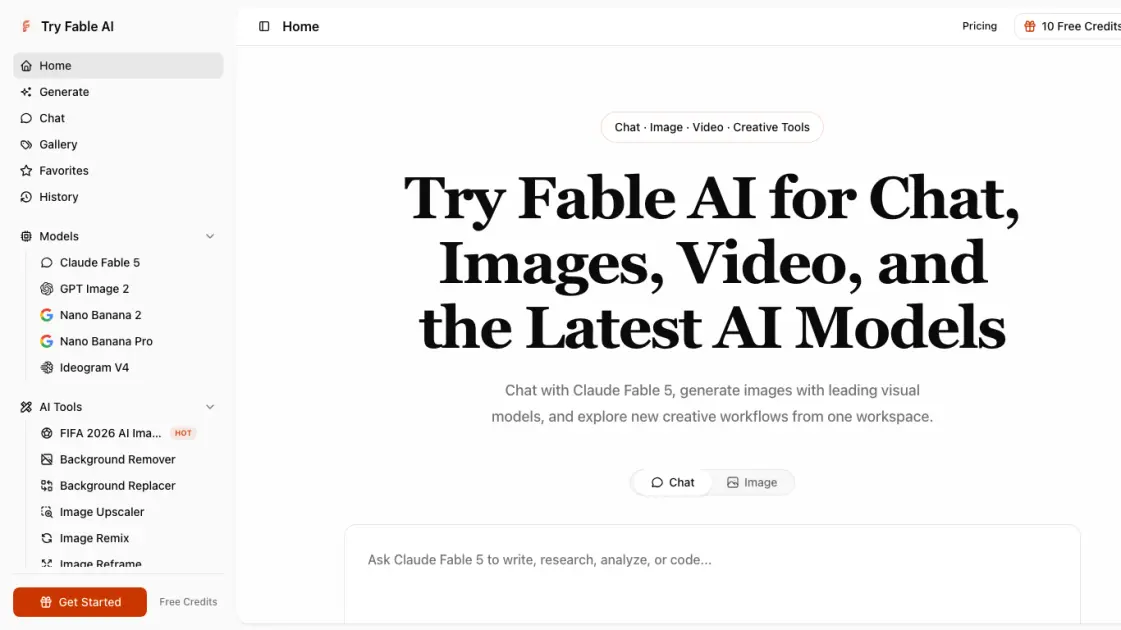
Try Fable AI for Claude Fable 5 chat, AI image generation with GPT Image 2 and Nano Banana models, and video creation tools in one online workspace.

FAQs of Try Fable AI
What is Try Fable AI?
Try Fable AI is an all-in-one AI platform that provides access to Claude Fable 5 for chat and reasoning, plus AI image generation models including GPT Image 2, Nano Banana 2, and Nano Banana Pro for visual creation. Video generation and creative tools are also available within the same workspace.
How is it different from using Claude Fable 5 directly?
Claude Fable 5 is one of several models available on the platform. Try Fable AI adds image generation, video creation, editing tools, a prompt gallery, and model comparison guides, making it a multi-model workspace rather than a single-model chat interface.
Can I use the AI image generator commercially?
The platform supports creating campaign visuals, posters, portraits, products, and other commercial assets. Users should review the terms for each model, especially regarding output ownership and usage rights.
Is this an official Anthropic website?
No. Try Fable AI is an independent multi-model AI platform. References to Claude models and other third-party model names do not imply endorsement or affiliation with their respective owners.
How does pricing work?
Try Fable AI uses a one-time payment model with no subscription or auto-renewal. Users purchase credits that never expire. Account access and available credits depend on the current site plan, and generation costs are shown before any paid action.
How to use Try Fable AI
- Visit tryfableai.com and choose a workspace based on your task: Chat for language and reasoning, Generate for image creation.
- Select a model appropriate for your output. Use Claude Fable 5 for complex language tasks or one of the image models for visual work.
- Enter a prompt or upload a file. For images, specify composition, aspect ratio, and quality settings using the available controls.
- Review the result at full size. Continue with follow-up instructions, save the output, or open a focused editing tool for further refinement.
- Use background remover, image upscaler, image remix, or image reframe as needed without navigating to a separate application.
