
Threado AI FAQs
Instant, automated support to customers and internal teams by AI Agents trained on internal knowledge. Train it on knowledge base, ticket conversations, CRMs or product documentation. Install it on Slack, Discord, and your website and get instant responses.

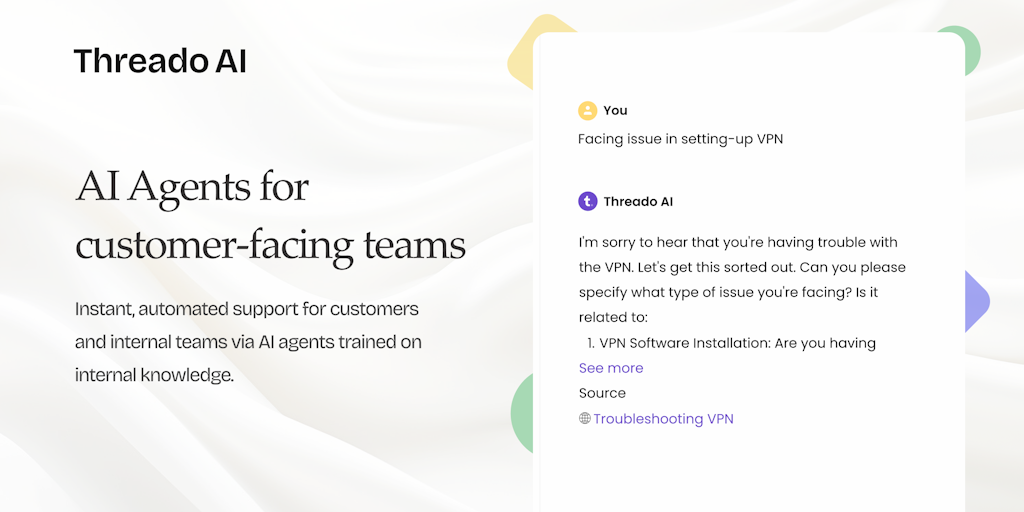
FAQs of Threado AI
What is Threado AI?
Threado AI is an AI-powered customer service tool that helps businesses provide instant, automated support to customers and internal teams. It's trained on your company's internal knowledge base and can be easily set up within minutes on platforms like Slack, MS Teams, or as a Chrome app.
How does Threado AI work?
Threado AI uses natural language processing (NLP) to understand customer requests and provide accurate and relevant answers. It's like having a virtual assistant that can answer questions, resolve issues, and even complete tasks on your behalf.
What are the benefits of using Threado AI?
- Improved customer satisfaction: Threado AI can provide instant support, reducing wait times and frustration for customers.
- Increased efficiency: By automating routine tasks, Threado AI frees up your team to focus on more complex issues.
- Reduced costs: Threado AI can help you reduce the cost of customer service by automating tasks and reducing the need for human agents.
How does Threado AI compare to other AI customer service tools?
Threado AI is unique in its ability to be quickly set up and deployed. It's also designed to be easy to use, even for non-technical users. Additionally, Threado AI can be integrated with a variety of platforms, making it a flexible and versatile solution.
Who can benefit from using Threado AI?
Threado AI is ideal for businesses of all sizes that are looking to improve their customer service, increase efficiency, and reduce costs. It's particularly well-suited for companies that have a large volume of customer inquiries, or that need to provide support across multiple channels.
How to use Threado AI
Threado AI was an AI agent designed to assist customer-facing teams by providing instant, automated support using internal knowledge. Although Threado AI has shut down, this tutorial outlines its intended use.
Begin by integrating Threado AI with your team's communication platforms like Slack or Microsoft Teams for easy access to the AI agent.
Connect Threado AI to your company's knowledge base, CRM, and other relevant data sources to train the AI on your internal information.
Customize the AI agent's settings to align with your specific needs, such as desired response style or specific areas of focus for support.
Utilize Threado AI to automate responses to frequently asked questions, freeing up human agents to handle more complex inquiries.
Leverage Threado AI for personalized customer engagement, extracting insights to improve customer relations and accelerate sales processes.
Access Threado AI via the Chrome app for information on the move, ensuring your team has support wherever they are working.
Monitor Threado AI's performance via the analytics dashboard to assess its accuracy and identify areas for further training or improvement.
