
Therly AI FAQs
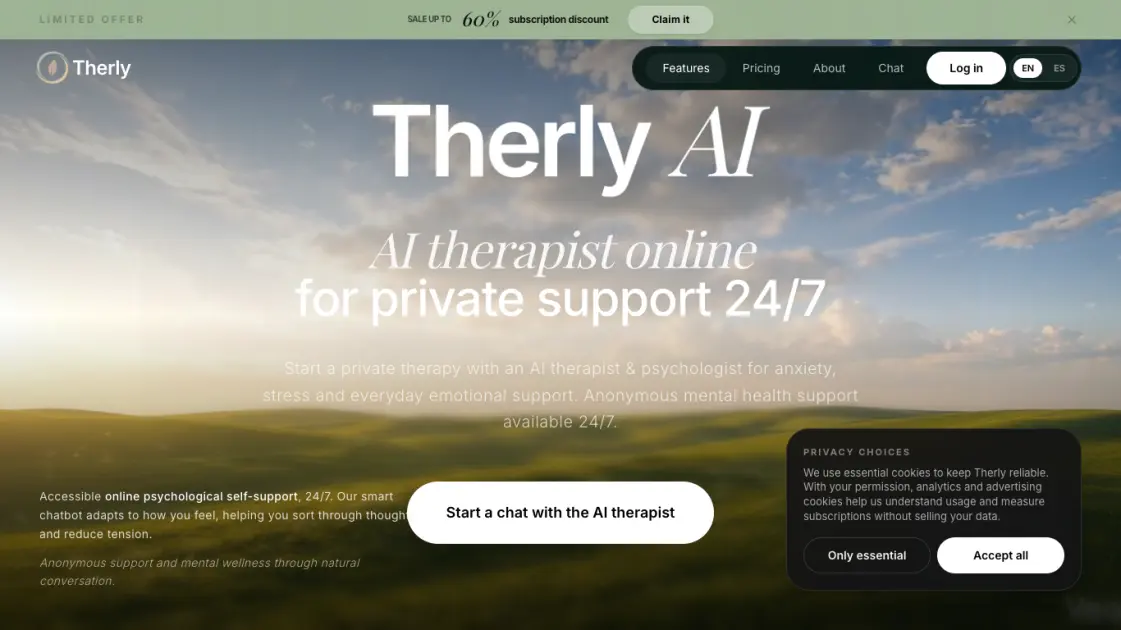
Therly AI is an AI therapist and chatbot offering private, anonymous mental health support for anxiety, stress, and emotional well-being, available 24/7.

FAQs of Therly AI
What is an AI therapist and how does it work?
An AI therapist is an artificial-intelligence chatbot that leads a supportive conversation. Therly AI is based on CBT, ACT, and mindfulness practices. It helps users talk through their thoughts, reduce anxiety, notice patterns, and choose gentle self-support steps through guided dialogue.
Is this a free online psychologist?
Therly AI offers a free Basic plan that includes one trial session and basic state check-in. For extended access, the Unlimited Pro plan costs $12.99 per month and the Ultra plan costs $19.99 per month. It is not a replacement for professional psychological help or medical treatment.
Are my messages saved, and can I delete them?
Conversations are protected with end-to-end encryption. The service preserves context across sessions to provide continuity, but personal data is not used to train public AI models. Users should check the privacy policy for detailed data retention practices.
How is Therly different from ChatGPT for psychological support?
Unlike general-purpose AI assistants that handle a wide range of tasks, Therly AI is specifically focused on psychological self-support. It starts conversations with a calm therapeutic tone, maintains context as a personal reflection space, and clearly separates self-help from crisis situations that require a live specialist.
How can I cope with anxiety with Therly?
Therly provides short steps, grounding exercises, and a structured approach to examining anxious thoughts. The AI helps users reduce the intensity of the moment by asking clarifying questions and guiding them toward practical next steps based on their specific situation.
How to use Therly AI
- Visit the Therly AI website and create an account to get started with the free Basic plan.
- Begin a session by typing whatever is on your mind, even a single thought or feeling.
- Respond to the AI clarifying questions to explore your emotional state gradually.
- Use voice chat when typing feels difficult or when you want a more natural pace.
- Return for follow-up sessions to build on previous conversations and track progress.
