

FAQs of TextureLab
What is TextureLab?
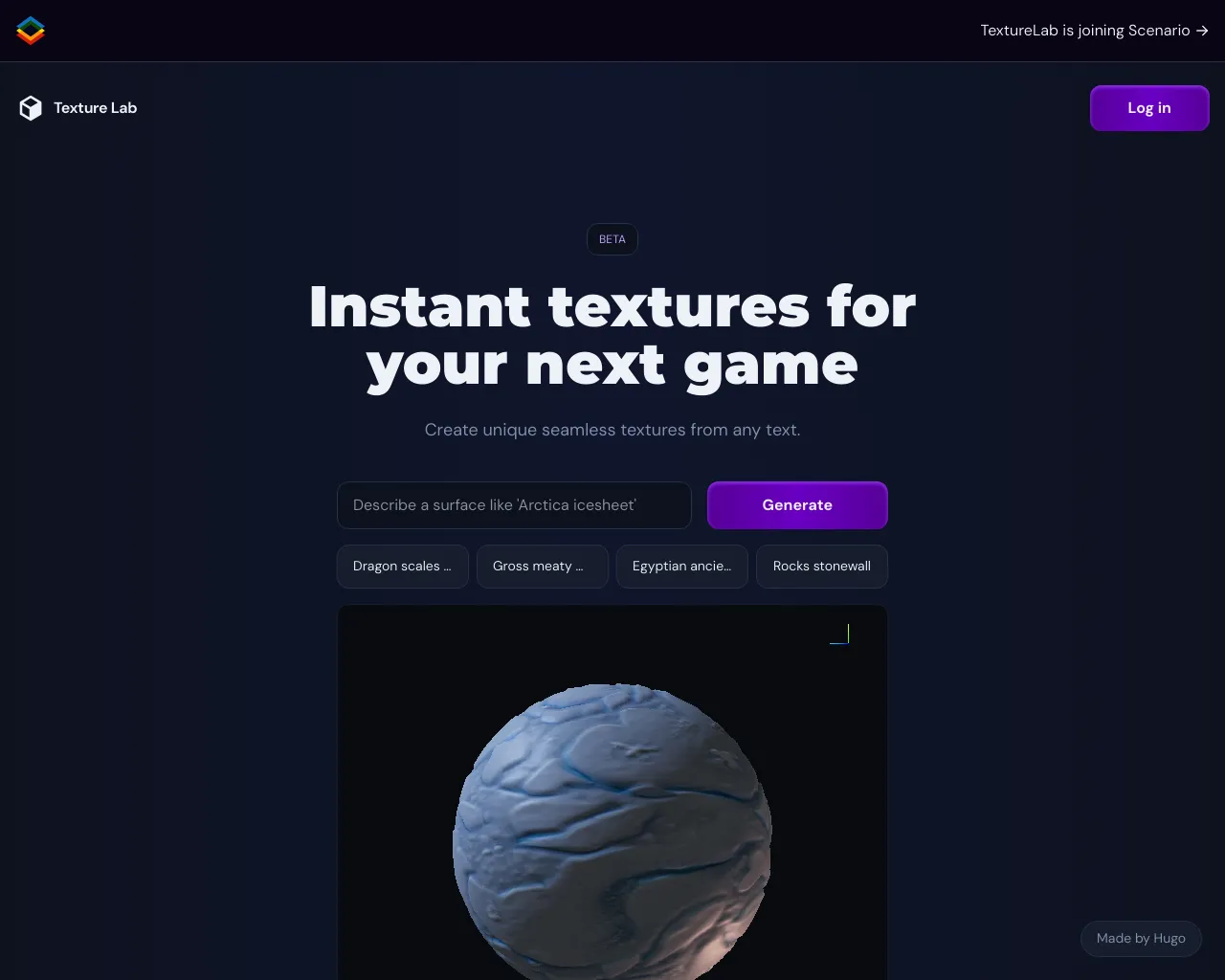
TextureLab is an AI-powered tool that helps you quickly create 3D textures for your game. It's like having a texture artist in your pocket!
How does TextureLab work?
You can use TextureLab to create a 3D texture in seconds by simply typing in a description of what you want, like "a rough, cracked stone wall" or "a shiny, metallic surface." You can also upload a reference image to help TextureLab understand what you want.
What are the benefits of using TextureLab?
Using TextureLab can save you a lot of time and effort when creating textures for your games. It's a great tool for indie developers who don't have the time or resources to hire a professional texture artist. It can also be useful for game studios that need to quickly create textures for prototypes or concept art.
Is TextureLab easy to use?
Yes, TextureLab is very easy to use. You don't need to have any prior experience with 3D modeling or texturing to use it.
What kind of textures can I create with TextureLab?
TextureLab can create a wide range of textures, including:
- Stone
- Metal
- Wood
- Fabric
- Concrete
- Grass
- Snow
- Water
You can also use TextureLab to create more abstract textures, like clouds, smoke, and fire.
How does TextureLab compare to other texturing tools?
TextureLab is unique in that it uses AI to generate textures. This makes it much faster and easier to use than traditional texturing tools.
