
Diagrimo FAQs
Diagrimo is an AI diagram generator that turns text into customizable infographics and flowcharts, helping writers and professionals communicate ideas visually.

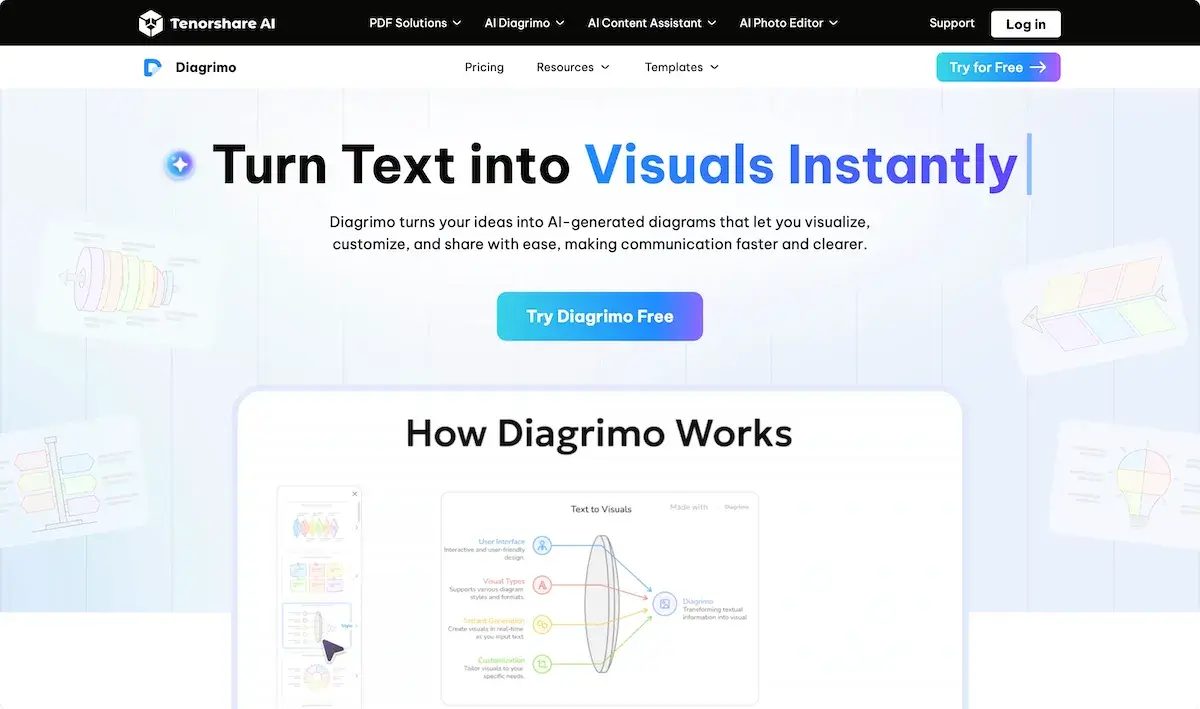
FAQs of Diagrimo
What is Diagrimo?
Diagrimo is an AI-powered diagram generator that transforms textual input into structured visual diagrams, supporting a wide range of diagram meanings and use cases across education, business, and design.
Is Diagrimo free to use for text-to-diagram?
Diagrimo offers a free tier that provides daily credits sufficient for regular diagram creation; paid plans unlock additional features, higher credit limits, and priority support, making it accessible for both casual and professional users.
How do I use Diagrimo?
To use Diagrimo, a user clicks the Create button, enters or pastes text, and the AI diagram generator automatically produces a structured visual. Users can then customize templates, edit colors, and export the resulting diagram in various formats.
What makes Diagrimo's AI Assistant special?
Diagrimo's AI Assistant enhances written content by polishing grammar, adjusting tone, simplifying language, expanding ideas, and translating between languages, thereby improving both the textual and visual output quality.
How is Diagrimo different from other diagram builders?
Unlike traditional diagram makers, Diagrimo leverages advanced diagramming AI to interpret natural language and generate appropriate diagram types such as flowcharts, fishbone charts, and pyramids, while also offering integrated writing assistance tools.
Will Diagrimo continue to get updates?
Diagrimo's development roadmap includes enhancements to its diagram AI generator, expanded template libraries, and new team collaboration features, ensuring ongoing improvements in accuracy, performance, and user experience.
What types of diagrams does Diagrimo support?
Diagrimo supports a diverse set of diagram types including flowcharts, fishbone diagrams, pyramid structures, step diagrams, bullseye charts, and organ‑specific illustrations such as diagram of the heart, diagram of the eye, and animal cell diagrams, catering to varied analytical needs.
Can Diagrimo export diagrams to PDF or image formats?
Yes, Diagrimo enables users to export generated diagrams to common file types such as PDF, PNG, and JPEG, allowing easy integration into presentations, reports, or online sharing while preserving visual fidelity.
Does Diagrimo provide a library of ready‑made templates?
Diagrigo maintains a growing template library that includes pre‑designed fishbone diagrams, funnel charts, pyramid layouts, and step diagrams, enabling users to start with a solid foundation and customize as needed.
Is team collaboration supported in Diagrimo?
Collaboration is built into Diagrimo, allowing multiple users to edit the same diagram in real time, comment on elements, and share links, which streamlines teamwork and ensures consistent visual communication across projects.
How does Diagrimo integrate with other Tenorshare AI products?
Diagrimo works alongside other Tenorshare AI tools such as AI Writer and AI PDF Summarizer, enabling users to generate text, refine it, and instantly convert it into diagrams, creating a seamless workflow across content creation and visualization.
How to use Diagrimo
- Diagrimo functions as an AI diagram maker that transforms textual ideas into visual diagrams online, supporting diverse diagram types such as flowcharts, fishbone, and anatomical diagrams like diagram of heart.
- Users input or paste content into the editor, optionally letting the AI assistant draft the text prior to diagram generation, ensuring the material matches the intended diagram meaning.
- Diagrimo’s AI diagram generator interprets the text semantically, auto‑creating structured visuals such as fishbone, pyramid, or diagram of eye schematics, matching the chosen diagram type and layout.
- After generation, users can customize colors, fonts, and layout, then collaborate in real time, adjusting the diagram online while preserving the original diagram meaning throughout revisions.
- To interpret results, users examine the visual output, extract key insights, and apply the diagram’s content to strategic decisions, ensuring alignment with project goals and communication objectives.
- Finally, users export the diagram as PDF or image, integrate it into presentations or reports, and share via link, leveraging Diagrimo’s diagram AI generator capabilities for broader dissemination.
