
SplashAI FAQs
SplashAI is a Figma plugin for designers that provides unlimited image search with 25 image ideas per search, and a tool to help designers generate images, with a simple user interface. It’s great for finding visual inspiration and creating unique designs.

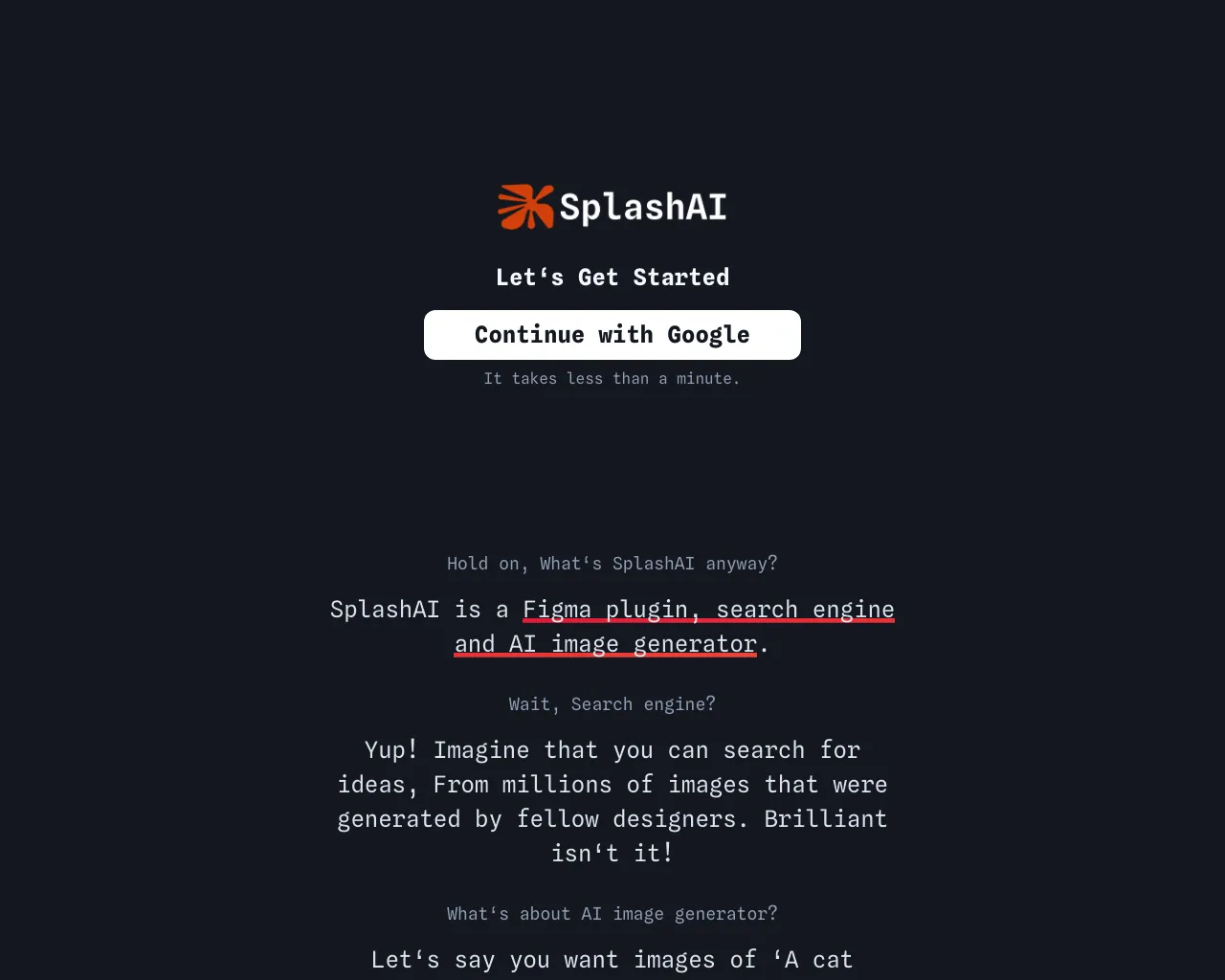
FAQs of SplashAI
What is SplashAI?
SplashAI is a design assistant tool that lives inside Figma. It helps you find the perfect images for your designs, saving you time and effort.
How does SplashAI work?
You can use SplashAI to search for images based on text prompts. You'll get 25 image ideas for each search.
What are the benefits of using SplashAI?
SplashAI helps you find images that match your specific design needs. It can help you save time and find images more quickly than traditional search methods.
How do I use SplashAI?
You can install SplashAI from the Figma Community. Once installed, you can use it to search for images directly within Figma.
What are some examples of how I can use SplashAI?
You can use SplashAI to find images for:
- Backgrounds
- Icons
- Illustrations
- Photos
What is the difference between SplashAI and other image search tools?
SplashAI is specifically designed for use within Figma. It integrates seamlessly with your design workflow, making it easy to find the perfect images for your projects.
Is SplashAI free?
Yes, SplashAI is free to use. You can use it to search for images without any limitations.
How do I learn more about SplashAI?
You can learn more about SplashAI on the Figma Community page. You can also watch a video tutorial on how to use SplashAI on Loom.
