
Seedream 4.5 FAQs
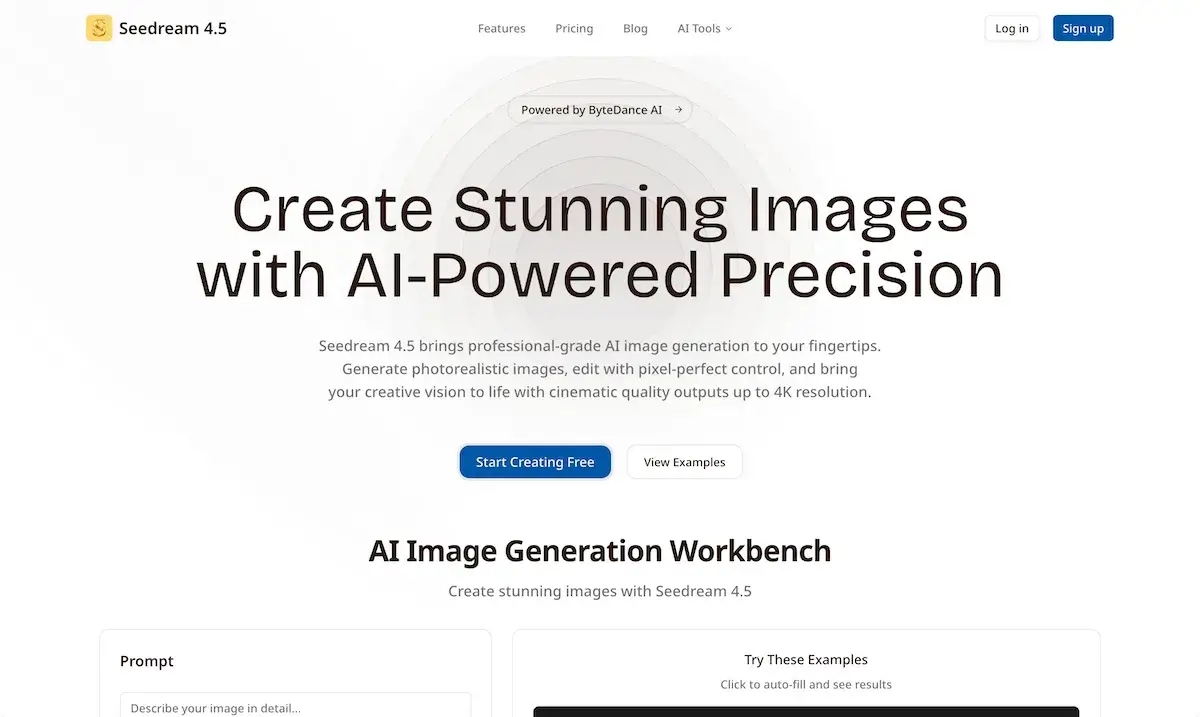
This AI-powered platform creates and edits high-fidelity images, featuring consistent character rendering, precise typography control, and 4K resolution outputs.

FAQs of Seedream 4.5
What is Seedream 4.5?
Seedream 4.5 is an AI-powered image generation tool designed to create professional-grade, photorealistic images. It offers features for generating cinematic quality outputs up to 4K resolution and precise editing control, suitable for various creative and professional applications. The platform aims to bring advanced AI image capabilities to users' fingertips.
What features does Seedream 4.5 offer for text generation?
Seedream 4.5 excels at rendering clear, sharp, and legible text within images. Users can describe the desired typography style, and the model will produce high-quality lettering for applications like posters, diagrams, and product mockups. This feature ensures text fidelity and visual appeal in generated visuals.
How does Seedream 4.5 handle real-world knowledge and consistency?
Seedream 4.5 features improved real-world understanding, which ensures accuracy in brand elements, cultural symbols, and intricate details within generated images. It also offers unmatched subject consistency across different angles, maintaining character resemblance, lighting stability, and scene continuity, even with multiple subjects.
Can Seedream 4.5 generate images in multiple languages?
Yes, Seedream 4.5 supports localized, multilingual typography, enabling users to produce clear text across various languages including English, Chinese, Japanese, Korean, Spanish, and Arabic. It can translate and edit text within images while preserving visual harmony, making it ideal for global brand content.
What resolutions can Seedream 4.5 generate and upscale images to?
Seedream 4.5 can generate high-resolution images from text prompts, supporting outputs up to 4K. Additionally, it offers an upscaling feature to enhance sharpness and detail without introducing noise or blur, allowing users to transform smaller originals into crisp, professional-quality images at 1K, 2K, or 4K resolutions.
What are the pricing options for Seedream 4.5?
Seedream 4.5 offers a tiered pricing structure including a "Free" plan with basic features, a "Pro" plan at $9.9/month for advanced professional features, and a "Lifetime" plan for a one-time payment of $199, which includes all Pro features and additional benefits like dedicated support and enhanced storage. Each plan caters to different user needs and project scales.
How do credits work on Seedream 4.5?
The credit system in Seedream 4.5 is utilized for generating images at different resolutions. For instance, generating a 1K image costs 10 credits, a 2K image costs 15 credits, and a 4K image costs 25 credits. Users need to log in to generate images, and credits are consumed based on the selected output size.
Are generated images from Seedream 4.5 suitable for commercial use?
The context indicates that Seedream 4.5 is designed for professionals and businesses, suggesting that generated images can be used commercially. However, users should refer to the specific terms of service and licensing agreements on the Seedream 4.5 website for definitive information regarding commercial usage rights.
What is the refund policy for Seedream 4.5?
The provided information indicates that a refund policy exists, but the specific details are not outlined in the context. For comprehensive information regarding refunds, users are advised to consult the "Frequently Asked Questions" section or the terms of service directly on the Seedream 4.5 website.
How can users get support for Seedream 4.5?
Users needing assistance or having questions can access support through Seedream 4.5. The "Pro" plan includes priority support, while the "Lifetime" plan offers dedicated support. The "Free" plan provides community support. Further details on contacting support are likely available on the website's FAQ or contact page.
How to use Seedream 4.5
Seedream 4.5 is an advanced AI tool designed for generating and editing high-resolution images, including photorealistic and cinematic quality outputs up to 4K. It offers features like precise text rendering, enhanced real-world knowledge, multilingual typography, and the ability to transform sketches into polished designs.
- Register or log in to access the Seedream 4.5 AI image generation workbench.
- Input your descriptive text prompt in the designated field to guide the AI's image creation.
- Select "Seedream 4.5" from the version options for optimal image generation capabilities.
- Optionally, upload up to 10 reference images (JPG, PNG, WebP, max 10MB each) to influence the output.
- Choose your desired output size and aspect ratio (1K, 2K, or 4K), noting the associated credit cost.
- Select "Standard" or "Optimize" mode for image processing, depending on your generation preferences.
- Enable the "Add AI watermark" option if you wish to apply a watermark to your generated images.
- Click "Generate" to initiate the image creation process, deducting the specified credits from your account.
- Review the generated images, utilizing features like generating multiple variants from a single prompt to explore creative directions.
- Leverage Seedream 4.5's capabilities to upscale existing images to 1K, 2K, or 4K, enhancing sharpness and detail for professional use.
