
RewriteBar FAQs
Enhance your writing in any application using AI. Improve sentences effortlessly in Slack, emails, or a code editor. Works well with tools like Grammarly for better writing.

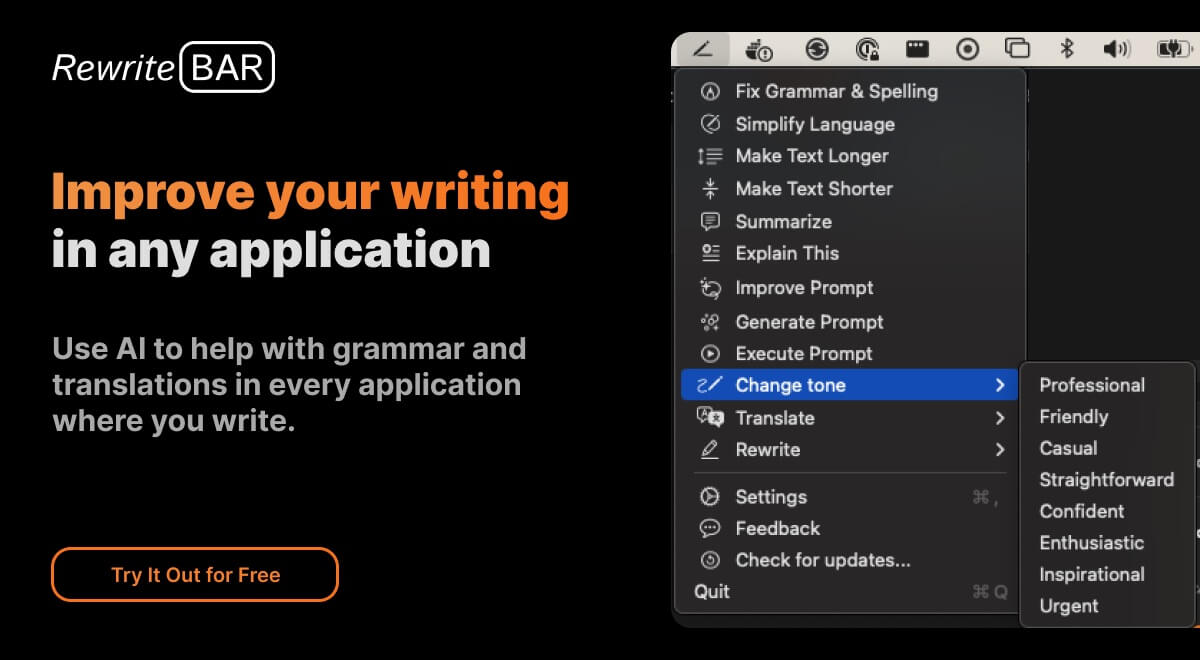
FAQs of RewriteBar
What is RewriteBar?
RewriteBar is an AI-powered writing assistant that lives in your macOS menubar. It helps you improve your writing in any app by quickly correcting grammar mistakes, changing writing styles, or translating text.
How do I use RewriteBar?
You can use RewriteBar in any application by simply selecting the text you want to edit and then clicking on the RewriteBar icon in your menubar. From there, you can choose from a variety of AI-powered features, such as grammar correction, style changes, and translation.
What are the benefits of using RewriteBar?
RewriteBar can help you:
- Write more clearly and effectively
- Save time by avoiding the need to manually correct grammar errors
- Create different versions of your writing for different audiences
- Translate text into multiple languages
What makes RewriteBar different from other AI writing tools?
RewriteBar is designed to be simple and affordable. It’s cheaper than many other AI writing tools, and it’s easy to use. You don't need to pay for a subscription to use all of its features.
Who is RewriteBar for?
RewriteBar is for anyone who wants to improve their writing. Whether you're a student, a writer, a professional, or just someone who wants to write more effectively, RewriteBar can help you.
Where can I learn more about RewriteBar?
You can find more information about RewriteBar on the official website. You can also follow RewriteBar on Twitter for updates and news.
How to use RewriteBar
RewriteBar is a macOS application designed to improve writing across all applications using AI. It helps with grammar, style adjustments, translation, and custom actions.
Download RewriteBar from the official website, rewritebar.com, ensuring compatibility with macOS 13.0 (Ventura) or later and your Mac's chip (Intel or Apple Silicon).
Install the application, then grant the necessary accessibility permissions in macOS settings so RewriteBar can interact with other applications.
Select the text you want to rewrite within any application (e.g., Slack, Word, Chrome). Use the defined keyboard shortcut to activate RewriteBar's command menu.
Choose from the available actions, such as "Fix Grammar," "Simplify Writing," or "Translate Text," or create a custom action to rewrite article content.
Review the rewritten text provided by RewriteBar, utilizing AI models from providers like OpenAI, Anthropic, or using local models via Ollama.
If using the one-time license, configure your OpenAI API key within RewriteBar's settings to enable AI functionalities for plagiarism free rewritten articles.
Adjust RewriteBar settings to personalize the experience. Customize keyboard shortcuts, enable/disable commands, and arrange the menu bar to fit your workflow.
Utilize RewriteBar for various use cases: refining ChatGPT prompts, creating engaging social media posts, or translating text with its rewrite article AI features.
Evaluate the rewritten article against plagiarism detectors; RewriteBar assists in creating unique content and can help to rewrite article ai detector bypass issues.
Choose between subscription or one-time payment options. Consider the free trial with limited requests to assess RewriteBar's capabilities and rewrite article ai functionality.
