
Playbook FAQs
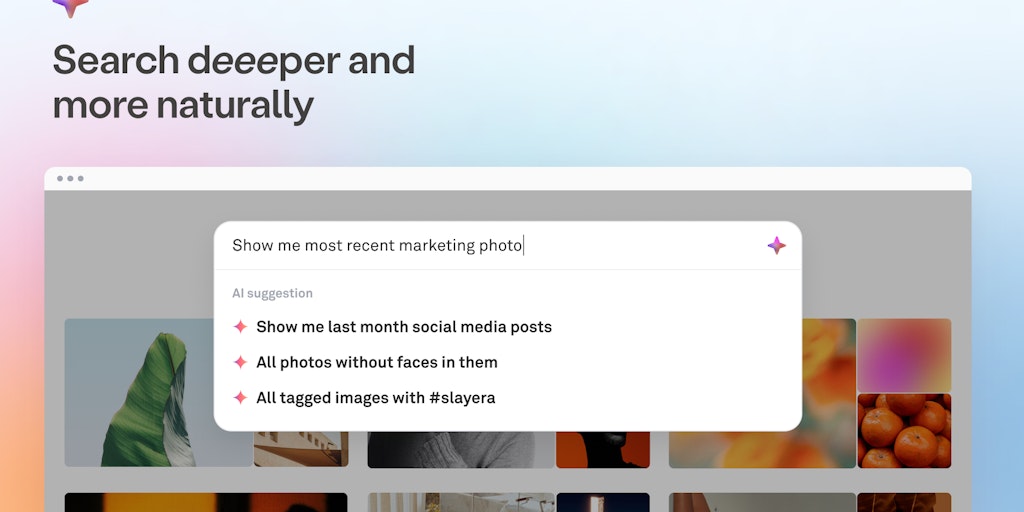
Playbook x GPT is like talking to your media library. Find and narrow down your creative files with AI-powered search. Sign up for free storage and organize your work beautifully.

FAQs of Playbook
What is Playbook?
Playbook is a file manager for creatives. It lets you store, tag, and organize your files and folders in a visually appealing way. It is available as a web application and a mobile app.
How do I use Playbook?
You can sign up for a free account on Playbook's website. Once you're signed in, you can upload your files and start organizing them. Playbook lets you create folders, tag files, and search for files easily.
What are the benefits of using Playbook?
Playbook helps you stay organized and find the files you need quickly. You can also access your files from anywhere, on any device. Playbook also offers a variety of features, such as collaboration tools, file sharing, and version history.
How is Playbook different from other file managers?
Playbook is designed specifically for creatives. It offers a more visually appealing interface and features that are tailored to the needs of designers, photographers, and other creative professionals.
What are the limitations of Playbook?
Playbook is a relatively new product, so it doesn't have all the features of some of the more established file managers. However, Playbook is constantly being updated and improved, so you can expect to see more features added in the future.
How do I get in touch with the Playbook team?
You can contact the Playbook team through the website, by emailing support@playbook.com, or by reaching out to them on social media.
