
Ottermind FAQs
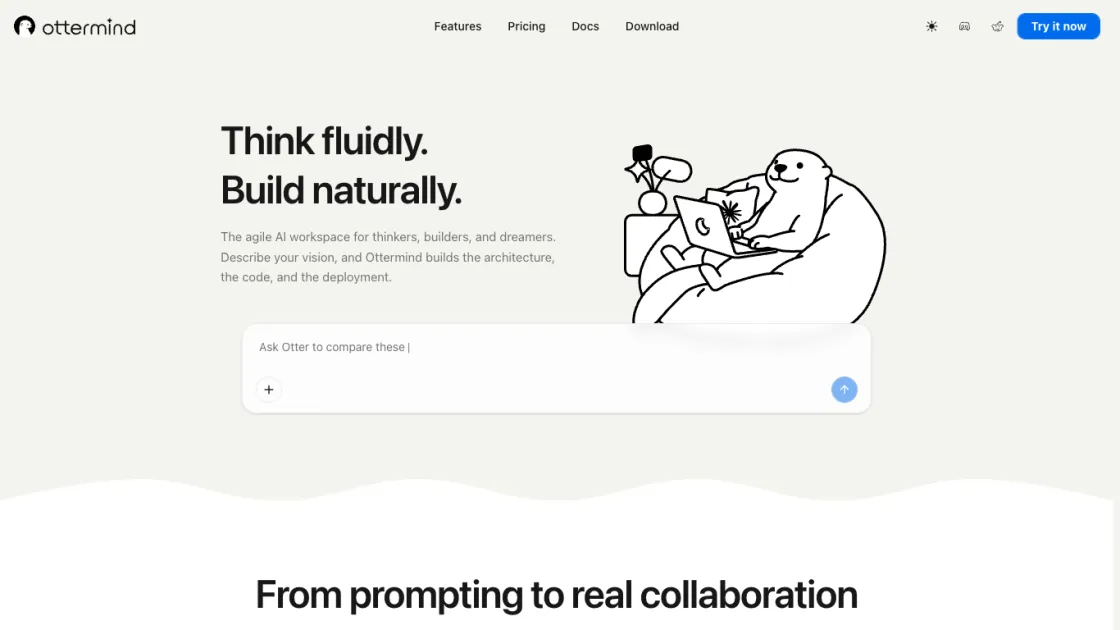
Ottermind is an AI workspace where you describe your vision and it builds the architecture, code, and deployment. Work with files, memory, and tools across devices.

FAQs of Ottermind
What is Ottermind and who is it for?
Ottermind is an AI workspace designed for individuals and teams who want to move from ideas to finished work without micromanaging AI step by step. It is suitable for developers, content creators, product managers, freelancers, and researchers who need an agent that understands goals, works with files, remembers context, and operates across devices.
How does Ottermind differ from other AI assistants?
Unlike chat-based AI tools that require detailed step-by-step prompting, Ottermind accepts high-level goals and works through the process autonomously. It maintains persistent memory across sessions, supports recurring scheduled workflows, and offers a skill system that lets users extend the agent's capabilities. The cross-device support means work started on desktop can continue on mobile without losing context.
What kind of tasks can Ottermind handle?
Ottermind can generate code and architecture, draft and format content, research and summarize information, automate recurring workflows, and manipulate files. Its skill system allows it to adapt to domain-specific tools and workflows, making it suitable for both technical and non-technical tasks.
What pricing plans are available?
Ottermind offers Solo at $20 per month with 2,000 credits and 10 GB cloud storage, and Squad at $49 per month with 5,000 credits and 50 GB cloud storage. Both plans include unlimited skill access. Additional credits can be purchased as add-ons, and custom pricing is available for larger teams through the Business plan.
Can I use my existing files with Ottermind?
Yes. Ottermind works with files from your device or cloud drive without requiring you to move or convert them first. This means you can point the agent at your existing documents, codebases, and assets and have it work with them directly.
Does Ottermind support team collaboration?
The Squad plan includes collaboration features that allow teams to share context, workflows, and agent outputs. The persistent memory system helps team members stay aligned by carrying project context across sessions and user switches.
How does Ottermind handle privacy and data security?
Ottermind processes user files and context data to execute tasks. Users should review the platform's privacy policy for specifics on data handling. The product uses cloud infrastructure for agent processing, and the cloud sandbox environment runs user tasks in isolated containers.
How to use Ottermind
- Sign up for an Ottermind account on the web interface and choose a plan that fits your usage level.
- Describe your goal in natural language -- for example, "build a landing page for my new SaaS product" -- and let the agent begin planning.
- Attach files from your device or cloud drive when the task requires working with existing documents or assets.
- Review the agent's progress step by step and provide corrections or additional context as needed along the way.
- Set up recurring workflows for tasks that repeat weekly or monthly, such as content generation or data gathering.
