
Banana Prompts FAQs
Banana Prompts is a free AI prompt library for creators using Nano Banana Pro, Midjourney, and Stable Diffusion, providing ready‑to‑use prompts with exact wording and settings to optimize image and video generation.

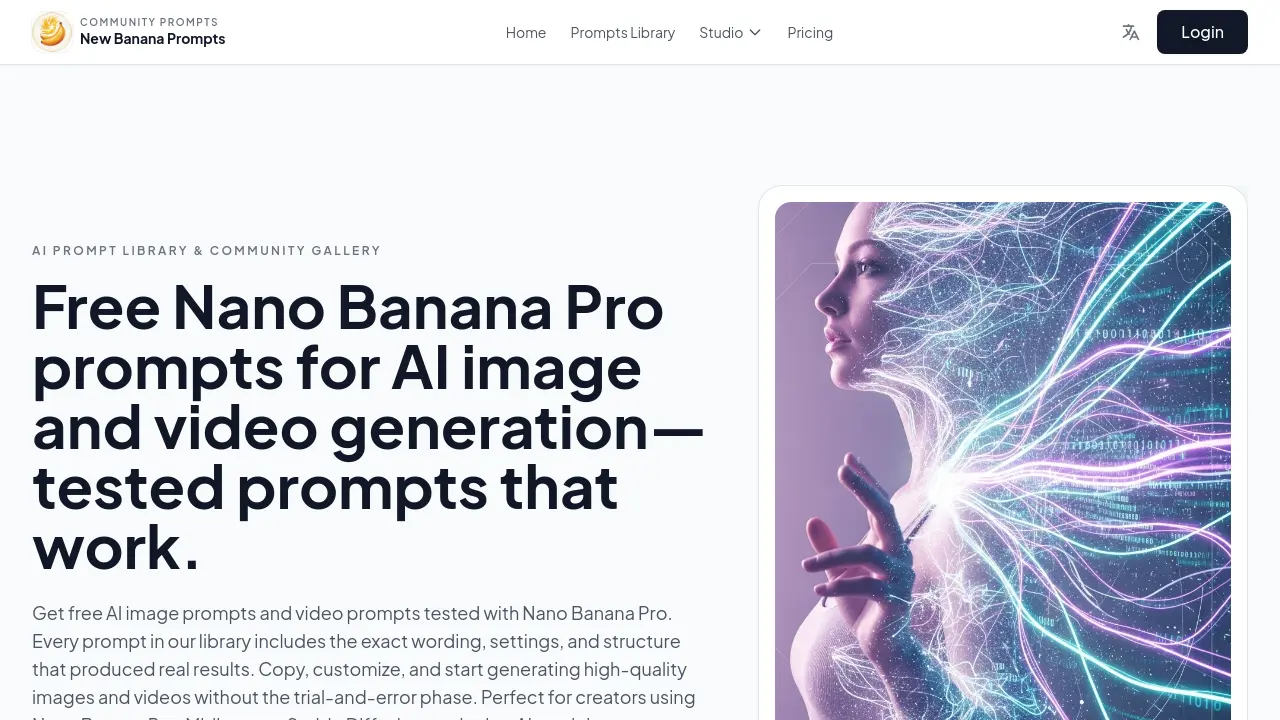
FAQs of Banana Prompts
How do I start using prompts from Banana Prompts?
To begin, browse the library for a prompt that matches the desired style or project type. Copy the entire prompt text, then paste it into your AI image or video generator. Test the baseline result first; afterward, adjust details like subject, composition, or settings to fit your specific vision.
Can I modify the prompts for client or commercial work?
Yes. All prompts are provided as starting points. Clients may personalize wording, story elements, or style instructions to align with brand guidelines. The prompts are not restrictive, and creators are free to adapt them for commercial projects.
Which AI models work best with these prompts?
The library contains prompts tested on leading diffusion and video models such as Nano Banana, Sora‑style tools, and Veo‑style generators. While the prompts excel on Nano‑Banana Pro, they often translate well to Midjourney, Stable Diffusion, and other compatible AI platforms with minor adjustments.
Is Banana Prompts free to use?
Browsing and copying prompts is completely free, and a limited number of free image and video generations are available. After exhausting the free quota, users must subscribe to a paid plan for additional generations, but the prompts library remains permanently accessible at no cost.
How can I contact support?
Contact the Banana Prompts support team by emailing support@newbananaprompts.com. The team typically responds with technical assistance, clarification of prompt usage, or guidance on integration with specific AI platforms.
What differentiates Nano Banana Pro prompts from other prompt libraries?
Nano Banana Pro prompts are curated with exact wording, settings, and structure that replicate real results. Unlike generic libraries, each entry includes the detailed parameters (e.g., aspect ratio, lighting, negative prompts) that worked on Nano‑Banana Pro, enabling creators to achieve consistent quality quickly.
Are Banana Prompts compatible with Midjourney and Stable Diffusion?
Many Banana Prompts are cross‑platform. The structure (subject, style descriptors, technical details) adapts to Midjourney, Stable Diffusion, and other diffusion models with minor syntax tweaks. Users often see comparable quality after converting prompts to the target model’s syntax.
How often is the prompts library updated?
The community continuously contributes new prompts and updates existing ones. The library is refreshed weekly, adding recent successful experiments, new model compatibility notes, and improved parameters based on user feedback.
What are negative prompts and why are they important in Banana Prompts?
Negative prompts specify elements to exclude (e.g., cartoon style, low resolution). They help narrow the AI’s output, reducing unwanted artifacts. Banana Prompts consistently include negative prompts to maintain high fidelity across generations.
Does Banana Prompts offer mobile access or an API?
Current access is web‑based and responsive, optimized for mobile browsers. While no public API exists yet, developers can submit integration requests; the platform’s community forum maintains discussion on future API support.
How to use Banana Prompts
- Navigate to the Banana Prompts website, log in if desired, and select the Prompts Library tab to explore categorized AI prompts for Nano Banana Pro, Midjourney, and Stable Diffusion.
- Pick a style or use case—such as YouTube thumbnails or cinematic scenes—by clicking the relevant category, then review the full prompt text and any creator notes embedded.
- Copy the exact prompt string from the preview window, ensuring all commas and syntax are preserved, and paste it directly into your preferred image or video AI generator.
- Adjust any model‑specific parameters—such as aspect ratio, quality level, or negative prompts—within your AI tool to match the original settings listed in the library entry.
- Generate the image or video; review the output for fidelity to the prompt description, checking lighting, composition, and detail consistency across the chosen AI model.
- Bookmark successful prompts in your personal collection and revisit the library frequently to access new releases or updated model versions that align with evolving Banana Prompts standards.
