
NeverDrop FAQs
NeverDrop is an AI app for sales teams that captures event leads by scanning business cards, enriching contacts, and sending follow-ups in under two minutes.

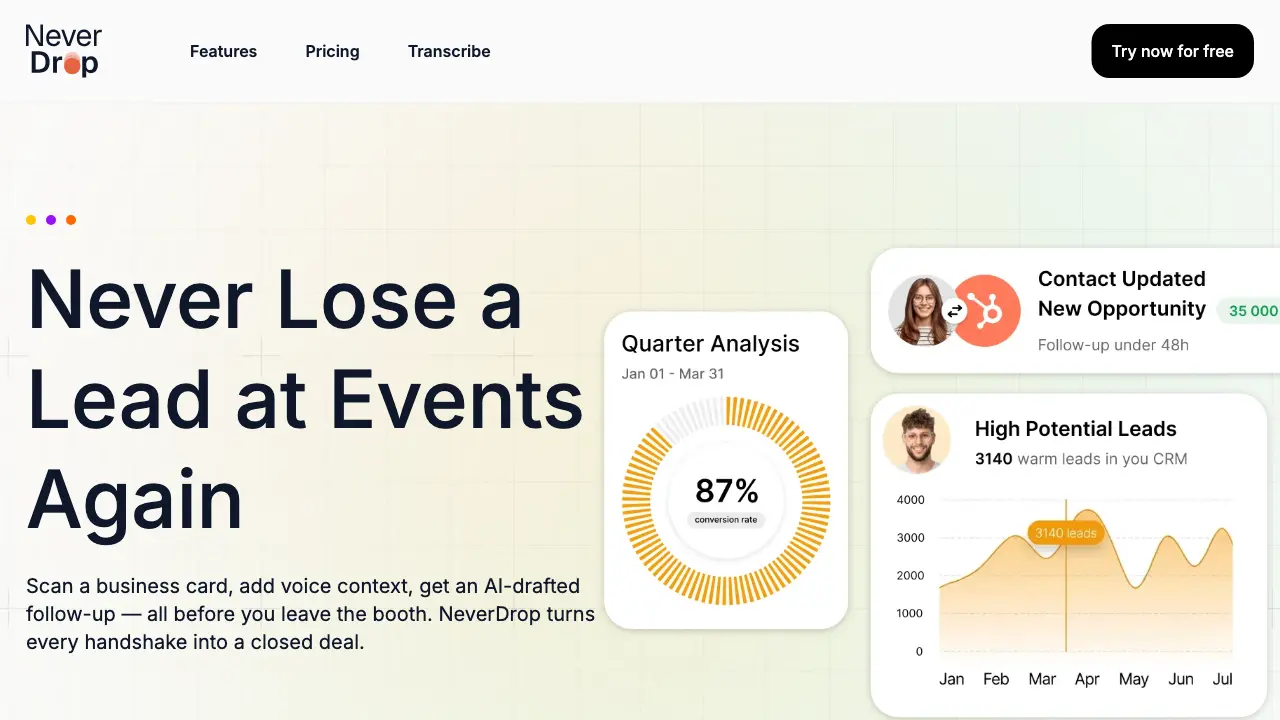
FAQs of NeverDrop
What is NeverDrop?
NeverDrop is a lead-capture application designed for sales teams operating at events such as trade shows and conferences. It streamlines the process of converting in-person interactions into follow-up actions by enabling users to scan business cards, add contextual voice or text notes, and automatically generate personalized follow-up emails. The system also enriches contact profiles with verified work emails and integrates with customer relationship management platforms to centralize lead data.
How does business card scanning work?
NeverDrop utilizes AI-powered optical character recognition (OCR) technology to extract contact information from business card photographs. Users capture an image via the mobile application, and the system processes it to identify details such as name, company, job title, phone number, and email address. This extraction occurs within seconds, eliminating manual data entry. Users retain the option to input or correct details manually if the OCR requires adjustments.
How does the voice context feature enhance follow-ups?
After scanning a business card, users can record brief voice notes describing their conversation with the contact. NeverDrop's artificial intelligence analyzes this audio to understand key discussion points, tone, and relevance. This context informs the drafting of a personalized follow-up email, which references specific aspects of the interaction. The resulting communication appears more authentic and tailored compared to generic templates, potentially increasing engagement rates.
What types of events is NeverDrop for?
NeverDrop is applicable to any professional gathering where lead generation occurs, including trade shows, industry conferences, networking meetups, business dinners, and seminars. The application allows users to categorize scanned contacts by specific events, facilitating organized lead tracking per occasion. This structure supports sales teams in managing post-event follow-ups efficiently and assessing performance across different gatherings.
How much does NeverDrop cost?
NeverDrop employs a tiered pricing model based on factors such as the number of team members, expected scan volume, and required feature access. Detailed plan information, including monthly or annual subscription costs and any usage limits, is available on the official pricing page. Prospective users are encouraged to review that page or contact sales for precise quotes tailored to their organization's size and needs.
Do I need the mobile app?
The mobile application is essential for core on-the-go functionalities, including business card scanning, voice note recording, and initiating follow-up email generation at events. A separate web dashboard, accessible via a browser, supports administrative tasks like team management, scan review, configuration adjustments, and billing oversight. Both interfaces synchronize data to provide a cohesive user experience across devices.
How does NeverDrop support team collaboration?
NeverDrop provides a unified workspace where sales teams can organize leads by event, reassign contacts between representatives, and monitor collective activity through a central dashboard. This visibility helps managers ensure no lead is overlooked and allows for coordinated follow-up strategies. The system's design promotes accountability and alignment among team members during high-volume event periods.
What CRMs do you integrate with?
Current integrations include HubSpot for pushing enriched contact profiles directly into sales pipelines and Gmail for dispatching follow-up emails from the user's personal email address. These connections automate data transfer and reduce manual entry. The development team indicates additional customer relationship management platform integrations are planned for future releases to broaden compatibility.
How accurate is the AI-powered OCR?
The AI-powered OCR engine is trained to recognize diverse business card layouts and typography, aiming for high accuracy in extracting standard contact fields. Factors such as image quality, card design complexity, and font styles can influence precision. While the system performs robustly in most scenarios, users are advised to review extracted data for correctness and utilize the provided editing tools to correct any inaccuracies promptly.
Can users edit extracted contact details?
Yes, all extracted contact information can be edited within the application after scanning. Users have the ability to modify any field, including name, company, email, and phone number, to ensure data accuracy before enrichment or follow-up actions. This flexibility accommodates instances where OCR misinterprets text or when a contact provides updated details verbally during a conversation.
Is my data secure?
NeverDrop, developed by the French company SCOPEO, hosts user data within the European Union and adheres to GDPR compliance standards. Data encryption is implemented both during transmission and at rest. Business card images are processed solely for contact extraction and are not shared with third parties. Comprehensive security practices are detailed in the Privacy Policy, and users are encouraged to review it for complete information on data handling protocols.
How to use NeverDrop
NeverDrop is a lead-capture application for sales teams at events, enabling quick business card scanning, contact enrichment, and AI-drafted follow-ups to prevent lost leads.
- The process begins with downloading the NeverDrop mobile app from the device's app store and accessing the web dashboard at app.never-drop.com for team setup.
- At the event, use the mobile app to photograph a business card. The AI-powered OCR extracts name, company, title, phone, and email automatically.
- Immediately after scanning, dictate or type voice notes about the conversation to provide personalized context for the AI-generated follow-up.
- The system automatically searches for and verifies the contact's work email using their name and company, eliminating manual LinkedIn searches.
- Based on the scanned details and voice context, NeverDrop generates a personalized follow-up email draft for review and immediate sending.
- Users review the AI-drafted email, make adjustments if needed, and send it directly from the mobile app with one tap.
- On the web dashboard, organize leads by event, reassign between sales reps, and monitor team activity to ensure no lead is missed.
- Enriched contacts are pushed to integrated CRMs like HubSpot, and follow-ups are sent via Gmail, maintaining data consistency across platforms.
- Track response rates and deal conversions through the dashboard, as timely follow-ups significantly increase the chances of closing deals.
