
Nano Banana AI FAQs
This AI image generator and editor creates and refines visuals in seconds, supporting text-to-image and image-to-image workflows with text-driven editing.

FAQs of Nano Banana AI
What is Nano Banana AI?
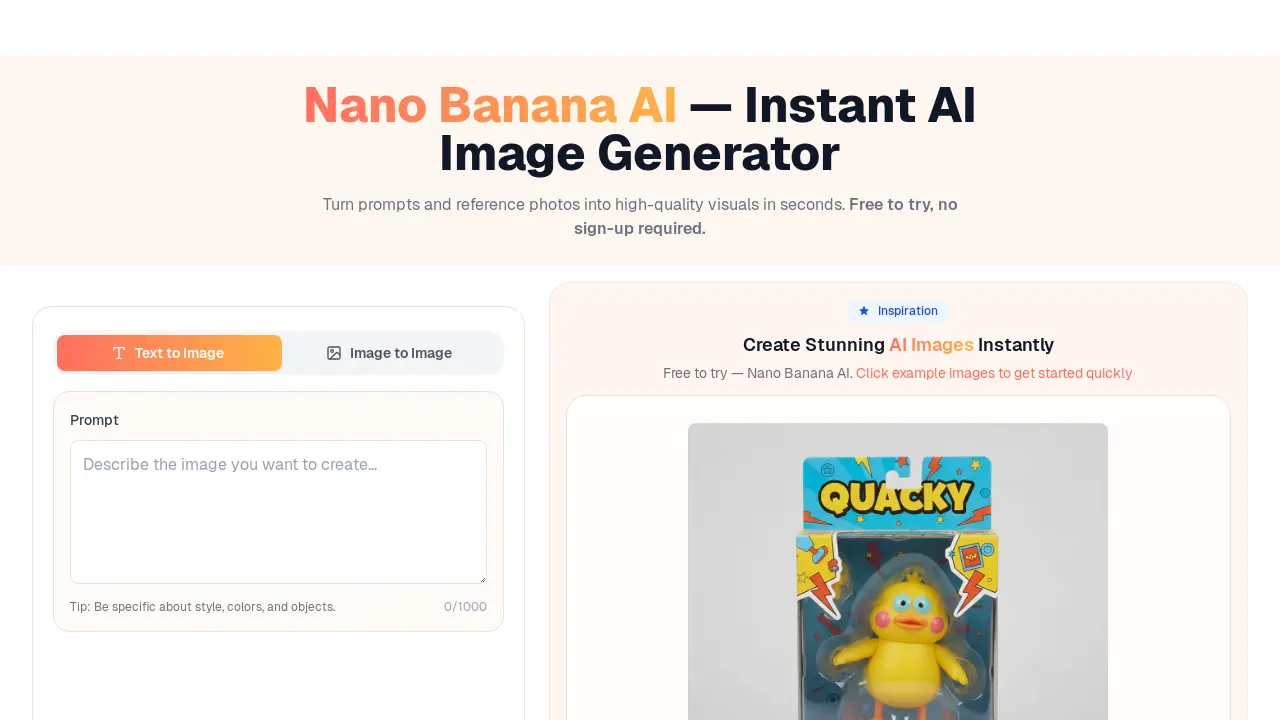
Nano Banana AI is an online AI Image Generator and AI Image Editor that facilitates the rapid conversion of text prompts or reference photos into high-quality visual outputs. This platform is designed for instant AI image generation, offering tools for both creation and refinement.
How does one begin using Nano Banana AI?
To commence using Nano Banana AI, users can either input a descriptive text prompt or upload a reference photograph, subsequently clicking "Generate." The integrated editor allows for further modifications by enabling users to edit photos with text, for instance, by adding specific effects like a "soft glow" or altering the "background white."
Is Nano Banana AI a free service?
Yes, Nano Banana AI offers a free tier with daily usage limits. For users requiring higher resolution outputs, increased batch sizes, or the removal of watermarks, an upgrade option is available. This allows users to experience the nano banana ai tool without initial commitment.
What distinguishes text-to-image from image-to-image functionalities?
Text-to-image functionality within Nano Banana AI involves generating visuals solely from a written description or prompt. Conversely, image-to-image transforms an uploaded photograph, utilizing it as a foundational element while adhering to user-provided instructions for modification. This provides distinct approaches for creative control.
Are the images generated by Nano Banana AI permissible for commercial use?
Yes, images generated using Nano Banana AI are suitable for both personal and commercial applications. Users are advised to review and adhere to the platform's acceptable-use and safety guidelines to ensure compliance. This makes Nano Banana AI a viable option for various professional projects.
What image sizes and aspect ratios does Nano Banana AI support?
Nano Banana AI supports common aspect ratios including 1:1, 3:4, 4:3, 16:9, and 9:16, providing flexibility for diverse output requirements. The platform is capable of producing high-resolution images across these specified dimensions, catering to various visual content needs.
Is advanced technical skill required to refine image outputs with Nano Banana AI?
No, advanced technical skills are not a prerequisite for refining outputs with Nano Banana AI. The AI Image Editor is designed to be text-driven, allowing users to make adjustments to lighting, colors, objects, and overall style by simply describing the desired changes through text prompts.
Does Nano Banana AI retain user-generated images?
Nano Banana AI retains minimal data necessary for the operational functioning of its service. Users have the option to toggle the public/private status of their generated images at any time. Further details regarding data retention and privacy practices can be found in the platform's Privacy Policy.
What are some advanced control features available in Nano Banana AI?
Nano Banana AI offers fine-grained controls to enhance output consistency and quality. These include parameters such as strength, guidance, aspect ratio (1:1, 3:4, 4:3, 16:9, 9:16), seed values for reproducibility, and variation controls, allowing for precise creative adjustments.
Can Nano Banana AI generate multiple image variations simultaneously?
Yes, Nano Banana AI supports batch variations and smart rerolls. This feature allows users to generate multiple candidate images concurrently, facilitating rapid comparison of different styles and enabling efficient rerolling of the closest match to achieve desired visual outcomes with the nano banana ai model.
How to use Nano Banana AI
Nano Banana AI is an instant AI image generator and editor that transforms text prompts or reference photos into high-quality visuals. It supports text-to-image and image-to-image functionalities, allowing users to create new images or refine existing ones with textual instructions. This free AI tool facilitates rapid image generation and editing for various creative and commercial applications.
- To begin, navigate to the Nano Banana AI interface. Users can either input a detailed text prompt into the designated field to generate an image from scratch.
- Alternatively, upload a reference photo if the objective is to transform an existing image. This initiates an image-to-image editing process.
- Specify desired parameters such as aspect ratio (1:1, 3:4, 4:3, 16:9, 9:16) and generation strength to influence the output.
- Click "Generate Image" to activate the AI. The tool will process the input and display results within seconds, leveraging its ultra-low-latency generation capabilities.
- Review the generated AI images. If further refinement is needed, utilize the AI Image Editor by entering textual commands to modify elements like lighting, colors, or objects.
- For advanced users, explore features such as batch variations or smart rerolls to compare different stylistic options or achieve more consistent outputs.
- Once satisfied with the results, the high-quality, commercial-ready images can be downloaded for use in e-commerce, marketing, or social media.
- Consider enabling the "Public" option if you wish for your AI-generated image to be discoverable in the platform's explore section, contributing to community inspiration.
