
Image to Image AI FAQs
This AI-powered platform transforms images using advanced models, offering artistic variations, professional edits, and high-resolution outputs for creators and businesses.

FAQs of Image to Image AI
What tools are included in the Image to Image AI platform?
The Image to Image AI platform integrates five distinct tools: the core Image to Image AI for transforming photos, a Text to Image generator, an AI Image Editor, an AI Image Upscaler, and an Image to Prompt analysis tool. These tools collectively provide a comprehensive suite for digital image manipulation and creation.
How do users choose between Image to Image AI and Text to Image functionalities?
Users should select Image to Image AI when the goal is to modify or transform an existing photograph. Conversely, Text to Image is utilized for generating entirely new visuals based on textual descriptions. Image to Image AI is particularly effective when a source image serves as the foundation for creative alterations.
What capabilities does the AI Image Editor offer beyond manual editing?
The AI Image Editor provides advanced functionalities such as precise object removal, seamless background replacement, and intelligent modifications to various image elements. It integrates with the Image to Image AI, facilitating comprehensive editing workflows that surpass the capabilities of traditional manual editing methods.
How effective is the AI Image Upscaler for achieving print quality?
The AI Image Upscaler is designed to enhance image resolution up to 4K without compromising quality. This feature is particularly beneficial for upscaling results from Image to Image AI transformations, ensuring they meet the necessary resolution and clarity for professional print applications.
What is the utility of Image to Prompt analysis for creators?
Image to Prompt analysis serves to reverse-engineer images into detailed text descriptions or prompts. This tool is valuable for creators who wish to recreate specific visual styles using Image to Image AI or to gain a deeper understanding of the compositional elements within an image.
What are the typical processing speeds for each tool on the platform?
Processing speeds vary by tool: Image to Image AI transformations generally complete within 10-15 seconds. Text to Image generation typically takes 15-25 seconds, while AI image editing operations require 10-20 seconds. Image upscaling is the most time-consuming, usually completing within 20-30 seconds.
Does the platform offer commercial licensing for generated content?
Yes, all content generated through paid plans on the Image to Image AI platform includes commercial rights. This allows users to utilize outputs from the Image to Image AI and other integrated tools for business or commercial purposes without any legal restrictions.
What file formats and sizes are supported for uploads and outputs?
The platform supports a wide range of input file formats, including JPG, PNG, WebP, HEIC, and GIF, with a maximum file size of 50MB and up to 8K resolution. Image to Image AI specifically outputs high-quality JPG and PNG formats, suitable for various applications.
How does the credit system function across the various tools?
The credit system allocates varying credit costs per operation: Image to Image AI transformations typically consume 5-10 credits, Text to Image generation uses 8-15 credits, AI editing operations require 6-12 credits, and upscaling costs 10-20 credits. Free accounts are provided with a monthly allocation of credits.
Is it possible to integrate multiple tools within a single creative workflow?
Yes, the platform is designed to facilitate seamless integration of its tools within a single workflow. Users can generate images with Text to Image, refine them using Image to Image AI, edit them further with the AI Editor, and then upscale them for print quality, creating a cohesive and efficient creative process.
What is the primary function of Image to Image AI?
The Image to Image AI primarily functions to transform existing photographs into diverse artistic styles or variations. It intelligently preserves key elements of the original image while applying desired modifications, allowing users to convert photos into stunning art.
What is the maximum resolution for image uploads?
The platform supports image uploads with a maximum resolution of 4096x4096 pixels, accommodating high-resolution source images for detailed transformations and edits using the Image to Image AI and other tools.
How to use Image to Image AI
Image to Image AI facilitates the transformation of existing photographs into diverse artistic styles and variations using advanced artificial intelligence. This platform also offers tools for text-to-image generation, AI-powered image editing, image upscaling, and image-to-prompt analysis, streamlining creative workflows for users seeking enhanced visual content.
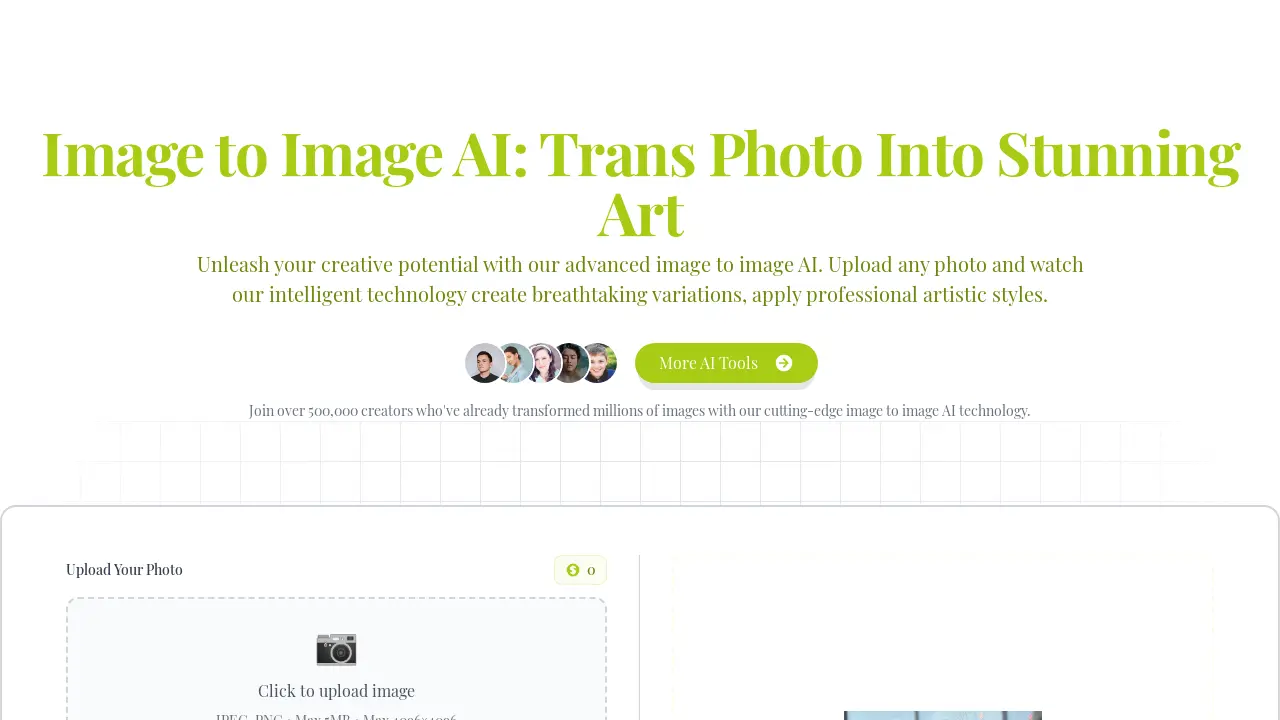
- Upload a photo, artwork, or design by clicking the "Click to upload image" area; the Image to Image AI accepts various formats.
- Input specific transformation instructions into the "Edit Instructions" field, describing your desired changes for the image to image AI.
- Select the preferred aspect ratio for the output image, ensuring it aligns with your creative vision.
- Initiate the image generation process by clicking "Generate Image," utilizing the platform's image to image AI capabilities.
- Review the transformed image, which will reflect the applied artistic styles or variations from the image to image AI.
- Download your high-resolution, professionally transformed image for commercial use, social media, or printing applications.
