
Qwen Image 2 FAQs
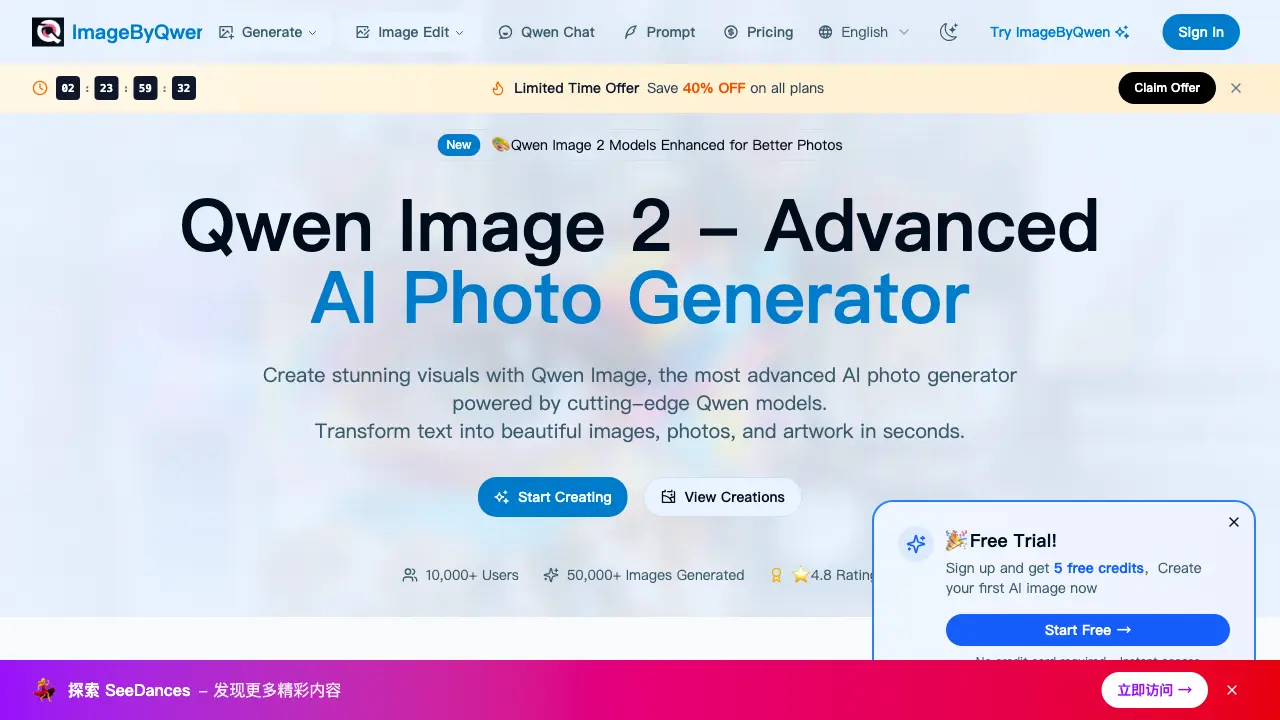
Qwen Image 2 AI photo generator creates photorealistic images from text in seconds using advanced Qwen models for high-resolution, professional photos.

FAQs of Qwen Image 2
What is Qwen Image 2 and how does this AI photo generator work?
Qwen Image 2 is an advanced AI photo generator that uses cutting-edge Qwen models to create photorealistic images and stunning photos from text descriptions. Users simply describe their photo idea, and the AI photo generator creates high-quality results in seconds by processing the input through optimized neural networks.
What types of photos can I create with Qwen Image?
Users can create virtually any type of photo with this AI photo generator, including realistic portraits, landscapes, artistic images, product shots, architectural visuals, and creative concepts. Qwen Image 2 excels at photorealistic generation across diverse styles, making it suitable for professional and personal projects.
How long does it take for the AI photo generator to create images?
Most photos are generated within 3-5 seconds using Qwen Image 2, with processing time depending on image complexity and server demand. The optimized Qwen models ensure rapid photo creation without compromising on output quality or detail.
Can I use Qwen Image 2 generated photos commercially?
Yes, photos generated with Qwen Image 2 can be used for commercial purposes. Users retain full rights to use, modify, and distribute the images for both personal and business projects, including marketing materials, publications, and digital content.
What makes Qwen Image 2 different from other AI photo generators?
Qwen Image 2 leverages state-of-the-art Qwen models that demonstrate superior contextual understanding and generate highly detailed, realistic photos. The AI photo generator combines this advanced technology with an intuitive interface, enabling professional-quality results for users of all skill levels.
Do I need photography skills to use Qwen Image 2 AI photo generator?
No photography skills are required. Qwen Image 2 is designed for accessibility, allowing users to create professional photos by describing their vision in natural language. The AI photo generator handles technical aspects automatically, eliminating the need for prior photography knowledge.
What are the pricing plans for Qwen Image 2?
Qwen Image 2 offers multiple subscription tiers, including a limited-time promotion with 40% off all plans. Options range from free access with basic features to Pro plans that include unlimited daily generations, 4K resolution, no watermarks, and priority processing. Detailed pricing and plan comparisons are available on the official website.
What resolution and watermark options are available?
Output resolution and watermarks depend on the subscription plan. Pro subscribers receive 4K resolution images without watermarks, suitable for high-resolution displays and print. Free or basic tier users may receive lower-resolution images with watermarks, ideal for casual, non-commercial use.
Can I edit images generated by Qwen Image 2?
Qwen Image 2 includes editing capabilities, allowing users to modify generated images through additional text prompts. Features include adjusting specific elements, changing styles, expanding canvases with outpainting, and refining details via inpainting. The editing functions utilize the same advanced Qwen models to maintain visual consistency.
Are there daily limits on image generation?
Daily generation limits vary by subscription plan. Pro subscribers enjoy unlimited daily creations, while free or basic accounts typically face daily quotas. These limits manage server resources and encourage upgrades for users requiring higher volume or advanced features.
Do I need to create an account to use Qwen Image 2?
Yes, an account is required to access Qwen Image 2. Users must register and log in via email or social media to generate images, save creations to a personal gallery, track history, and manage subscription settings. The login system ensures personalized access to all AI photo generator features.
How to use Qwen Image 2
Qwen Image 2 is an AI-powered photo generator that creates visual content from textual descriptions. Its primary function is to transform user-provided text prompts into photorealistic or stylized images using advanced Qwen models. The tool offers multiple style options, configurable image dimensions, and high-resolution output, including a 4K mode for subscribed users. It serves photographers, designers, and content creators requiring custom visuals without traditional photography or graphic design skills.
- Navigate to the official Qwen Image 2 website and authenticate via the login portal to access the core AI photo generator interface.
- Locate the primary text input field labeled for an image description and articulate the desired visual scene with specific, clear details.
- Select an appropriate artistic style from the available dropdown menu, such as photorealistic, portrait, or landscape, to guide the AI's aesthetic output.
- Choose the desired output resolution or aspect ratio from the size configuration options to meet project-specific dimensional requirements.
- Click the "Create Image" or "Ready to Create" button to submit the prompt and parameters to the Qwen image processing pipeline.
- Wait for the system to process the request; generation typically completes within a few seconds, as indicated by the platform's average speed metrics.
- Examine the generated image result displayed in the preview pane, assessing its alignment with the original prompt and compositional quality.
- If the initial output is unsatisfactory, refine the text prompt with more precise language or adjust the selected style and regenerate a new version.
- Upon achieving a satisfactory result, utilize the provided download option to save the high-resolution AI-generated photo to your local device.
- Apply the downloaded image directly to presentations, marketing materials, digital content, or other creative projects as permitted by the license.
- For frequent or commercial use, consider upgrading to a Pro plan to unlock features like 4K resolution, priority processing, and unlimited daily generations.
- Explore the community gallery on the platform to discover additional prompt examples and stylistic inspiration for future AI photo generation tasks.
