
FrontendAI FAQs
Speed up your frontend development with Frontend AI. Simply describe what you want or upload an image, preview your component, and get ready-to-use code. No login required! Try it now.

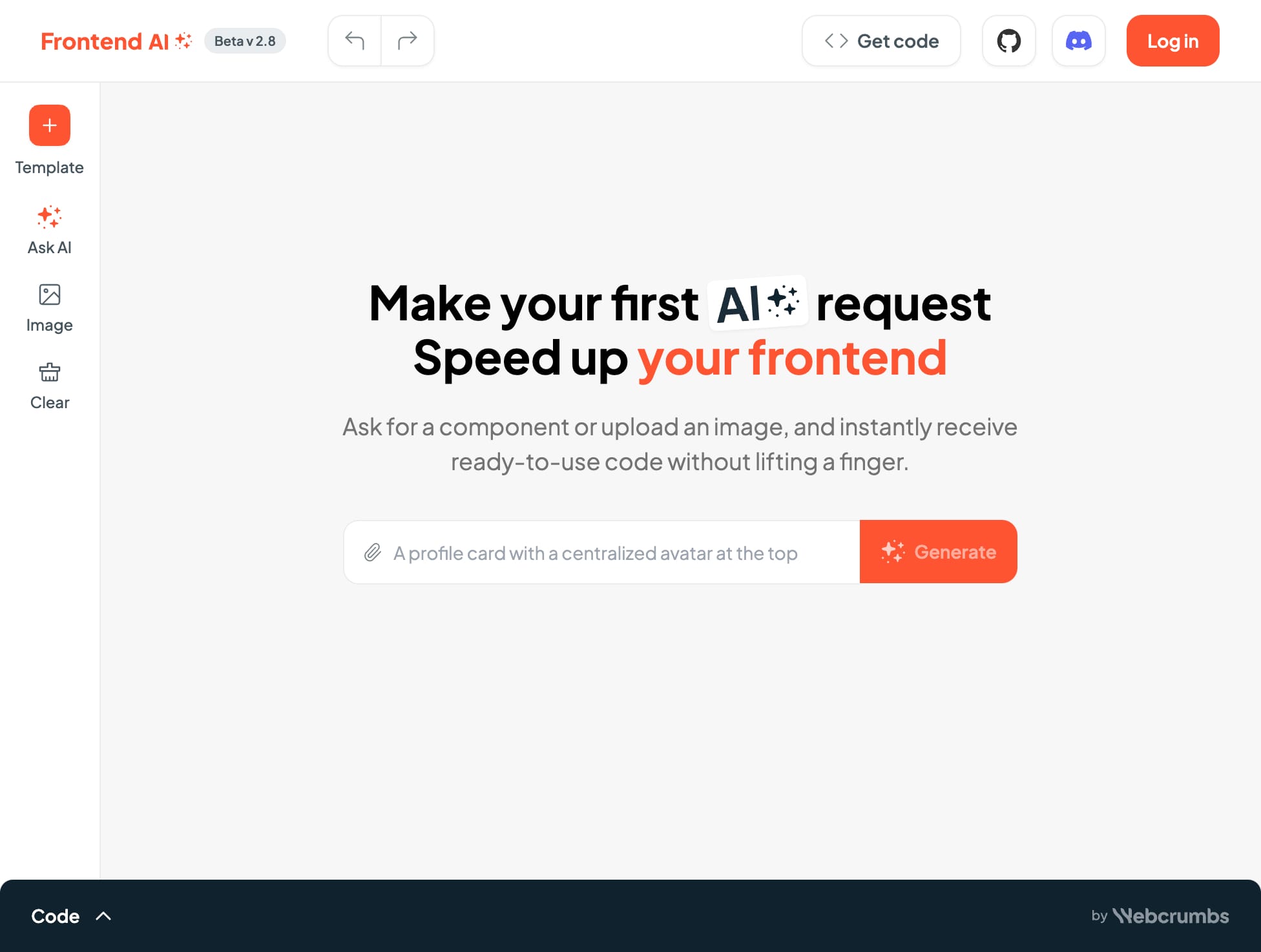
FAQs of FrontendAI
What is FrontendAI?
FrontendAI is a tool for frontend developers that helps you generate code quickly and efficiently. It uses an image to AI to create the code for your component, whether it is a button, a card, or anything else.
How does FrontendAI work?
You can either upload an image of the component you want to create or use one of the templates. FrontendAI will then generate the code for you in a variety of formats, including HTML, CSS, and JavaScript. You can also customize the code by changing the colors, fonts, and other settings.
What are the benefits of using FrontendAI?
FrontendAI is a great way to save time and effort when developing your website. You can quickly create components that would otherwise take you hours to code, allowing you to focus on more creative aspects of your project.
How is FrontendAI different from other similar tools?
FrontendAI is unique in that it uses AI to generate code from images. This makes it a powerful tool for creating custom components that are not readily available as pre-built elements.
How can I use FrontendAI?
You can use FrontendAI for any of your frontend development projects. For example, you can use it to create landing pages, dashboards, and more.
What is the best way to get started with FrontendAI?
The easiest way to get started with FrontendAI is to upload an image of the component you want to create. Once you have uploaded an image, FrontendAI will automatically generate the code for you. You can then customize the code to your liking.
How to use FrontendAI
FrontendAI generates frontend code from text descriptions or image uploads. It supports various frameworks like React, and offers code previews.
Input a component description or upload an image depicting the desired UI element.
Select the preferred CSS framework (e.g., Material UI, Bootstrap). This influences the generated code.
FrontendAI processes your input, generating the corresponding HTML, CSS, and JSX code.
Review the generated code within the integrated code editor. The CSS section might be non-editable.
Integrate the generated code into your project. Utilize the preview feature for visual confirmation before integration.
