
Flux2 Pro FAQs
This AI image generator and editor creates 4K visuals, relights scenes, and publishes on-brand assets faster for various digital campaigns, supporting complex image transformations.

FAQs of Flux2 Pro
What is Flux2 Pro?
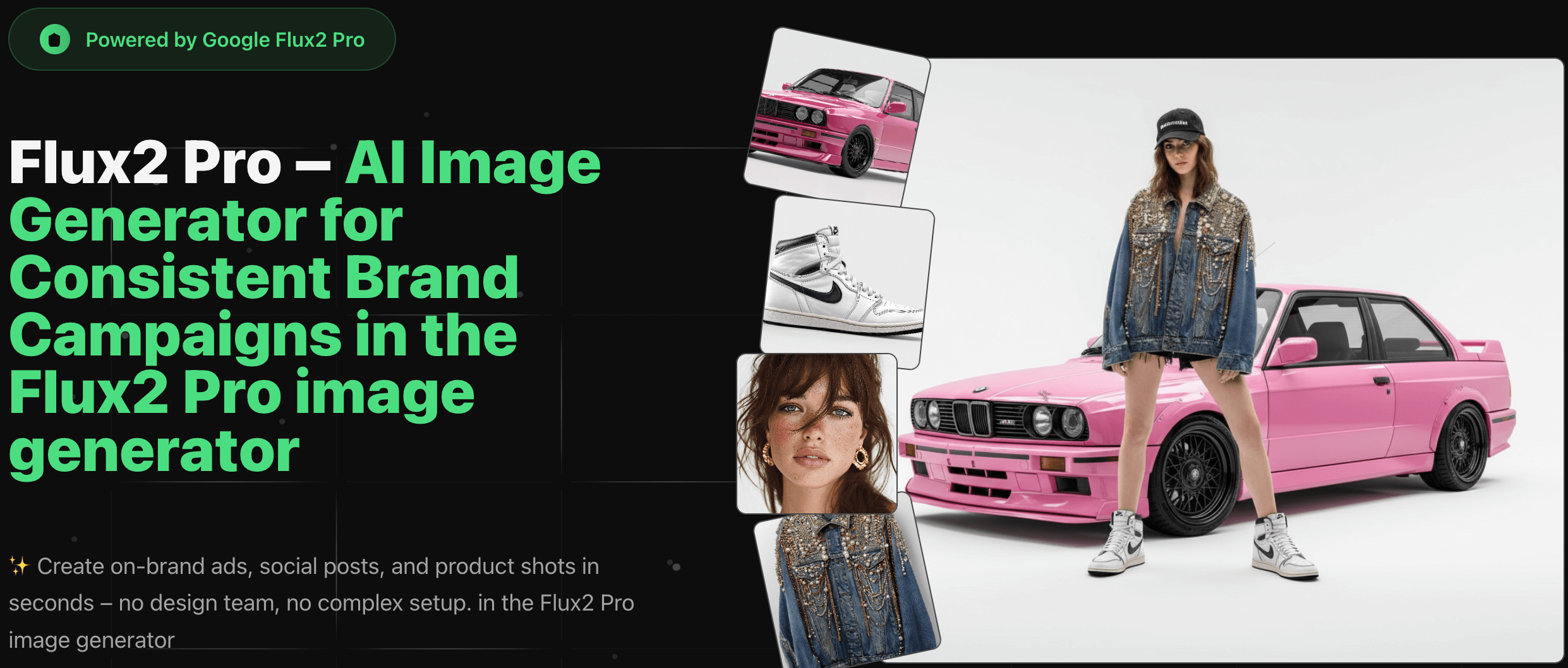
Flux2 Pro is an AI-powered image generator and editor designed to create and modify images rapidly. It allows users to generate on-brand ads, social posts, and product shots without requiring a design team or complex setup. The platform is powered by FLUX by Black Forest Labs.
What resolution can Flux2 Pro generate?
Flux2 Pro generates images natively at a 2K resolution. Users have the option to upscale these images to 4K for hero visuals and print-style assets. The Ultra mode targets resolutions up to approximately 4 megapixels, ensuring sharpness across desktop, mobile, and large-format displays.
Which Flux2 Pro model should users choose?
For production-ready assets with superior text rendering, character consistency, and overall quality, Flux2 Pro is recommended. Flux2 Pro Dev is suitable for prompt exploration, layout testing, or non-commercial experiments. When speed is the primary concern for fast drafts or multiple variations, Flux2 Pro Schnell is the preferred choice.
Can existing images be edited or refined using Flux2 Pro?
Yes, Flux2 Pro allows users to edit and refine existing images, whether uploaded or previously generated. Features like Fill mode support inpainting and outpainting, while Depth or Canny modes facilitate structure-guided edits. Redux mode is available for style-preserving variations that maintain the original layout.
Is commercial use permitted for images created with Flux2 Pro?
Images generated with Flux2 Pro under eligible plans are generally permitted for commercial use in projects like ads, social campaigns, and product visuals. Users must adhere to the Terms of Service and the underlying model provider’s policies. Flux2 Pro Dev is intended for non-commercial use. Specific licensing details are available on the pricing and licensing page.
How are credits consumed and billed in Flux2 Pro?
Credits are consumed for each generation, upscale, and advanced edit performed within Flux2 Pro. The specific credit cost for each mode is displayed within the application, with a comprehensive breakdown available on the pricing page. Users are only billed for successful generations, as failed jobs are automatically refunded.
Are user uploads private on Flux2 Pro?
Flux2 Pro prioritizes user privacy. Uploaded images and prompts are solely used to process user requests and deliver results within their accounts. The platform does not sell user data or utilize content to train its own models without explicit consent. Further details regarding data retention and logging by infrastructure providers are outlined in the Privacy Policy on flux2pro.dev.
Does Flux2 Pro offer support for teams or API access?
Currently, Flux2 Pro primarily focuses on its web application experience. For users requiring team workspaces, shared credit pools, or API access for automation, the platform encourages reaching out to discuss specific use cases. This feedback helps prioritize upcoming features and early-access programs for potential team and API integrations.
How can users obtain help or ask a question regarding Flux2 Pro?
For any inquiries concerning models, credits, or licensing, users can contact the Flux2 Pro support team at support@flux2pro.dev. When contacting support, it is recommended to include the account email, a concise description of the issue, and any relevant screenshots to facilitate faster assistance.
How to use Flux2 Pro
Flux2 Pro facilitates AI-powered image creation and editing, enabling users to generate on-brand visuals like ads and social posts rapidly without extensive design resources. The platform allows for intricate adjustments, character consistency, and stylistic transformations.
- Register or log in to the Flux2 Pro platform to access the image generation and editing interface.
- Upload up to twelve reference images by dragging and dropping them into the designated area.
- Input a natural-language prompt describing the desired look, mood, or specific edits, such as lighting adjustments or style conversions.
- Initiate the generation process; Flux2 Pro will create preliminary image previews based on your inputs.
- Review the generated images; refine your prompts or settings as needed for optimal results.
- Download the final, watermark-free images for immediate use in your projects or campaigns.
