
Flux AI FAQs
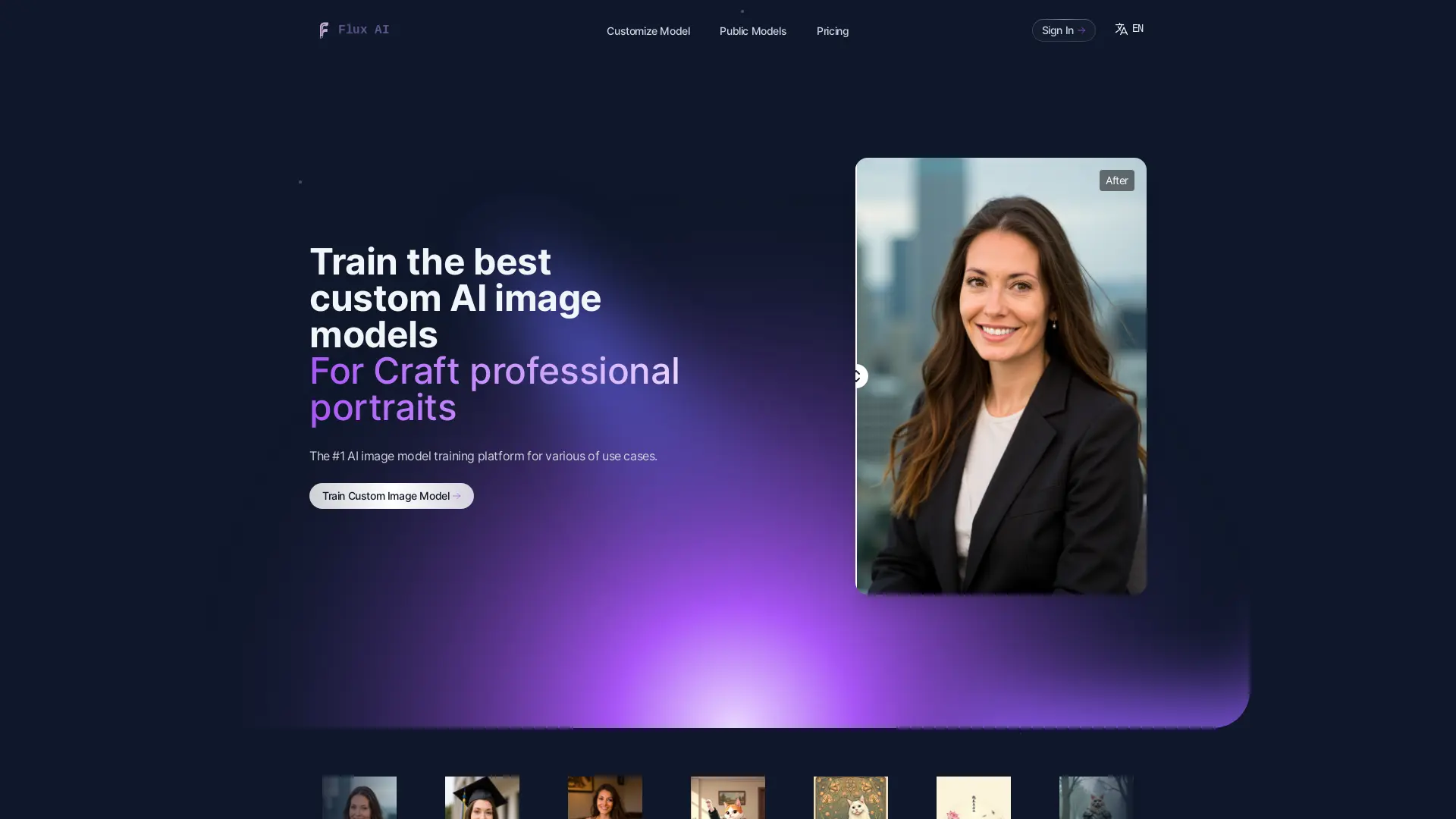
Create unique images with Flux AI's text-to-image generator or train a custom model with your own photos for personalized results.

FAQs of Flux AI
What is Flux AI?
Flux AI is an AI platform that offers various AI services, including image generation, text-to-image, and image-to-image transformation.
How does AI image generation work?
AI image generation utilizes deep learning models trained on extensive datasets of images. When you provide a text description or prompt, the AI interprets it and generates an image that aligns with your description.
What are custom models?
Custom models are user-defined models created using your own images, enabling you to generate images in different styles based on your specific requirements.
What if I'm not satisfied with the generated images?
If you're dissatisfied with a generated image, you can regenerate it with a modified prompt. Flux AI's prompt optimization feature can assist you in refining your descriptions for improved results.
Do I need any technical skills to use this AI image creation tool?
No, Flux AI is designed to be user-friendly and accessible to everyone, regardless of technical expertise. Simply describe your desired image, and the AI will handle the rest. However, as you gain familiarity with the tool, you can fine-tune your prompts for enhanced results.
Can I cancel my subscription at any time?
Yes, you can cancel your subscription at any time. Your access to the service will continue until the end of your current billing period. We don't offer refunds for partial months, but you can utilize the service until your paid period ends.
Is my data safe when using this AI image creation service?
We prioritize data privacy and security. All uploaded images and generated content are encrypted both in transit and at rest. Your personal data and generated images are used solely for providing our service to you.
Do you use my images for training?
We do not use user-generated images for training our AI models. All images are processed on your device, and you have the right to delete them at any time.
Can I get a refund?
We cannot provide refunds for used services. The costs associated with AI model creation and photo generation are substantial and incurred immediately upon use. Our upstream providers do not allow refunds for GPU processing time, making refunds unsustainable for our business. By signing up, you agreed to these terms. However, you can cancel your subscription at any time to prevent future charges. Your subscription will remain active until the end of the current billing period.
How to use Flux AI
- Begin by uploading 10 or more high-quality images to the Flux AI platform. These images should showcase your subject from various angles and poses for optimal model training. Ensure the images are diverse in lighting and style.
- Flux AI's AI algorithms analyze the uploaded images to create a custom image model tailored to your specific subject. This process usually takes approximately 30 minutes to complete. The completion time depends on image quantity and quality.
- Once the custom model is trained, use it to generate new images. Experiment with different prompts and parameters to achieve your desired results and style. You can generate unlimited images using your trained model.
- Review the generated images and assess their quality. If needed, refine your prompts or upload additional images to further enhance the model’s performance and generate even better Flux AI images. Iterative improvement is key.
- Download the images in your preferred format, such as PNG or JPG, and utilize them for your intended purpose. This could be for personal use, product showcases, or commercial applications depending on your chosen plan. Consider your commercial use rights.
