
Filator FAQs
This platform provides over 500 reliable tools for image editing, PDF management, QR codes, and more, offering fast, secure, and free access without signup.

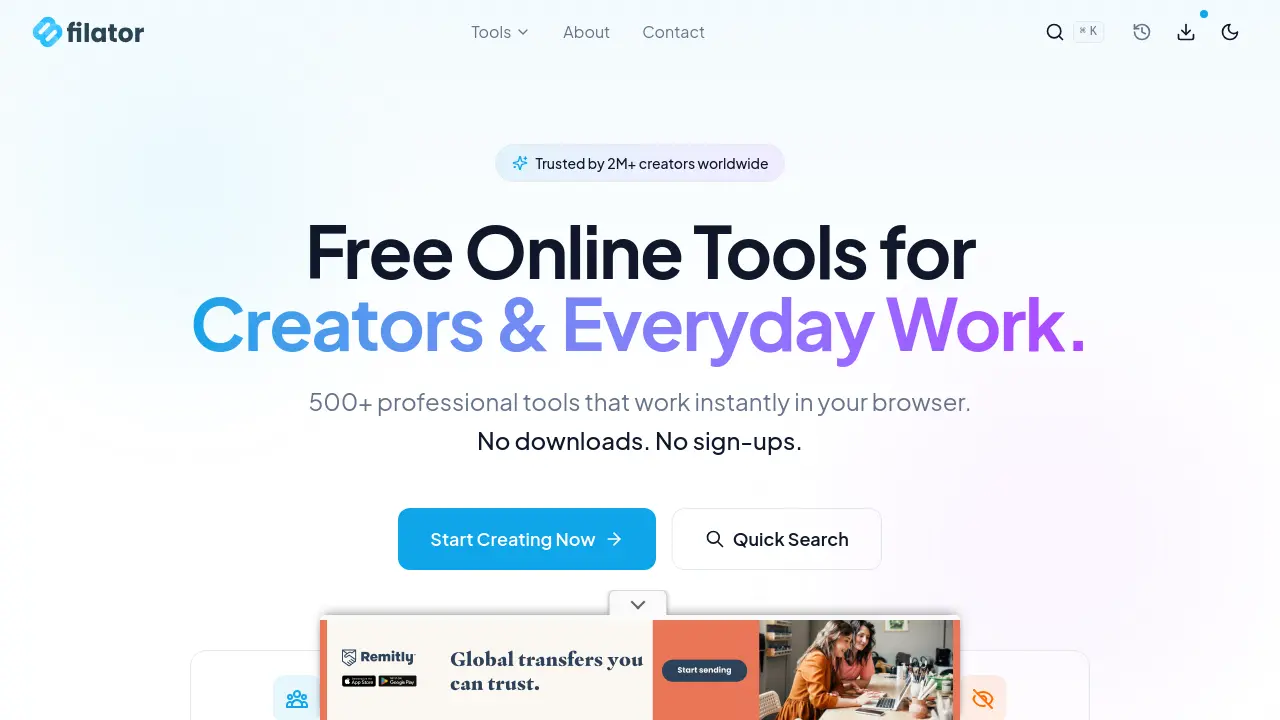
FAQs of Filator
What is Filator?
Filator provides over 500 free online tools designed for creators and professionals. These tools, accessible directly in a browser without downloads or sign-ups, cover categories such as AI, business, social media, image, text, developer, PDF, and calculators, streamlining various digital tasks for enhanced productivity.
What types of tools does Filator offer?
Filator offers a diverse range of over 500 professional tools, including AI tools like content and email rewriters, business tools such as invoice and email signature generators, social media tools, image converters, text manipulation utilities, developer tools for JSON and Base64, PDF handlers, various calculators, security tools like password generators, color tools, and web tools for SEO. The platform consistently adds new tools to its collection.
Is Filator truly free to use?
Yes, Filator is 100% free forever, providing unlimited access to all its features and tools without any hidden costs, premium gates, or trial periods. Users can utilize any tool as many times as needed, ensuring accessibility for all professionals.
Does Filator require registration or sign-up?
No, Filator does not require any sign-up or login. Users can instantly access and begin using any of the 500+ tools directly in their browser, making the platform exceptionally convenient and efficient for immediate use.
How does Filator ensure user data privacy?
Filator prioritizes user data privacy by processing all files and data directly in the user's browser using client-side WebAssembly technology. This means sensitive information never leaves the device or is uploaded to external servers, ensuring no data collection or retention and adhering to GDPR compliance.
What are the advantages of using Filator compared to other online tool platforms?
Filator stands out by offering over 500 tools compared to the typical 10-50 found on other platforms, requiring no sign-up, and imposing no usage or file size limits. It provides free batch processing, minimal ads, and guarantees 100% local data processing, offering a superior, privacy-focused experience.
Can Filator tools be used for professional-grade work?
Yes, Filator tools are built for professionals, offering high-resolution and lossless quality outputs suitable for professional use across various formats. The platform aims to provide professional-grade functionality comparable to premium software, making it reliable for diverse tasks from design to development.
How to use Filator
Filator offers a comprehensive suite of over 500 free online tools, providing instant, browser-based solutions for creators and professionals. These filatori tools span various categories, including AI, business, social media, image, text, developer, PDF, and calculator functionalities, without requiring downloads or sign-ups.
- Navigate to the Filator website at filator.com to access the extensive collection of tools.
- Utilize the "Quick Search" bar or browse through categories like "AI Tools" or "Developer Tools" to locate the desired functionality.
- Click "Use Tool" next to the chosen filator utility; for example, select the "AI Content Rewriter" or "Invoice Generator."
- Input the necessary data or content into the tool's interface, such as text for rewriting or details for an invoice.
- Initiate the process; the tool will perform its function directly in your browser.
- Review the output and export the results in the required format, leveraging the tool's professional quality and unlimited usage.
