
Faktor - Autofill 2FA Codes for Chrome | GetFaktor
| Added on: | Jun 25, 2024 |
| Monthly Visits: | 1.04K |
| Social & Email: | -- |

What is Faktor
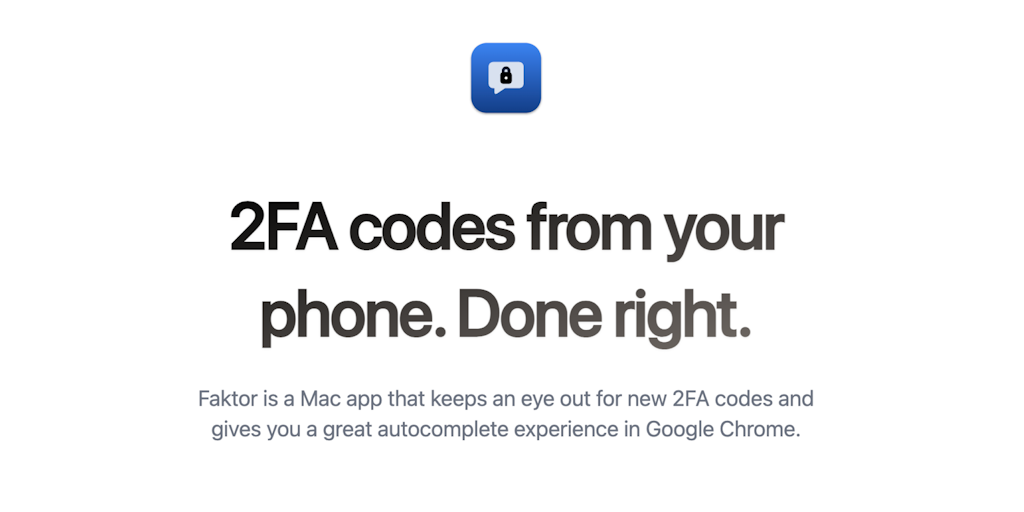
Faktor is a small Mac app that helps you with two-factor authentication, specifically by autocompleting 2FA codes in Google Chrome. It's aimed at users who get tired of constantly having to copy and paste these codes from their authenticator app. Faktor is designed to make this process much smoother by automatically filling in the 2FA codes when you need them, saving you time and effort. The app achieves this by using a combination of desktop notifications and system-wide integration to make sure it can access the right code at the right time.
Core Features of Faktor
Autocomplete 2FA codes in Google Chrome
Faktor is a Mac app that automatically completes 2FA codes in Google Chrome.
Integrates with popular 2FA apps
Faktor works with Google Authenticator, Authy, and other 2FA apps.
Secure and private
Faktor doesn't store your 2FA codes and only uses them to complete authentication.
Easy to use
Faktor is easy to install and configure, and it's designed to be user-friendly.
Free to use
Faktor is a free application, so users can use all the features without paying.
FAQs of Faktor
What is Faktor?
Faktor is a small Mac app that helps you autocomplete 2FA codes in Google Chrome.
How does Faktor work?
Faktor uses a simple approach. It copies the 2FA code from your clipboard and automatically fills it into the 2FA field in Google Chrome.
How does Faktor benefit me?
Faktor saves you time and frustration by automating the process of entering 2FA codes. This can be especially helpful if you use many different websites and apps that require 2FA.
How do I use Faktor?
- Install Faktor on your Mac.
- Open Google Chrome.
- When prompted for a 2FA code, copy the code from your authenticator app.
- Faktor will automatically fill in the code for you.
How is Faktor different from other 2FA autocomplete solutions?
Faktor is designed specifically for Google Chrome and is simple to use. Other solutions may require you to install extensions, configure settings, or use more complex workarounds.
What is the cost of Faktor?
You can download and use Faktor for free, and there is a paid version for advanced features.
What is the future of Faktor?
Faktor is under active development, and there are plans to add support for other browsers in the future.
Faktor Website Traffic Analysis
Latest traffic information
- Monthly Visits1.04K
- Bounce Rate44.33%
- Pages Per Visit1.95
- Visit Duration00:01:39
- Global Rank12.5M
- Country/Region Ranking3.79M
Visits Over Time
Top Keywords
| Keyword | Traffic | Volume | Cost Per Click |
|---|---|---|---|
| faktor | -- | 6.48K | $0.64 |
Top Regions
| Region | Percentage |
|---|---|
| United States | 100% |
