
Faktor FAQs
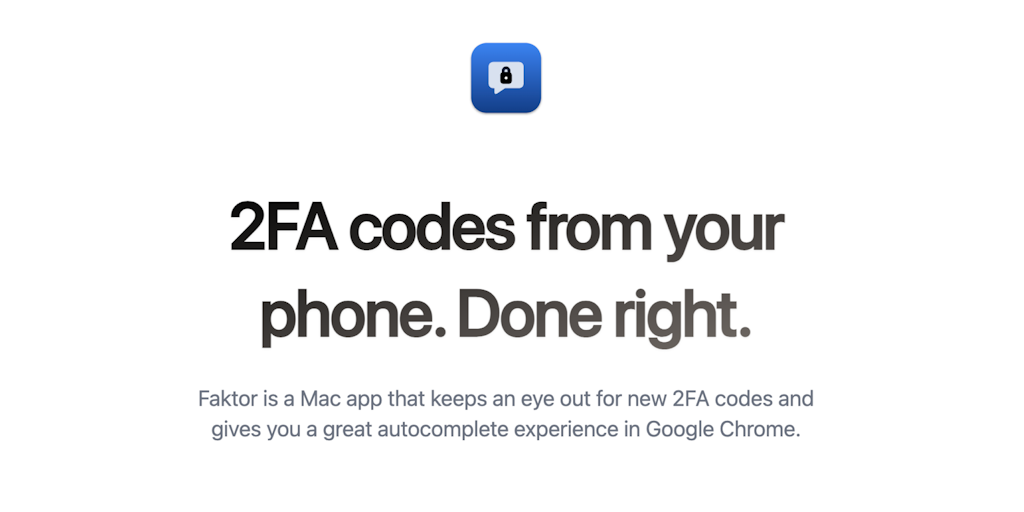
Introducing Faktor, a macOS app that brings Safari's beloved 2FA code autofill feature to Google Chrome. Never switch between apps again. Get Faktor now!

FAQs of Faktor
What is Faktor?
Faktor is a small Mac app that helps you autocomplete 2FA codes in Google Chrome.
How does Faktor work?
Faktor uses a simple approach. It copies the 2FA code from your clipboard and automatically fills it into the 2FA field in Google Chrome.
How does Faktor benefit me?
Faktor saves you time and frustration by automating the process of entering 2FA codes. This can be especially helpful if you use many different websites and apps that require 2FA.
How do I use Faktor?
- Install Faktor on your Mac.
- Open Google Chrome.
- When prompted for a 2FA code, copy the code from your authenticator app.
- Faktor will automatically fill in the code for you.
How is Faktor different from other 2FA autocomplete solutions?
Faktor is designed specifically for Google Chrome and is simple to use. Other solutions may require you to install extensions, configure settings, or use more complex workarounds.
What is the cost of Faktor?
You can download and use Faktor for free, and there is a paid version for advanced features.
What is the future of Faktor?
Faktor is under active development, and there are plans to add support for other browsers in the future.
