
EZ-Estimates FAQs
EZ-Estimates uses AI to generate line-item quotes, manage change orders, and collect e-signatures, helping contractors build professional estimates in under 60 seconds.

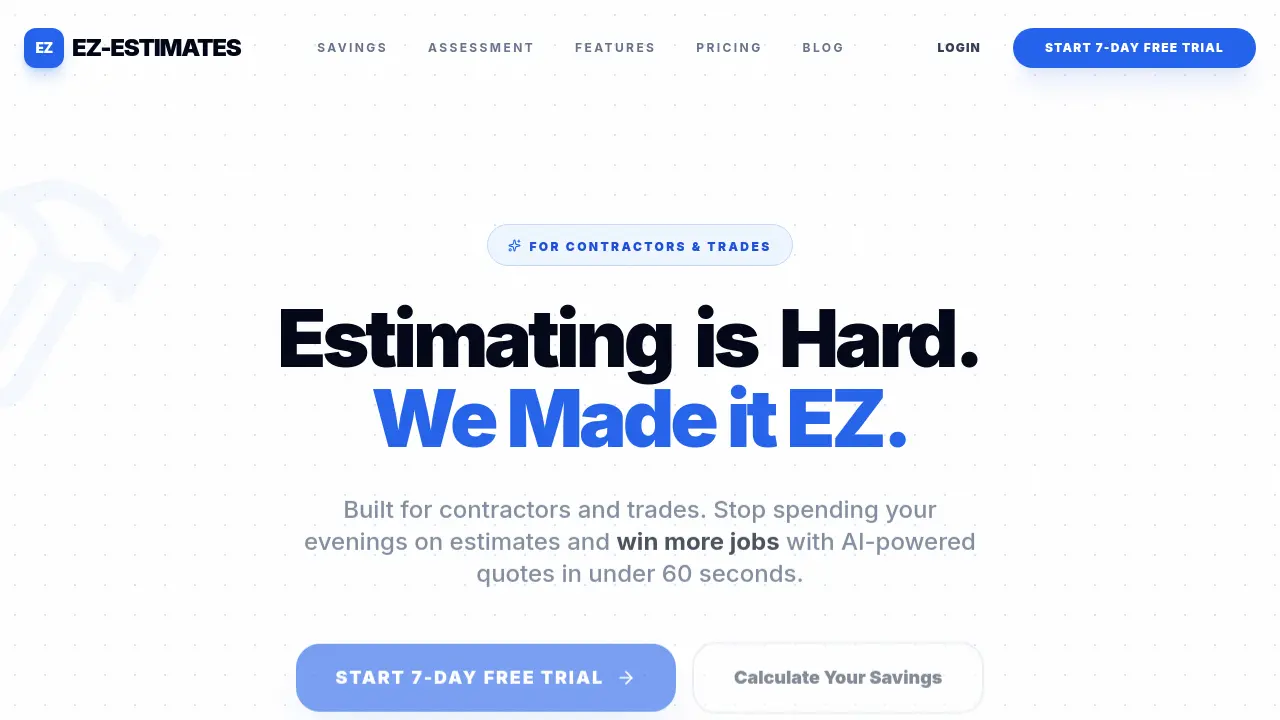
FAQs of EZ-Estimates
What is EZ-Estimates?
EZ-Estimates is an AI-powered software solution designed specifically for contractors and tradespeople to streamline the estimating process. It enables users to generate professional, detailed quotes in under 60 seconds by describing projects verbally or in writing, eliminating the need for complex spreadsheets and manual calculations.
How does the Voice to Estimate feature work?
The Voice to Estimate feature allows contractors to open EZ-Estimates on their phone, tap the microphone, and describe the project as if speaking to their foreman. The AI then converts this spoken description into a fully detailed estimate, including materials, labor, line items, and markup. This process typically takes under 60 seconds from start to finish.
What is EZ-Takeoff™ Vision and how does it help with estimating?
EZ-Takeoff™ Vision is a blueprint-to-quote feature that eliminates manual scaling. It uses AI pattern recognition to automatically identify walls, rooms, and fixtures on technical drawings. The system detects repeated elements like outlets and windows across multiple pages, then generates an instant bill of materials (BOM) with measurements directly synced to your estimate, applying waste factors automatically based on your trade.
How does EZ-Mapping™ work for measuring properties?
EZ-Mapping™ integrates directly with Google Maps Platform to pull high-resolution satellite data for any address. Contractors can click vertices on the map to get instant surface area and linear measurements for roofs, driveways, and land. This feature reduces travel requirements by approximately 95% and eliminates field measurement errors.
What is the Client Chat Widget and how does it generate leads?
The Client Chat Widget is an AI-powered chatbot that can be embedded on your website with a single line of code. It qualifies leads by budget, books appointments directly to your calendar, and provides instant ballpark pricing. The widget filters out "tire kickers" by requiring budget range input before scheduling, ensuring you only visit homes where the budget matches the scope.
How does the Interactive Quotes feature increase contract values?
Interactive Quotes allow clients to view optional upgrades and material choices directly within the quote, with prices updating in real-time as they make selections. This feature typically increases contract values by 15% on average by eliminating "what if" emails and empowering clients to customize their projects within their budget. It also eliminates change orders for material swaps.
What payment processing options are available?
EZ-Estimates integrates with Stripe to enable secure payment processing directly through client portals. Features include bank-level security (PCI-DSS Level 1 certified), direct payouts via Stripe with optional instant transfers, and the ability to collect deposits (typically 30%) and progress payments. Clients can pay invoices through their branded portal, and all transactions are encrypted end-to-end.
What does the 7-day free trial include?
The 7-day free trial provides full access to EZ-Estimates' features without requiring a credit card. Users can test all functionality including the AI estimator, takeoff tools, mapping features, payment processing, and client portal. The trial allows contractors to experience the time savings and efficiency improvements before committing to a paid plan.
How much does EZ-Estimates cost?
EZ-Estimates offers three pricing tiers: Solo Pro at $99/month (unlimited AI quotes, digital signatures, client portal, mobile app), Contractor Pro at $199/month (includes Profit Guard audits, change orders, time & labor tracking, auto Gantt-scheduling, 5 team member seats), and Ultimate Pro at $299/month (adds client chat widget, custom AI training, 20 team member seats, priority 24/7 support). The company claims one job typically covers the entire year's subscription cost.
How to use EZ-Estimates
- Visit the EZ-Estimates website and click "Start 7-Day Free Trial" to create an account.
- Select your trade and describe a recent project to familiarize yourself with the platform.
- Use the voice-to-estimate feature by tapping the microphone and describing the project details.
- Review the AI-generated estimate, including materials, labor, and line items.
- Send the professional branded PDF to your client directly from the platform.
- Explore additional features like EZ-Takeoff for blueprint analysis and EZ-Mapping for satellite measurements.
- Utilize the client portal to manage estimates, collect payments via Stripe, and track project progress.
- Take advantage of the AI marketing tools to generate content and attract more leads to your business.
