
Coda One Core Features
Coda One provides over 100 free online tools including AI writing humanizer, detector, rewriter, PDF merge and convert, image compress and edit, and developer utilities with no signup required.

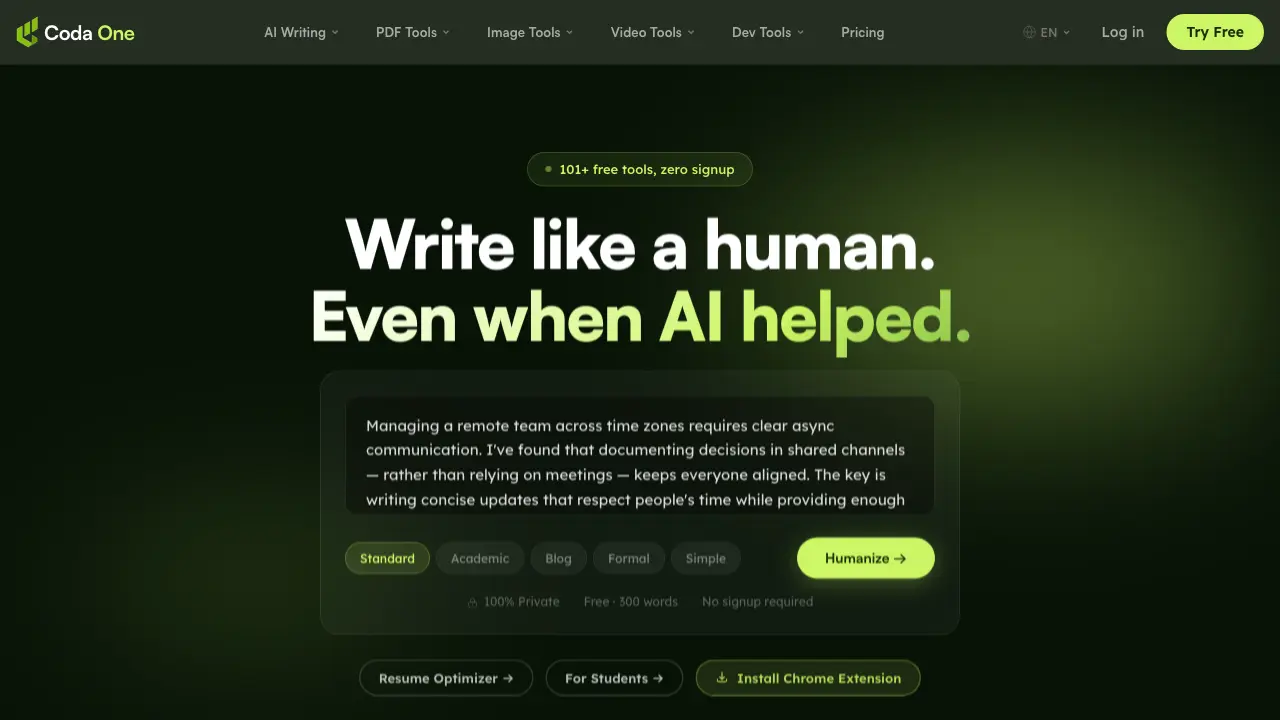
Core Features of Coda One
AI Humanizer
Transforms AI-generated text into natural, human-sounding content that bypasses major detectors. Offers 9 writing modes while preserving original meaning.
AI Detector
Checks text for AI patterns using statistical models. Provides instant, unlimited analysis without requiring signup or API costs.
AI Rewriter
Paraphrases content in 8 different modes. Helps restructure text while maintaining the core message and improving readability.
PDF Tools
Provides 12 browser-based tools for merging, splitting, compressing, and converting PDFs. Processes files locally without server uploads.
Image Tools
Offers 9 tools for compressing, resizing, removing backgrounds, and converting images. All processing happens in-browser for privacy.
Video Tools
Includes subtitle generation, audio-to-text conversion, YouTube summarization, and video compression. Helps with video content management and accessibility.
Developer Tools
Features 14 tools including CSV/JSON conversion, JWT decoding, timestamp handling, and case conversion. All tools run locally in the browser.
Text to Speech
Converts written text into natural-sounding audio. Supports multiple languages and voices for accessibility and content creation.
Grammar Checker
Reviews text for grammatical errors, punctuation issues, and style improvements. Helps enhance writing quality and clarity.
Essay Writer
Assists in creating structured essays on various topics. Provides outlines, introductions, body paragraphs, and conclusions.
Resume Optimizer
Helps create professional resumes by suggesting improvements, formatting, and content optimization for better job application success.
Email Writer
Generates professional email drafts for various purposes. Includes templates for business communication, follow-ups, and formal correspondence.
Story Generator
Creates original stories based on prompts or themes. Helps with creative writing, brainstorming, and content ideation.
PDF to Word Converter
Converts PDF documents to editable Word format. Preserves formatting while enabling easy editing of converted content.
PDF to JPG Converter
Extracts pages from PDFs and saves them as high-quality JPG images. Useful for sharing specific content or creating image-based documents.
Compress PDF
Reduces PDF file sizes while maintaining quality. Optimizes documents for easier sharing and storage without significant quality loss.
Merge PDF
Combines multiple PDF files into a single document. Preserves the order and structure of merged content.
Split PDF
Divides PDF files into smaller sections based on pages or bookmarks. Helps organize large documents into manageable parts.
Remove Background
Automatically removes backgrounds from images using AI. Creates transparent or solid-color backgrounds for professional-looking results.
Image Compressor
Reduces image file sizes while maintaining visual quality. Optimizes images for web use and faster loading times.
Image to Text (OCR)
Extracts text from images using optical character recognition. Converts scanned documents, screenshots, and photos into editable text.
JSON Formatter
Formats and validates JSON data for better readability. Helps debug and structure JSON code for web development.
JWT Decoder
Decodes and verifies JSON Web Tokens. Helps understand token contents and validate authentication credentials.
CSV to JSON Converter
Converts CSV data to JSON format. Facilitates data migration and integration between different systems and applications.
Password Generator
Creates strong, random passwords for enhanced security. Generates passwords with customizable length and character requirements.
Use Cases of Coda One
- Students: Enhance academic writing by using AI Humanizer to make essays sound natural and bypass plagiarism detectors.
- Content Creators: Quickly transform AI-generated drafts into human-like text using multiple writing modes for different platforms.
- Developers: Utilize browser-based PDF and image tools to process files without uploading sensitive data to external servers.
- Researchers: Check AI-generated research summaries with the free AI Detector before submission to ensure originality.
- Remote Teams: Improve asynchronous communication by using AI tools to create clear, concise updates across time zones.
