
Coda One FAQs
Coda One provides over 100 free online tools including AI writing humanizer, detector, rewriter, PDF merge and convert, image compress and edit, and developer utilities with no signup required.

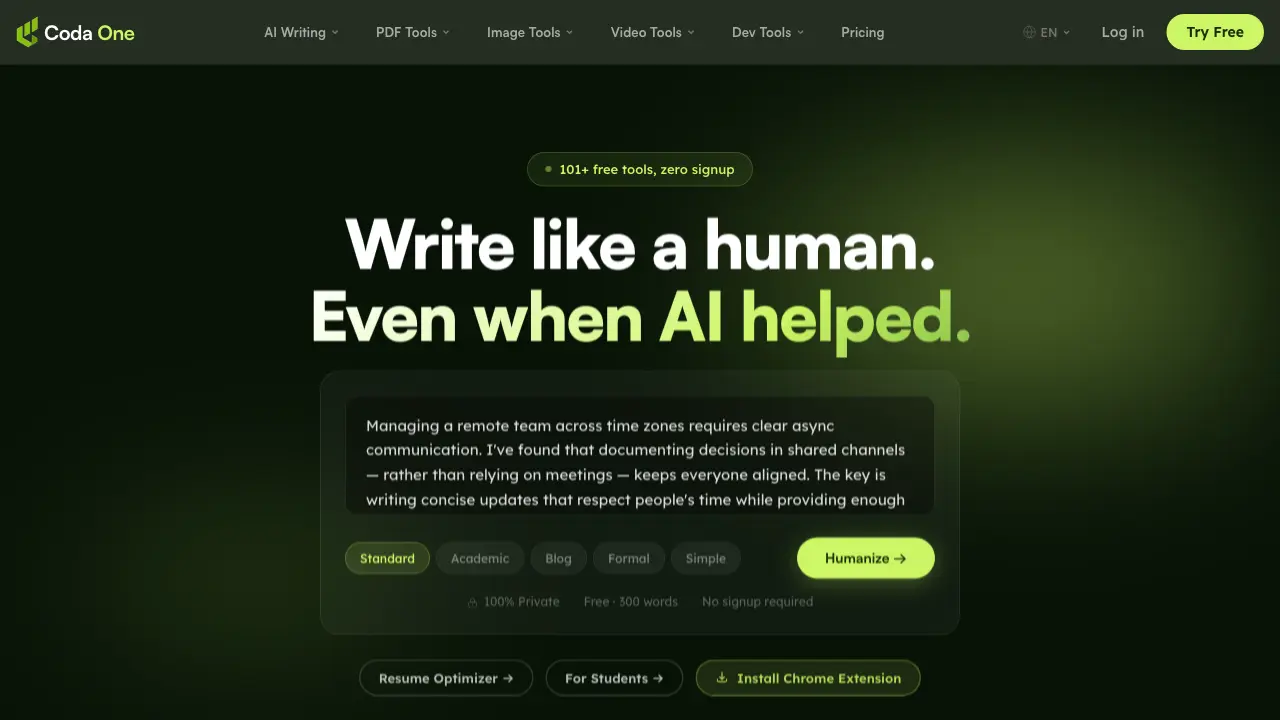
FAQs of Coda One
What is Coda One?
Coda One is a comprehensive suite of over 101 free AI-powered tools designed to assist with writing, PDF management, image editing, video processing, and development tasks. All tools are browser-based, ensuring your data remains private and secure without requiring any signup or installation.
How does the AI Humanizer tool work?
The AI Humanizer tool transforms AI-generated text into natural, human-sounding content that can bypass major AI detectors like GPTZero and Turnitin. It offers nine writing modes to match different contexts and preserves the original meaning while changing the writing style to sound more authentic.
Is Coda One really free to use?
Yes, Coda One offers many tools completely free with no signup required. PDF tools, image tools, and developer tools are unlimited and free forever. AI writing tools offer 3 free uses per day without requiring a credit card. Premium plans are available for users needing higher word limits or additional features.
How does Coda One protect my privacy?
Coda One prioritizes user privacy by processing all PDF and image tools directly in your browser using WebAssembly. Your files never touch their servers, ensuring complete data privacy. The platform requires no signup for most tools, and no data leaves your device during processing.
What types of tools are available on Coda One?
Coda One offers tools across four main categories: AI Writing (humanizer, detector, rewriter, grammar checker, summarizer), PDF Tools (merge, split, compress, convert), Image Tools (compress, remove background, resize), and Developer Tools (JSON formatter, JWT decoder, regex tester). They also offer video tools and specialized AI scenarios.
How to use Coda One
- Navigate to the Coda One website and locate the AI Humanizer tool in the AI Writing section.
- Copy and paste your AI-generated text into the provided text box on the Humanizer page.
- Select a writing mode that best suits your content, such as Standard, Academic, or Blog.
- Click the "Humanize" button to process your text; the tool will transform it to sound more natural.
- Review the humanized text output, which will be less detectable by AI detection tools.
- Use the AI Detector tool to verify the humanized text's detectability score, aiming for below 30%.
- If needed, adjust the writing mode or repeat the process until you achieve the desired human-like quality.
