
ClickGuardian FAQs
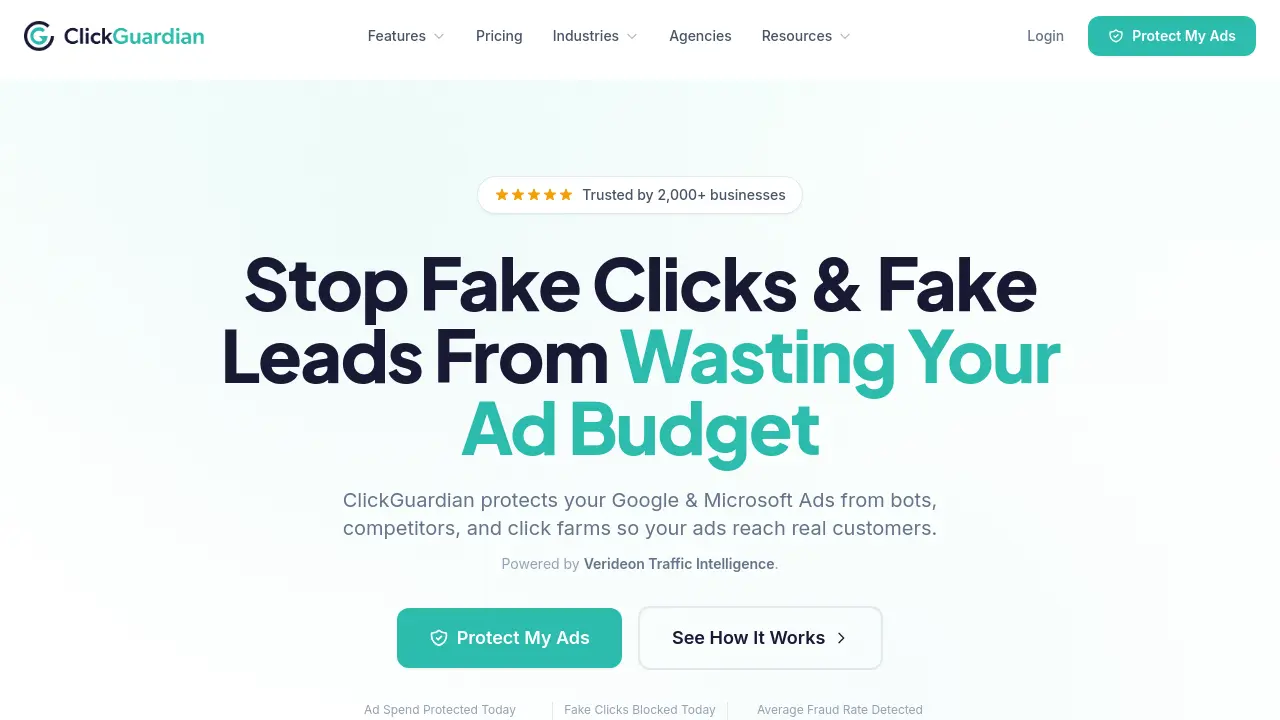
ClickGuardian is an AI-powered fraud detection platform that protects Google and Microsoft Ads from fake clicks, bots, and competitors, saving your ad budget.

FAQs of ClickGuardian
What is ClickGuardian?
ClickGuardian is an AI-powered click fraud protection service that monitors and blocks invalid traffic from bots, competitors, and click farms targeting your Google Ads and Microsoft Ads campaigns. The platform uses machine learning and over 100 data points to identify fraudulent activity in real-time, automatically blocking fake clicks before they waste your advertising budget.
How does ClickGuardian work?
ClickGuardian analyzes every visitor coming from your paid ads using sophisticated AI detection systems. The platform examines behavior patterns, device fingerprints, IP addresses, VPN/proxy usage, and click timing to identify fraudulent activity. When suspicious traffic is detected, it's automatically blocked and excluded from your campaigns in real-time, ensuring your ads reach genuine potential customers instead of bots or competitors.
How long does setup take?
Most businesses are fully protected within 5 minutes. Setup involves connecting your Google Ads or Microsoft Ads account and adding a small tracking script to your website using simple copy-paste instructions. No technical knowledge or coding experience is required to get started.
What platforms does ClickGuardian support?
ClickGuardian currently protects Google Ads and Microsoft Ads campaigns. The platform provides a unified dashboard to monitor and protect all your paid advertising campaigns across these major platforms. Meta Ads (Facebook and Instagram) support is coming soon to the platform.
Can I cancel anytime?
Yes, ClickGuardian offers flexible monthly subscriptions with no long-term contracts. You can cancel your subscription at any time and won't be charged for the next billing period. All plans include a 7-day free trial so you can test the service before committing.
How much money does ClickGuardian save businesses?
The average business loses approximately $1,000 per month to click fraud, which amounts to over $12,000 annually in wasted ad budget. ClickGuardian users typically achieve a 5-7x return on investment through fraud prevention and budget savings. Your actual savings will depend on your industry, ad spend, and the current level of fraudulent activity affecting your campaigns.
What makes ClickGuardian different from Google's built-in protections?
While Google Ads automatically filters some invalid traffic, ClickGuardian provides additional protection layers that analyze deeper behavioral patterns. Google's systems are designed to protect the advertising ecosystem as a whole, while ClickGuardian is specifically designed to protect your individual advertising budget with real-time monitoring, detailed analytics, and advertiser-level protection through continuous traffic intelligence.
How does ClickGuardian detect fake clicks?
ClickGuardian uses AI and machine learning to analyze over 100 data points per click, including IP addresses, device fingerprints, behavioral patterns, VPN and proxy detection, click timing, network signals, and repeated click patterns across campaigns. This multi-layered approach identifies sophisticated fraud that humans might miss, including bot networks, click farms, competitor activity, and proxy traffic.
Is ClickGuardian suitable for my industry?
ClickGuardian serves over 2,000 businesses across various industries that rely heavily on paid advertising for leads. The platform is particularly effective for high-CPC industries like legal services, personal injury law, plumbing, HVAC, roofing, restoration services, locksmiths, and dentistry. The service includes industry-specific protection strategies tailored to the unique fraud patterns in each market vertical.
How to use ClickGuardian
- Begin by signing up for ClickGuardian on their website. This process takes just a few minutes and requires basic business information.
- Connect your Google Ads account to ClickGuardian. The tool will access your ad campaigns to monitor for suspicious activity.
- Add the ClickGuardian tracking code to your website. The provided instructions make this step easy, even for non-technical users.
- Configure your blocking rules based on your business needs. Decide how many clicks to allow from one IP before blocking and set geographic restrictions.
- Monitor your dashboard regularly. Review the real-time blocking feed to see threats being blocked as they happen.
- Use the analytics to understand your traffic quality. Identify which sources produce the most fraudulent clicks and adjust your advertising strategy.
- Review the monthly reports in your ClickGuardian dashboard. These show your blocked clicks, estimated savings, and return on investment.
- Adjust your ad spend strategies based on the insights. Focus your budget on legitimate traffic sources that produce real customers.
