
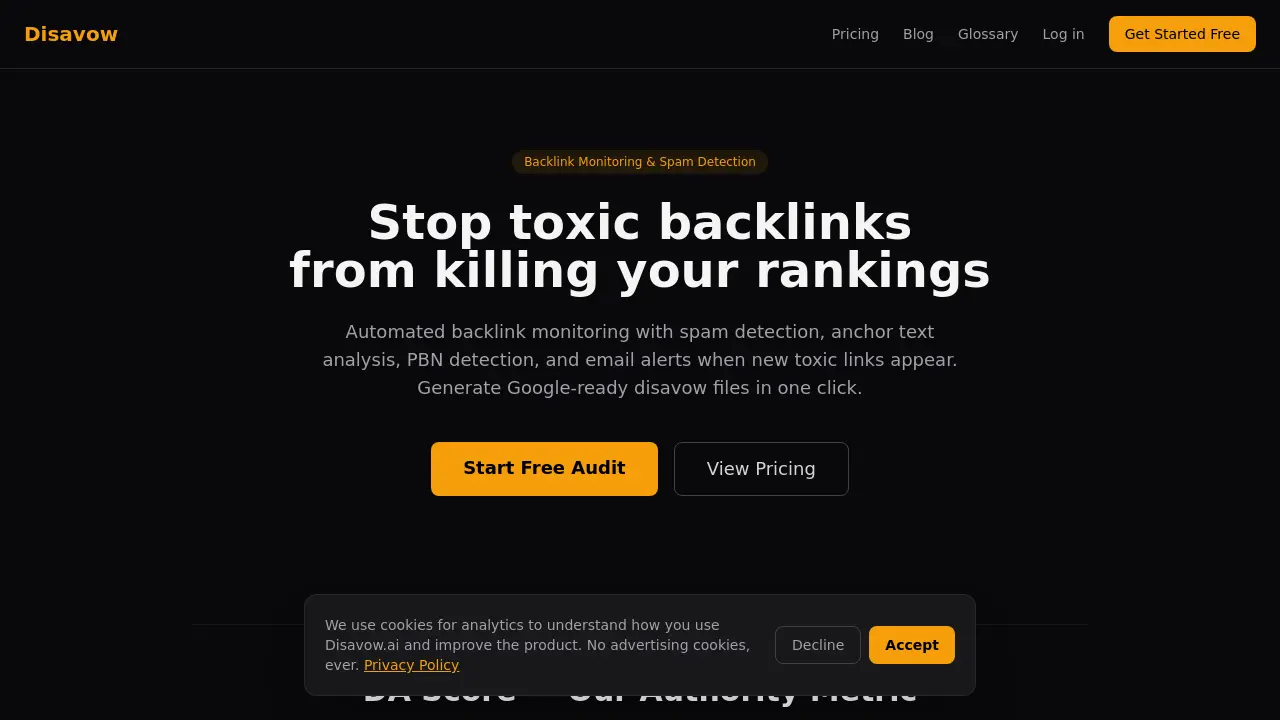
Disavow offers free backlink audit and toxic link detection.
| Added on: | Mar 29, 2026 |
| Monthly Visits: | -- |
| Social & Email: | -- |

What is Disavow
Disavow is an automated backlink monitoring tool designed to protect websites from toxic links that can harm search engine rankings. It features a Smart Risk Engine that analyzes backlinks through four layers of protection, including trusted domain shielding, pattern detection, composite scoring, and suspicious link flagging. The tool provides a proprietary DA Score to assess domain authority and offers comprehensive features such as new/lost alerts, anchor text analysis, PBN detection, trend tracking, page-level audits, and one-click disavow file generation for Google Search Console. With pricing plans ranging from free to enterprise levels, Disavow helps users maintain a clean backlink profile through regular automated scans and detailed reporting.
How does Disavow work
Disavow operates as an automated backlink monitoring and spam detection tool designed to protect websites from toxic backlinks that could harm search engine rankings. The platform employs a proprietary DA Score system that evaluates the trustworthiness of linking domains on a scale from 0 to 100, using multiple data sources to assess backlink strength, domain quality, spam signals, and web footprint. At its core is the Smart Risk Engine, which analyzes each backlink through four independent layers: Trusted Domain Shield, Pattern Detection, Composite Scoring, and Suspicious Link Classification. This multi-layered approach ensures accurate identification of harmful links while minimizing false positives. Users can monitor their backlink profiles, receive email alerts for new toxic links or lost good ones, analyze anchor text patterns, detect private blog networks through IP subnet clustering, and generate Google Search Console-ready disavow files with a single click. The system offers automated scanning schedules and provides detailed trend tracking to maintain backlink profile health over time.
Benefits of Disavow
Disavow offers comprehensive backlink monitoring and spam detection to protect your website's search rankings. Its Smart Risk Engine employs four layers of analysis—Trusted Domain Shield, Pattern Detection, Composite Scoring, and Suspicious Link Flagging—to accurately identify toxic backlinks while minimizing false positives. The tool provides a proprietary DA Score (0-100) based on multiple data sources to assess domain authority, helping users distinguish between trustworthy and harmful links. Features include automated scans, anchor text analysis, PBN detection, trend tracking, and one-click Google Search Console disavow file generation. With flexible pricing plans and email alerts for new or lost backlinks, Disavow ensures your backlink profile remains healthy and your site's SEO performance stays optimized.
Pros and Cons of Disavow
Pros
- Automated backlink monitoring.
- Smart Risk Engine with 4 layers of analysis.
- Generates Google-ready disavow files.
Cons
- Free plan limited to 15 backlinks.
- No advanced features in free tier.
- Pricing may be high for small sites.
Core Features of Disavow
Automated Backlink Monitoring
Continuously scans and analyzes backlinks, providing real-time alerts for new toxic links and changes in your backlink profile.
Spam Detection and Risk Classification
Utilizes a multi-layered Smart Risk Engine to identify and classify backlinks based on spam signals, authority scores, and patterns, minimizing false positives.
Anchor Text Analysis
Analyzes anchor text patterns to detect unnatural or manipulative linking practices that could harm search engine rankings.
PBN Detection
Identifies Private Blog Networks (PBNs) targeting your site by analyzing IP subnet clusters and linking patterns.
Disavow File Generation
Creates Google Search Console-ready disavow files with a single click, allowing you to easily remove toxic backlinks from Google's consideration.
DA Score Authority Metric
Provides a proprietary 0-100 Domain Authority score based on multiple data sources, offering a reliable measure of a domain's trustworthiness and potential impact.
Use Cases of Disavow
- SEO Professionals: Monitor backlink profiles and generate disavow files to protect client websites from toxic links.
- Website Owners: Detect and eliminate spam backlinks that could harm search engine rankings and organic traffic.
- Digital Marketing Agencies: Automate backlink audits across multiple client domains to identify and mitigate negative SEO attacks.
- E-commerce Sites: Track referring domains and anchor text patterns to prevent competitors from using spam tactics to undermine product page rankings.
- Content Publishers: Analyze page-level backlink data to identify which articles attract the most spam and take corrective action.
FAQs of Disavow
What is Disavow.ai?
Disavow.ai is an automated backlink monitoring and spam detection tool designed to help website owners protect their search engine rankings from toxic backlinks. It offers features like spam detection, anchor text analysis, PBN detection, and one-click Google Search Console disavow file generation.
How does Disavow.ai calculate the DA Score?
The DA Score is a proprietary 0-100 authority rating calculated from multiple independent data sources. These sources include backlink strength, referring domain quality, spam signals, and overall web footprint. The logarithmic scale ensures that differences between lower scores are more significant than those between higher scores, reflecting real-world domain authority.
What is the Smart Risk Engine?
The Smart Risk Engine is Disavow.ai's four-layer analysis system that runs every backlink through multiple independent checks before classification. It includes Trusted Domain Shield, Pattern Detection, Composite Scoring, and Suspicious Link Flagging. This multi-layered approach reduces false positives and ensures only truly toxic links are automatically flagged for disavowal.
How often should I audit my backlinks?
The frequency of backlink audits depends on your site's vulnerability. For competitive niches or sites that have experienced negative SEO, weekly scans are recommended. Most sites can maintain healthy backlink profiles with monthly scans. The Pro plan includes weekly automated scans to catch toxic links before they cause damage.
Will disavowing links hurt my rankings?
Only if you accidentally disavow good links. Disavow.ai's Smart Risk Engine minimizes this risk by using multiple verification layers before classifying links as toxic. The tool recommends only disavowing links classified as Toxic and manually reviewing Suspicious ones first. Good links that are mistakenly disavowed can be restored by editing your disavow file in Google Search Console.
What is included in the free plan?
The free plan allows you to scan and view your first 15 backlinks, with 2 scans per day. It includes spam scoring and risk classification but does not allow export of disavow files. This plan is ideal for testing the service or for very small websites with minimal backlink profiles.
How does PBN detection work?
PBN (Private Blog Network) detection uses IP subnet clustering to identify networks of sites that may be targeting your website. By analyzing the IP addresses and hosting patterns of referring domains, Disavow.ai can reveal interconnected networks that might be attempting to manipulate your backlink profile through coordinated link building.
What happens if I disavow a good link by mistake?
If you accidentally disavow a legitimate link, you can fix it by downloading your disavow file from Google Search Console, removing the domain you want to keep, and re-uploading the updated file. Google will begin counting that link again within a few weeks. This is why Disavow.ai recommends only disavowing Toxic links and manually checking Suspicious ones.
How is Disavow.ai different from other backlink tools?
Unlike other tools that provide basic spam scores, Disavow.ai offers a comprehensive Smart Risk Engine with four layers of analysis, proprietary DA scoring from multiple data sources, PBN detection through IP subnet clustering, and one-click disavow file generation. The tool focuses specifically on identifying and managing toxic backlinks rather than just tracking all backlinks.
Do I need a disavow file if I've never had one before?
Most website owners don't have existing disavow files, which is normal. If you've never submitted one to Google, Disavow.ai will create your first file from scratch based on toxic links it identifies. If you had previous SEO work done, you can check Google Search Console for existing disavow files and upload them to Disavow.ai for merging with new recommendations.
How to use Disavow
- Navigate to the Disavow.ai website and click on the "Get Started Free" button to create an account or log in if you already have one.
- Once logged in, input your website's URL to initiate the backlink audit process. The tool will begin scanning your site for backlinks.
- Review the generated report, which includes the DA Score for each linking domain, spam classification, and risk assessment using the Smart Risk Engine.
- Examine the backlink profile, focusing on toxic links identified by the tool. Use the provided metrics to understand the authority and potential harm of each link.
- Generate a Google-ready disavow file by selecting the toxic links you wish to disavow. Download the file and upload it to Google Search Console to inform Google to ignore these links.
Disavow Alternatives
Detect multi-accounting, account sharing and takeovers in web apps. ShieldLabs scores anonymous visitors with an explainable 0-100 risk score via API and webhooks.
Zens AI delivers account-aware AI customer support, turning user feedback into product work for SaaS teams via Codex, Linear, Slack, and GitHub.

ZocialComment exports comments from TikTok, Instagram, YouTube, Reddit, Facebook and Threads to CSV or JSON with AI analysis. No signup required.
Track how AI search engines and chatbots see your brand. Monitor visibility, competitor mentions, and recommendations across AI platforms.
AI Etsy research assistant for keyword discovery, product trends, and SEO optimization. Ask questions, get data-backed answers with confidence scores.
Linkeddit is an AI demand and competitor intelligence platform that tracks competitor moves and complaints, surfaces buyer intent from Reddit and review sites, and turns signal into pipeline and content.
Build and optimize your online store with Runner AI. Create storefronts by chatting with AI, run automatic tests, and scale conversions with autonomous optimization.
Analook uses AI to analyze any competitor's growth strategy, SEO, social media, traffic, and market positioning using 15+ real data sources for comprehensive competitive intelligence.
ClickGuardian is an AI-powered fraud detection platform that protects Google and Microsoft Ads from fake clicks, bots, and competitors, saving your ad budget.
This privacy-first web analytics tool tracks visitors and revenue in real time without cookies, offering GDPR-compliant insights with a sub-10KB script.
EZ-Estimates uses AI to generate line-item quotes, manage change orders, and collect e-signatures, helping contractors build professional estimates in under 60 seconds.
This white-label reputation management platform offers agencies unlimited clients, flat $99/month pricing, and AI-powered tools for review generation, reporting, and proof assets under their own brand.