
Autoname FAQs
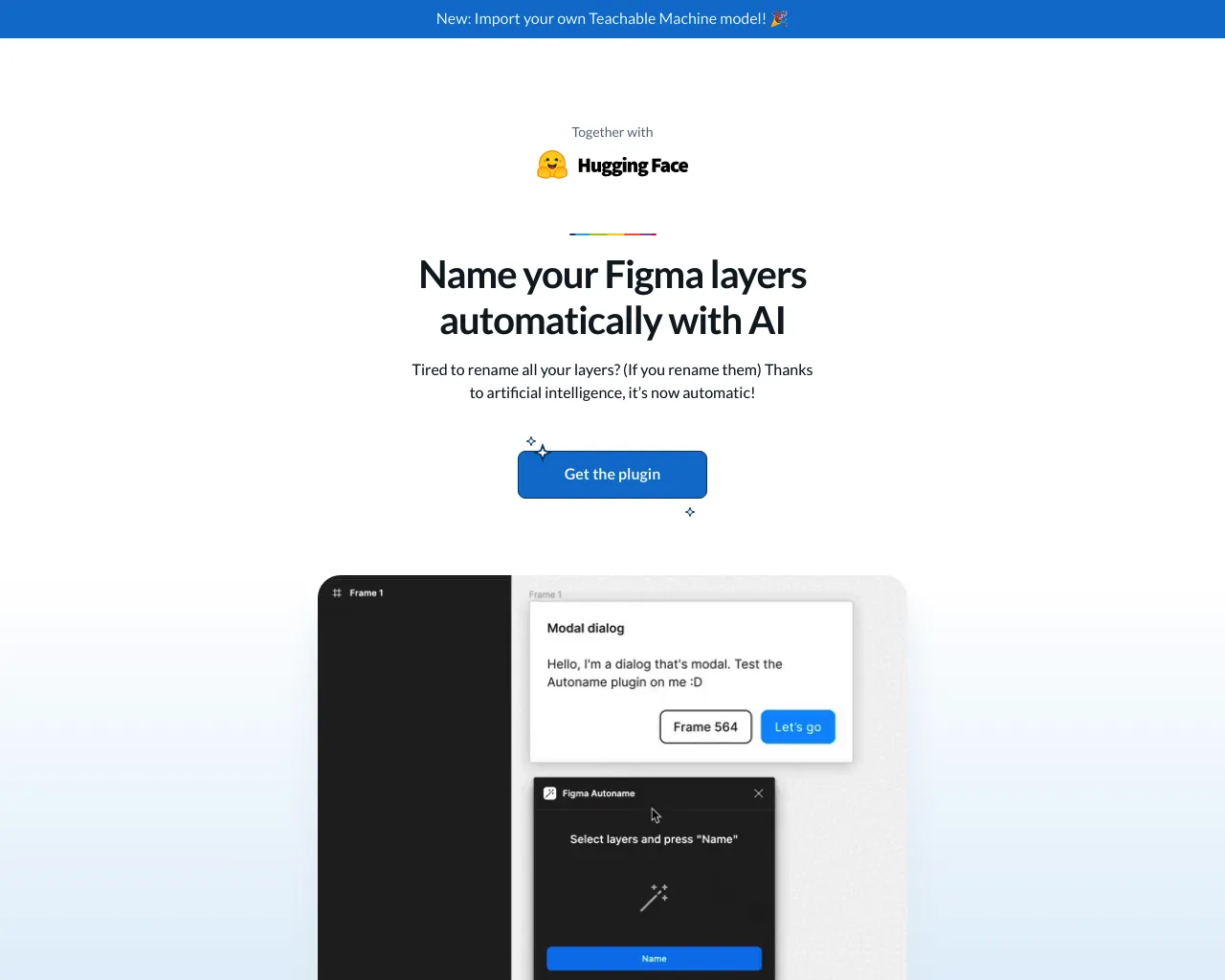
Figma AutoName is a plugin that automatically names layers and frames in Figma based on their content or position.

FAQs of Autoname
What is Autoname?
Autoname is a Figma plugin that helps you automatically name your design elements. It's free and open-source, so you can use it without any cost.
How do I use Autoname?
- Install Autoname from the Figma Community.
- Select the design elements you want to name.
- Go to the Plugins menu and choose Autoname.
- Autoname will automatically generate names for your elements, based on their type and position.
What are the benefits of using Autoname?
Autoname can save you a lot of time and effort when naming your design elements. It can also help you keep your designs organized and consistent.
How is Autoname different from other naming plugins?
Autoname is different from other naming plugins because it's open-source and free to use. It also has a simple and intuitive interface, making it easy to use.
What are some limitations of Autoname?
Autoname doesn't support all types of design elements. It also doesn't always generate the perfect name for your element. You may need to adjust the names manually in some cases.
