
AnyToURL FAQs
This file hosting service provides drag-and-drop uploads with instant shareable links, featuring browser-based previews and secure delivery via Cloudflare's global edge network.

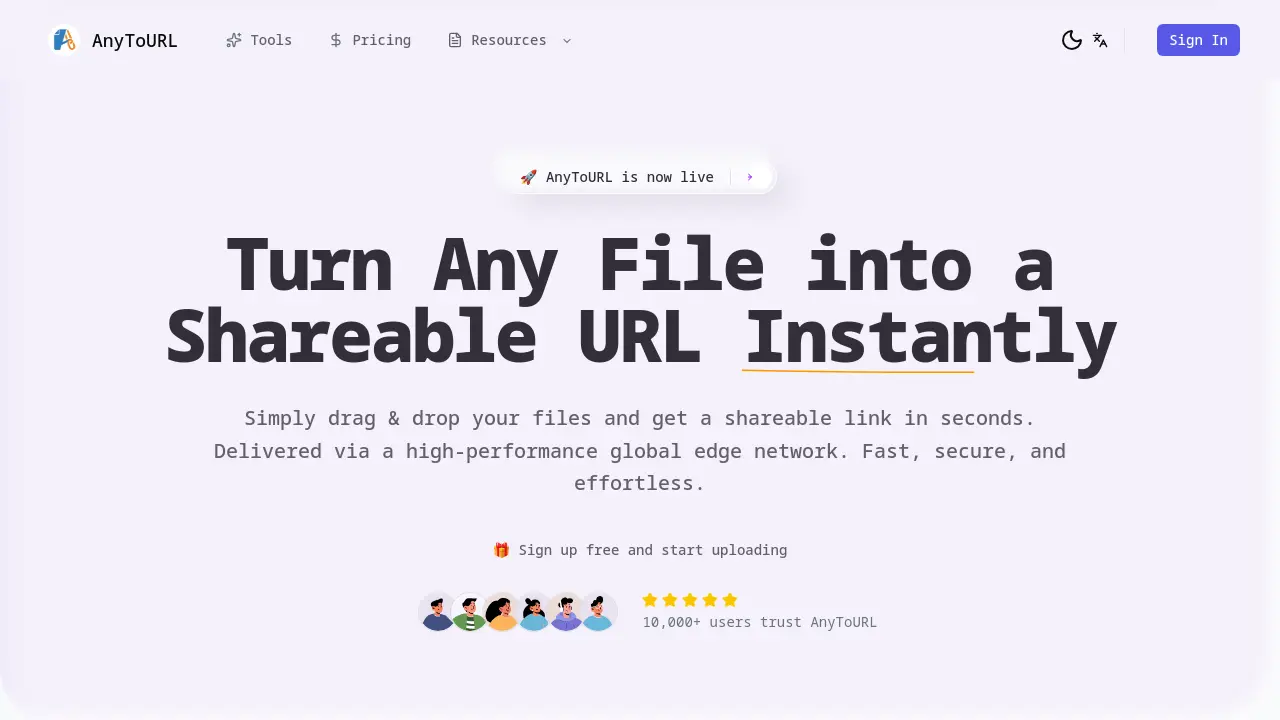
FAQs of AnyToURL
Is AnyToURL free to use?
Yes, AnyToURL offers a free Starter plan with temporary 24-hour storage, 5MB maximum file size limits, 1GB monthly uploads, and 1GB daily bandwidth. Paid Pro and Ultra plans provide increased storage, larger file sizes, and permanent file retention.
How do I upload a file?
Users can upload files through three methods: dragging and dropping onto the webpage, clicking the upload area to browse local files, or pasting copied content directly from the clipboard (Ctrl+V or Cmd+V).
What file types can I upload?
AnyToURL supports common file formats including images (JPG, PNG), documents (PDF, DOCX), and videos. All file types are subject to size limits based on your plan (5MB free, 10GB Ultra).
Can I password-protect my files?
Password protection is available for sensitive files. When enabled during upload, recipients must enter the password to access the content, adding an extra layer of security for shared materials.
How long are files stored?
Files uploaded via the free Starter plan expire after 24 hours. Paid Pro and Ultra subscriptions offer permanent storage options with no automatic deletion, subject to monthly storage limits.
Can I use a custom domain?
Custom domain support (via CNAME) is available exclusively with the Ultra plan, allowing users to display branded URLs instead of the default anytourl.com links for professional file sharing.
How secure is AnyToURL?
The platform employs multiple security layers including password protection, mandatory malware scanning, and strict file isolation. Cloudflare’s global edge network infrastructure provides additional protection against unauthorized access.
What are the file size limits?
File size limits vary by plan: Free tier allows up to 5MB per file, Pro increases this to 1GB, while Ultra permits 10GB. Bandwidth allocations also scale with subscription level.
Does AnyToURL support API access?
API access is available starting with the Pro plan (1,000 calls/month). Ultra subscribers receive 20,000 monthly API calls, enabling programmatic file uploads and management directly from applications or scripts.
What platforms can I use to upload files?
Uploads are supported via web interface for all users. Pro and Ultra subscribers gain additional CLI (Command Line Interface) tools and API integration capabilities for automated or scripted uploads.
How to use AnyToURL
- Navigate to the AnyToURL website to access the file conversion service powered by a high-performance global edge network.
- Upload files via drag-and-drop, clipboard paste, or browser selection, supporting various formats up to platform-specific size limits.
- Automatically receive a shareable URL after upload completion, enabling instant distribution through communication channels or digital platforms.
- Utilize password protection features for sensitive content, restricting access to authorized recipients with authentication credentials.
- Review uploaded files using built-in preview functionality for compatible formats like images and documents before sharing.
- Monitor file expiration timelines, with free-tier uploads automatically deleting after 24 hours unless upgraded for permanent storage.
- Consider upgrading accounts for enhanced capabilities including larger file sizes, extended retention periods, and API integration.
