
AnyToURL
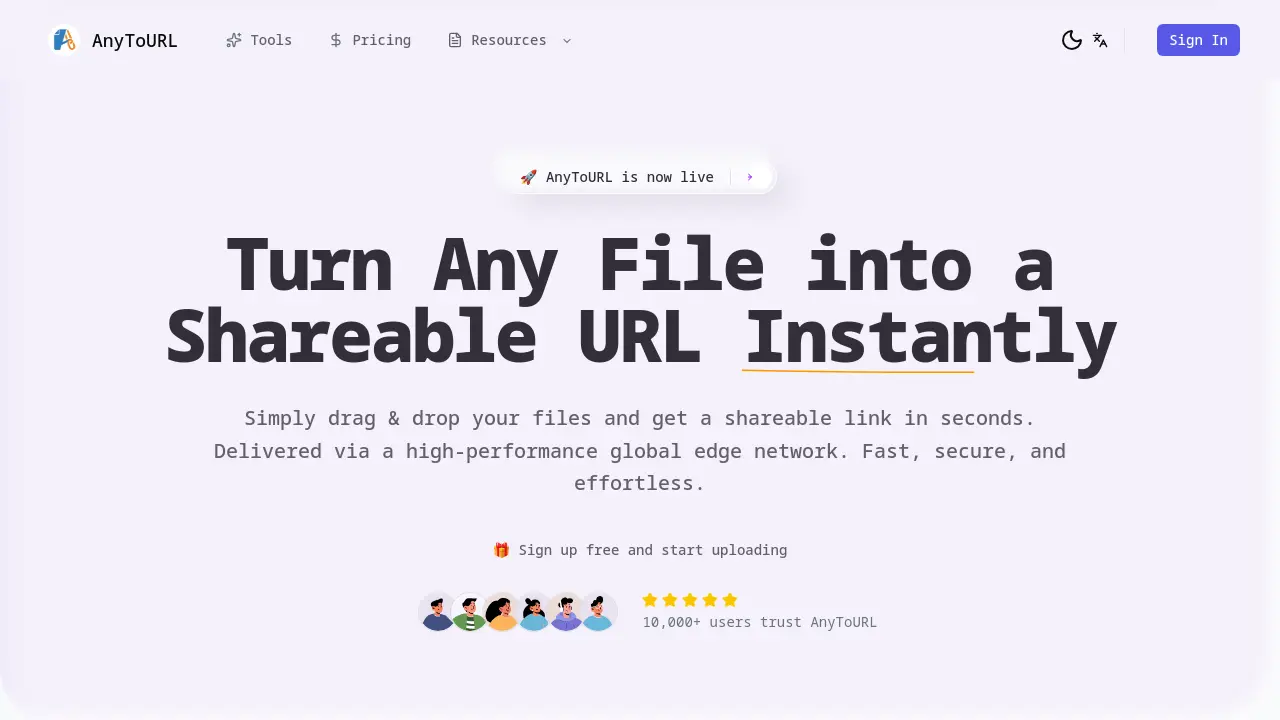
AnyToURL offers instant file sharing through direct URL generation.

What is AnyToURL
AnyToURL is a file conversion service designed to transform any file into a shareable URL instantly. The platform enables users to drag and drop files directly into the interface or paste content from their clipboard, generating a short, accessible link within seconds. Files delivered through Cloudflare's global edge network ensure fast worldwide access for recipients.
Key features include smart file previews for images, PDFs, and documents, allowing recipients to view content without downloading. Users can apply password protection to sensitive files and set expiration times (24 hours for free-tier users). Free accounts support files up to 5MB, while upgraded plans extend limits to 50MB and offer permanent storage.
The service caters to professionals requiring rapid file sharing, including designers sending client assets and teams distributing marketing materials. Built-in malware scanning maintains security without compromising ease of use. API access and CLI integration are available in premium tiers for automated workflows. With 1M+ files shared by 10,000+ verified users, AnyToURL simplifies secure file distribution across global teams and workflows.
How does AnyToURL work
AnyToURL processes files through a web interface that accepts drag-and-drop uploads or clipboard pasting. Files are converted into shareable URLs upon upload, with the service leveraging Cloudflare's global edge network to ensure rapid content delivery worldwide. The platform enables browser-based previews for images and PDFs alongside optional password protection. Free tier users face 5MB file limits and 24-hour expiration periods, while paid plans offer increased storage capacity, larger upload sizes, and permanent file retention. Files undergo security scanning during processing before distribution through short, trackable links suitable for email or social media sharing.
Benefits of AnyToURL
AnyToURL simplifies file sharing by converting uploads into instant shareable URLs through drag-and-drop functionality. The platform enables users to distribute images, documents, and PDFs with smart preview capabilities that eliminate unnecessary downloads. Global content delivery via Cloudflare's edge network ensures fast worldwide access, while password protection and malware scanning enhance security. Free tier users benefit from immediate sharing with 5MB file limits and 24-hour retention, while paid plans offer expanded storage and API access. This service streamlines workflows for designers, educators, and teams needing efficient file distribution.
Pros and Cons of AnyToURL
Pros
- Drag-and-drop upload simplicity.
- Smart file preview for images/PDFs.
- Global edge network ensures fast delivery.
- Password protection for secure sharing.
- Free tier available for casual users.
Cons
- Free tier has 5MB file limit.
- Files expire in 24 hours (free).
- No custom domain in lower tiers.
- Free tier has bandwidth restrictions.
- API access limited to paid plans.
Core Features of AnyToURL
Instant Shareable URL Generation
Converts uploaded files into short, shareable URLs instantly, enabling quick distribution via email, chat, or social media with one click.
Drag-and-Drop File Upload
Simplifies file submission by allowing users to drag files directly onto the page or browse locally, supporting images, PDFs, and documents up to 50MB.
Smart File Preview
Enables recipients to preview images, PDFs, and documents directly in the browser without requiring downloads, enhancing accessibility.
Secure File Sharing with Password Protection
Protects sensitive files by allowing password setup for links, restricting access to authorized individuals only.
Global Edge Network Delivery
Leverages Cloudflare’s high-performance global edge network to ensure fast file access and delivery worldwide.
Use Cases of AnyToURL
- Freelance designers: Share high-resolution design files instantly with clients using drag-and-drop upload and browser preview capabilities.
- Marketing teams: Securely distribute campaign assets via password-protected URLs delivered through a global edge network.
- Educators: Quickly share lesson materials with students using instant URLs that enable browser-based document preview.
- Developers: Automate file sharing workflows via CLI support and API access for batch URL generation tasks.
- Content creators: Deliver media files globally with AnyToURL's high-performance edge network for faster audience access.
FAQs of AnyToURL
Is AnyToURL free to use?
Yes, AnyToURL offers a free Starter plan with temporary 24-hour storage, 5MB maximum file size limits, 1GB monthly uploads, and 1GB daily bandwidth. Paid Pro and Ultra plans provide increased storage, larger file sizes, and permanent file retention.
How do I upload a file?
Users can upload files through three methods: dragging and dropping onto the webpage, clicking the upload area to browse local files, or pasting copied content directly from the clipboard (Ctrl+V or Cmd+V).
What file types can I upload?
AnyToURL supports common file formats including images (JPG, PNG), documents (PDF, DOCX), and videos. All file types are subject to size limits based on your plan (5MB free, 10GB Ultra).
Can I password-protect my files?
Password protection is available for sensitive files. When enabled during upload, recipients must enter the password to access the content, adding an extra layer of security for shared materials.
How long are files stored?
Files uploaded via the free Starter plan expire after 24 hours. Paid Pro and Ultra subscriptions offer permanent storage options with no automatic deletion, subject to monthly storage limits.
Can I use a custom domain?
Custom domain support (via CNAME) is available exclusively with the Ultra plan, allowing users to display branded URLs instead of the default anytourl.com links for professional file sharing.
How secure is AnyToURL?
The platform employs multiple security layers including password protection, mandatory malware scanning, and strict file isolation. Cloudflare’s global edge network infrastructure provides additional protection against unauthorized access.
What are the file size limits?
File size limits vary by plan: Free tier allows up to 5MB per file, Pro increases this to 1GB, while Ultra permits 10GB. Bandwidth allocations also scale with subscription level.
Does AnyToURL support API access?
API access is available starting with the Pro plan (1,000 calls/month). Ultra subscribers receive 20,000 monthly API calls, enabling programmatic file uploads and management directly from applications or scripts.
What platforms can I use to upload files?
Uploads are supported via web interface for all users. Pro and Ultra subscribers gain additional CLI (Command Line Interface) tools and API integration capabilities for automated or scripted uploads.
How to use AnyToURL
- Navigate to the AnyToURL website to access the file conversion service powered by a high-performance global edge network.
- Upload files via drag-and-drop, clipboard paste, or browser selection, supporting various formats up to platform-specific size limits.
- Automatically receive a shareable URL after upload completion, enabling instant distribution through communication channels or digital platforms.
- Utilize password protection features for sensitive content, restricting access to authorized recipients with authentication credentials.
- Review uploaded files using built-in preview functionality for compatible formats like images and documents before sharing.
- Monitor file expiration timelines, with free-tier uploads automatically deleting after 24 hours unless upgraded for permanent storage.
- Consider upgrading accounts for enhanced capabilities including larger file sizes, extended retention periods, and API integration.
AnyToURL Website Traffic Analysis
Latest traffic information
- Monthly Visits23.81K
- Bounce Rate36.5%
- Pages Per Visit2.06
- Visit Duration00:00:07
- Global Rank1.11M
- Country/Region Ranking824.87K
Top Keywords
| Keyword | Traffic | Volume | Cost Per Click |
|---|---|---|---|
| из мп3 в url | 290 | 300 | -- |
| anytourl | 270 | 260 | -- |
| 文件生成连接 | 200 | -- | -- |
| конверция из мp3 в url | 160 | 390 | -- |
| mp3 audio to link | 160 | 170 | -- |
Top Regions
| Region | Percentage |
|---|---|
| United States | 22.17% |
| India | 8.81% |
| Indonesia | 7.88% |
| Germany | 6.4% |
| Brazil | 6.16% |
AnyToURL Alternatives
GenPPT's free online PPTX compressor reduces PowerPoint file sizes by up to 90% with intelligent image compression, keeping quality intact for students and professionals.

Clawdbot AI is an open‑source local AI assistant that automates web browsing, file management, and command execution while keeping user data private and secure.
Cowork AI Leaderboard is a web platform that lets users compare AI coworker tools, evaluating file access, terminal execution, and multi‑model support.
This free online PDF merger combines multiple PDF files into one document quickly and securely, with no registration required.
Skywork offers AI-powered tools designed to boost productivity and save time by managing papers, targeting professionals and businesses.
This free online tool converts Markdown files to Word documents, preserving all formatting and styles instantly, without requiring installation or signup.
Mistral OCR extracts text, images, tables, and equations from documents. It uses AI to provide structured, high-speed document processing.
Quickly and easily convert your files to PDF using AI to PDF, a free online conversion service. Supports a variety of file types and offers a user-friendly interface.
CambioML is an AI-powered data extraction tool that helps developers quickly and accurately extract full content from PDFs, PPTs, and images, enabling faster application development.
Enrich your spreadsheet data with AI, web scraping, and email validation. Analyze data, research companies, validate emails, and generate personalizations at scale, all within Google Sheets.
Elevate your document management with AI-powered smart storage, contextual chat channels, and automated actions. Simplify team collaboration, enhance productivity, and keep conversations tied to files for seamless workflow.
Peek is an AI-powered workspace that automatically organizes and summarizes your browser tabs. Be curious, be productive, and harness the limitless knowledge of the internet with Peek.